Sign up for an account
Docs version v1 (main)Nauthera is pre-1.0, in a design-partner programUpdated
Create one on the sign-in screen opens /register with the application's request, and
Sign in there goes back. Self-registration needs auth., which is
off by default.
The screen
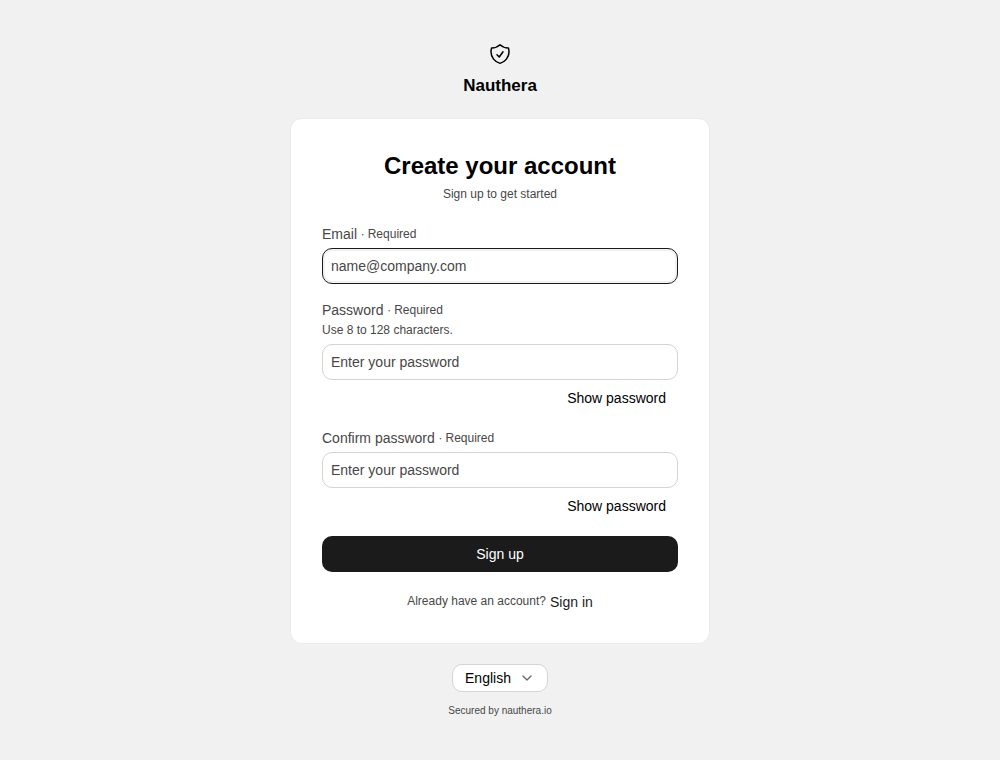
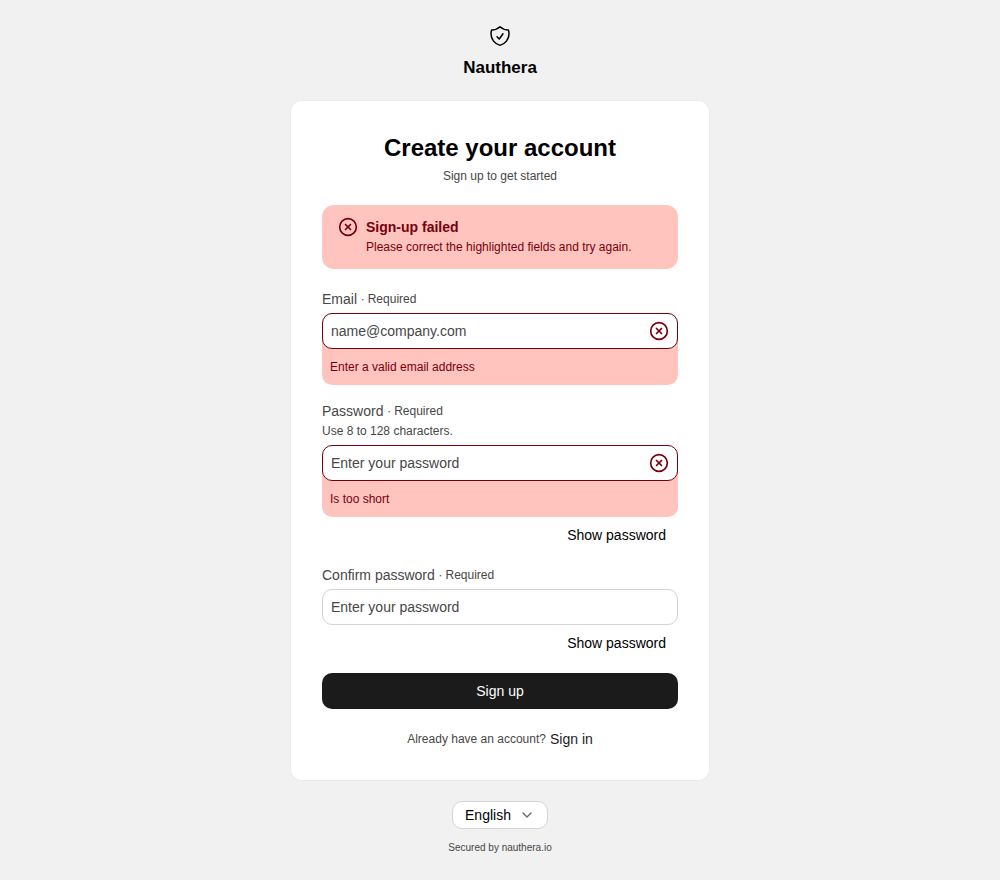
The form asks for an email address and a password typed twice. Before anything is sent it
checks that the address is one, that the password has 8 to 128 characters and that the
two match, and marks each field that is not. Characters are counted as the server counts
them, so an emoji counts once; a pasted password that is too long is refused with the
reason, never cut short. The server then holds the password to
auth.password.min_length and auth.password.max_length (8 and 128 by default), and
marks the field with its reason when it refuses one.
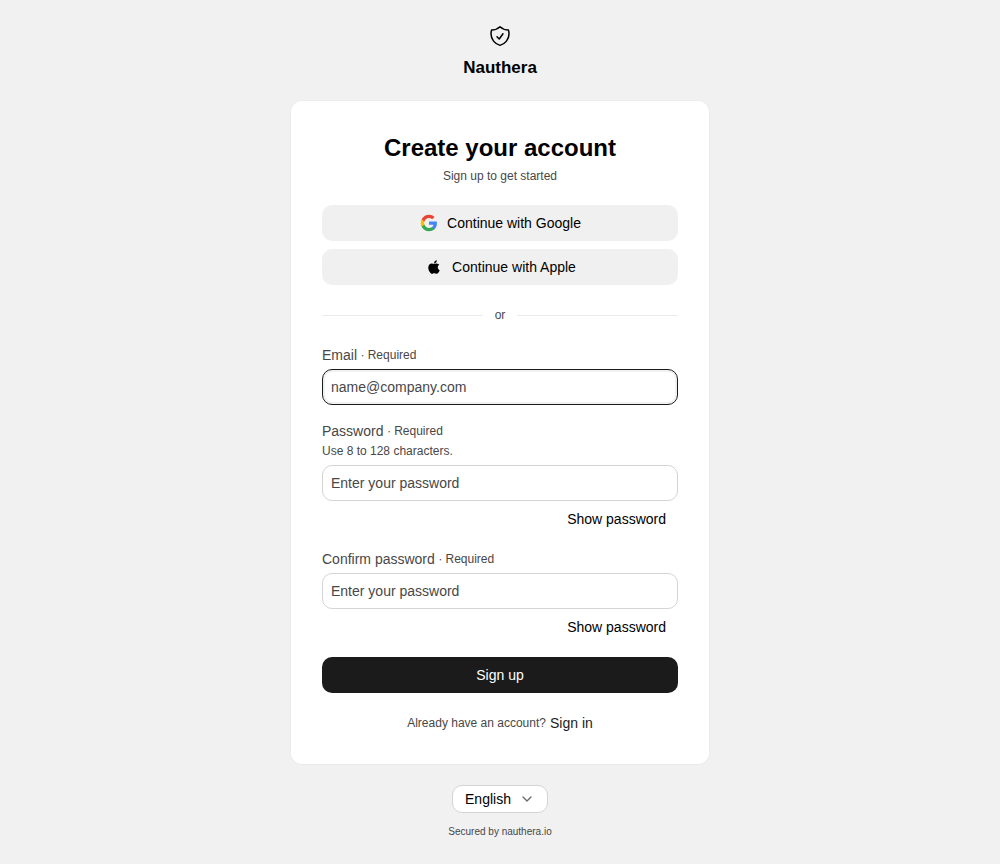
Unless auth.captcha.provider is none, every sign-up solves a captcha: the built-in
altcha proof-of-work, the default, runs in the browser while the user types, or a hosted
provider's widget appears above the button.
When it does not work
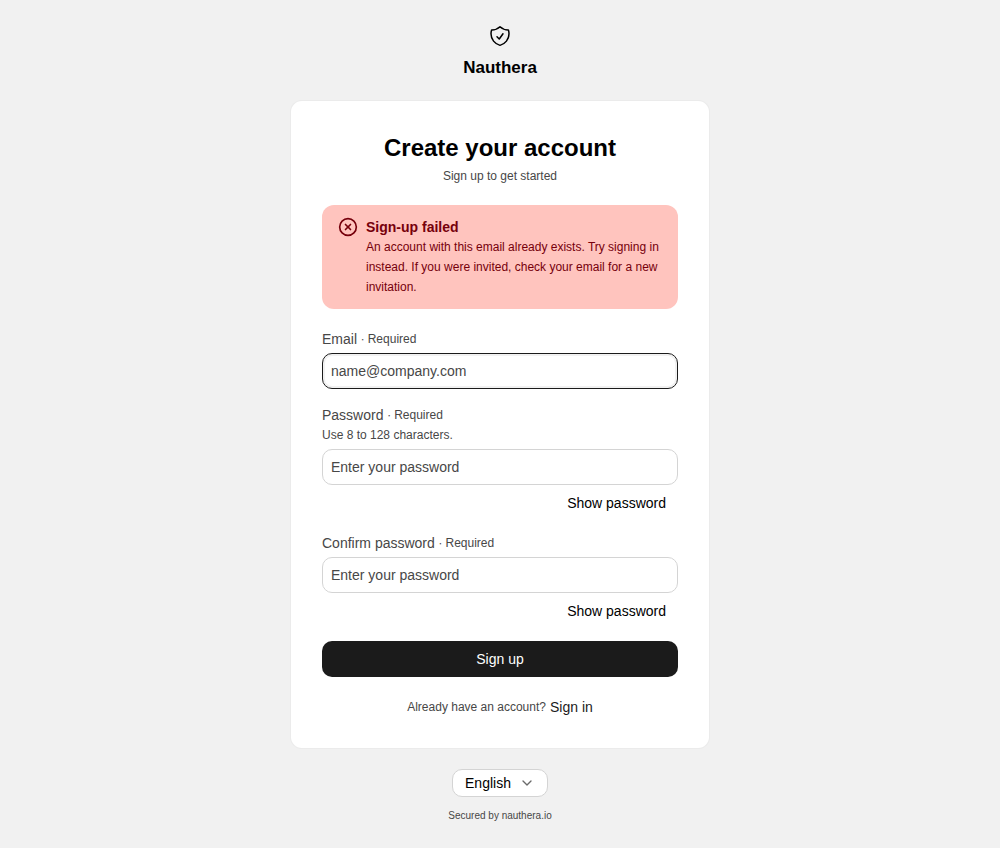
- The address already has an account: An account with this email already exists. Try signing in instead. If you were invited, check your email for a new invitation. An address that waits on an invitation gets the same answer, and its owner is emailed a new invitation.
- The server refused a field: the banner points at the fields, and each shows its reason.
- The server failed: a banner with a reference ID. What was typed stays, and submitting again works.
- Too many sign-ups from here: the throttle screen, with the wait and Try again.
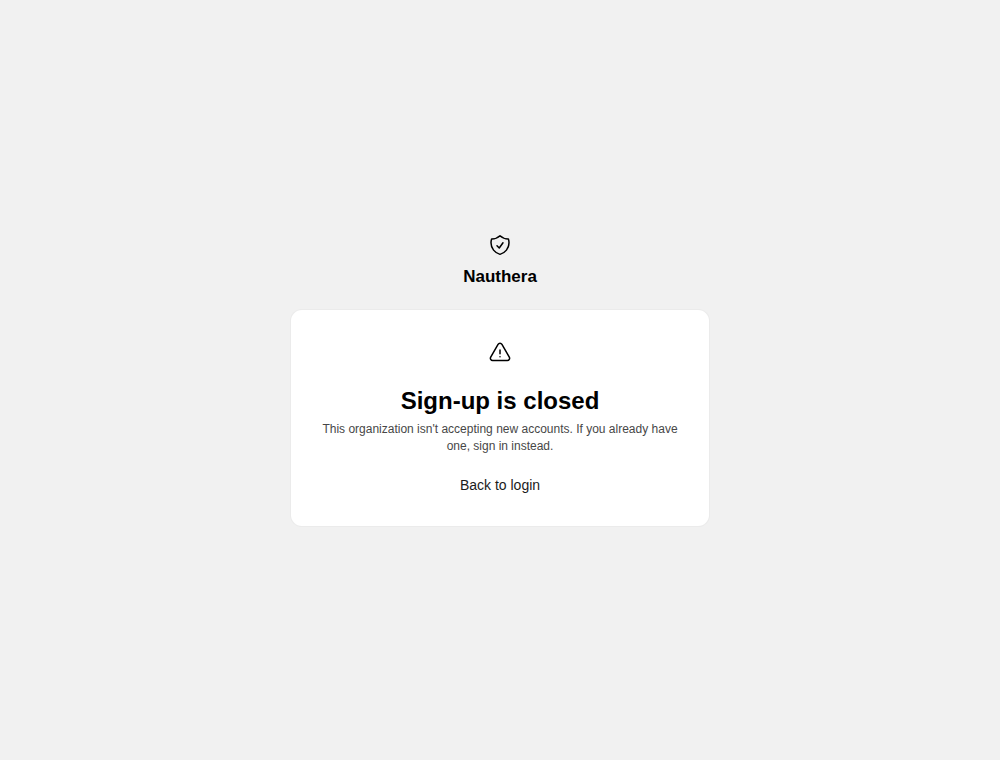
Sign-up is closed
While auth. is off, the default, the sign-in screen has no Create
one link, and /register says sign-up is closed, with a way back to sign in; the server
refuses POST /v1/auth/register with 403 registration_ either way. The switch is
server-wide, so it opens or closes sign-up in every organization at once; there is no
per-organization switch. It also decides whether a first sign-in
through an identity provider may create an
account.
Where a new account goes
In this order, the first that applies:
- The organization requires a verified address (how to turn it on): the account is created without a session and a verification link is emailed. The user lands on Verify your email, and signs in once the address is verified.
- A second factor is required: forced enrolment at
/mfa/setup. Signing up is never a way around it. - The request asks for consent:
/consent. - Otherwise the new account is signed in and returned to the application.
A sign-up opened from a bare /register link, with no application in it, ends on the
return screen once the account exists.