Pre-1.0 · Self-hosted · Design-partner program
The sign-in pages and admin console, declared next to your app.
Both are compiled into nauthera-server, so there is nothing else to deploy. Each client's sign-in pages wear its own brand, and a Kubernetes operator applies the manifests that declare the client and its brand.
Try it now
Your brand on our sign‑in page, in seconds.
Type your website. We read its logo, colours, font and corners and dress the sign-in screen in them. Adjust anything we got wrong, then copy the Branding manifest that produces it.
Your brand
Sign in
Enter your credentials to continue
Email · Required
Password · Required
Show password
Don't have an account?
Create one
Secured by nauthera.io
We read the site's public home page and cache what we find. Nothing about you is stored.
01The Kubernetes operator
A client and its brand are two manifests.
Declare an OIDCClient and a Branding beside your Deployment. The operator registers the client over mutual TLS and writes its secret into your namespace. It styles the client's sign-in pages and reports Ready, Refused or Drifted on each resource.
$ kubectl apply -f oidcclient.yaml -f branding.yaml
oidcclient.nauthera.io/storefront created
branding.nauthera.io/storefront-branding created

$ kubectl get brandings -n storefront
NAME                   CLIENTID     PHASE   READY   REASON       AGE
storefront-branding    storefront   Ready   True    Registered   12s
The columns the Branding CRD prints; the operator reports Ready with reason Registered.
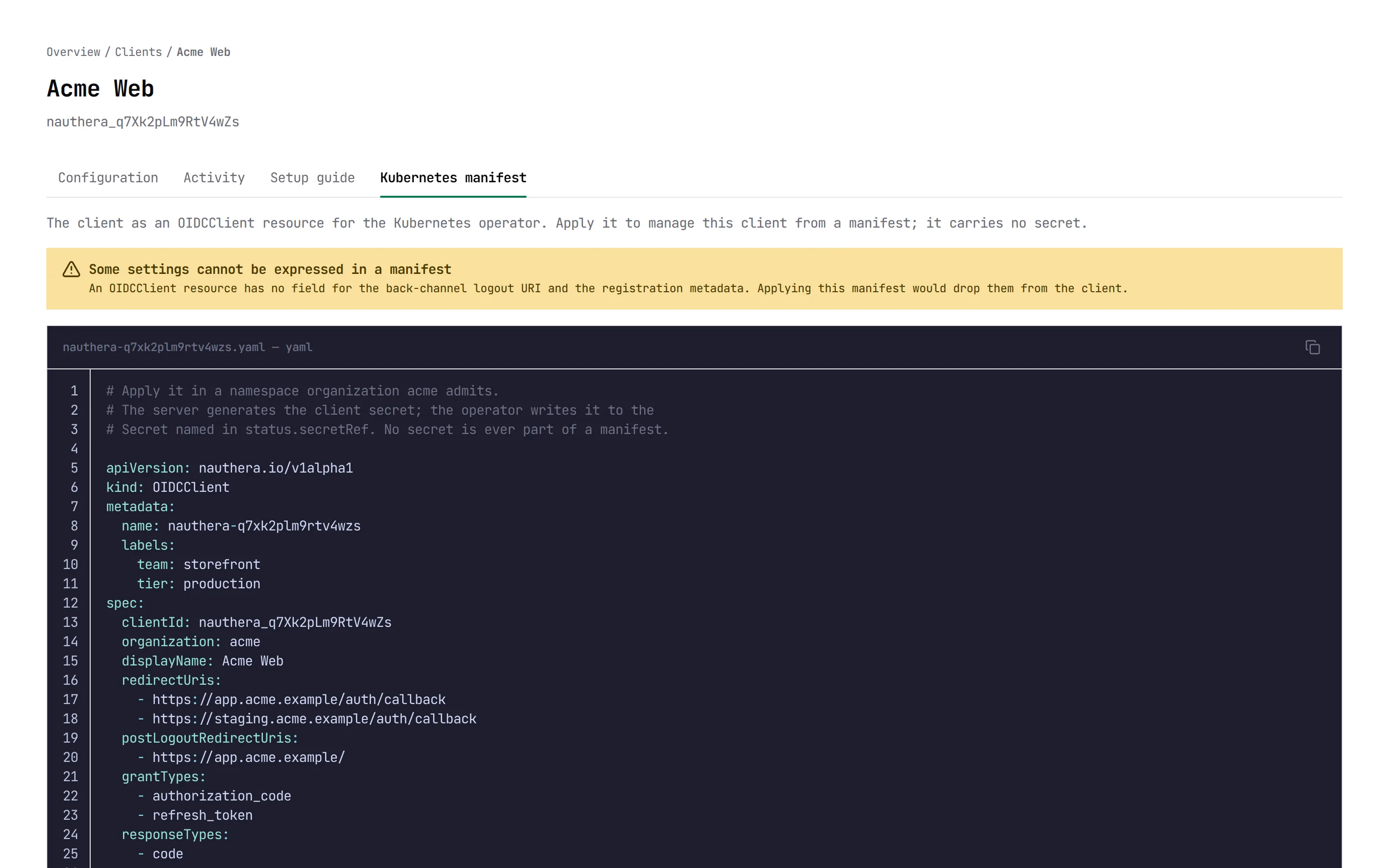
Any client, as a manifest
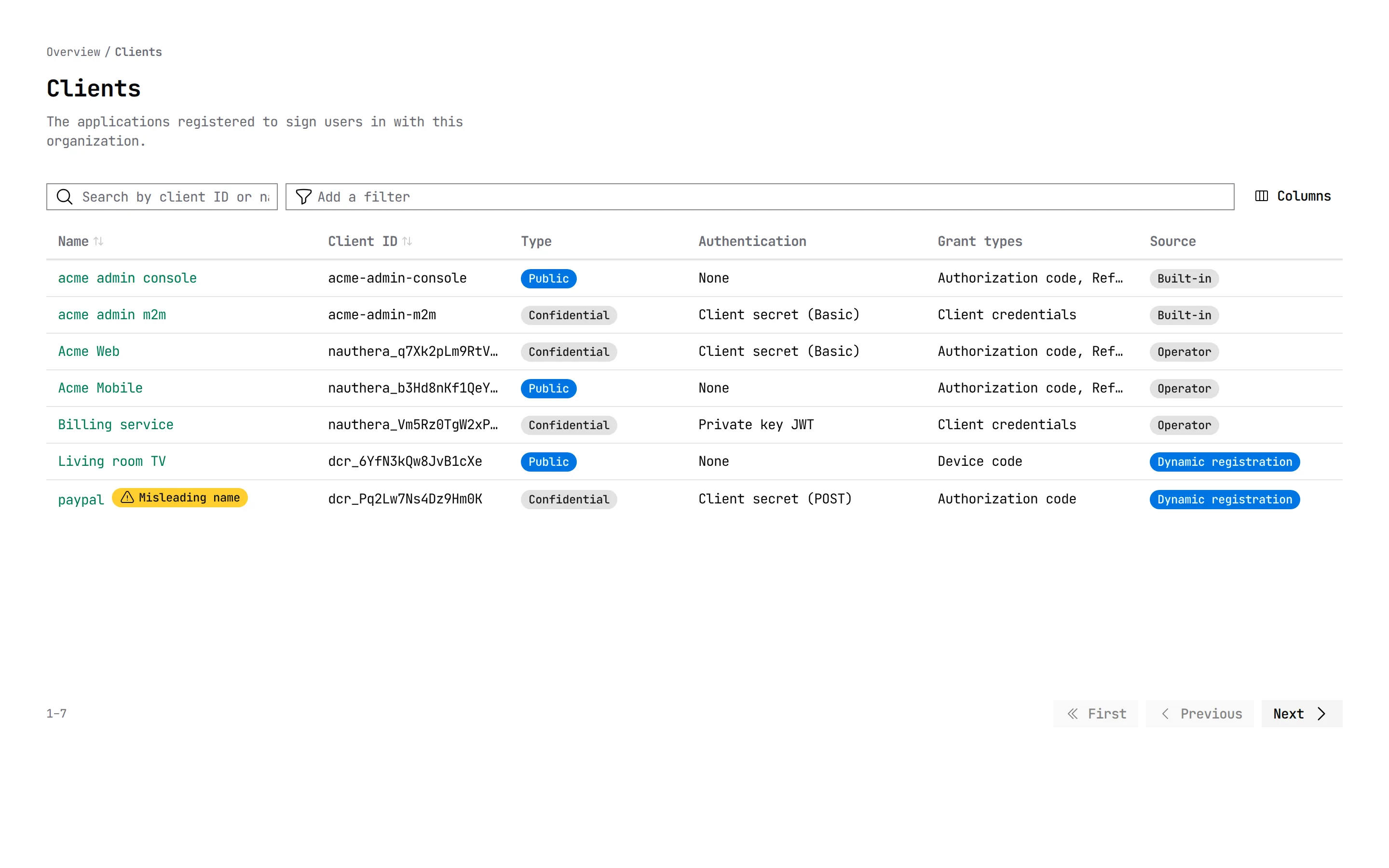
The dashboard shows each client as the OIDCClient resource that would declare it, and names any setting a manifest cannot express. A client someone registered by hand can be moved into Git by copying it.
02The admin dashboard
See who is attacking sign-in, and from where.
Every organization has a dashboard on its own issuer, at /admin/. Administrators sign in with DPoP-bound tokens that are held only in memory.
Sixteen attack signals counted from the audit log, judged against published thresholds. It names the attack's shape (credential cracking, password spraying or credential stuffing) and ranks the addresses, accounts and clients behind it.
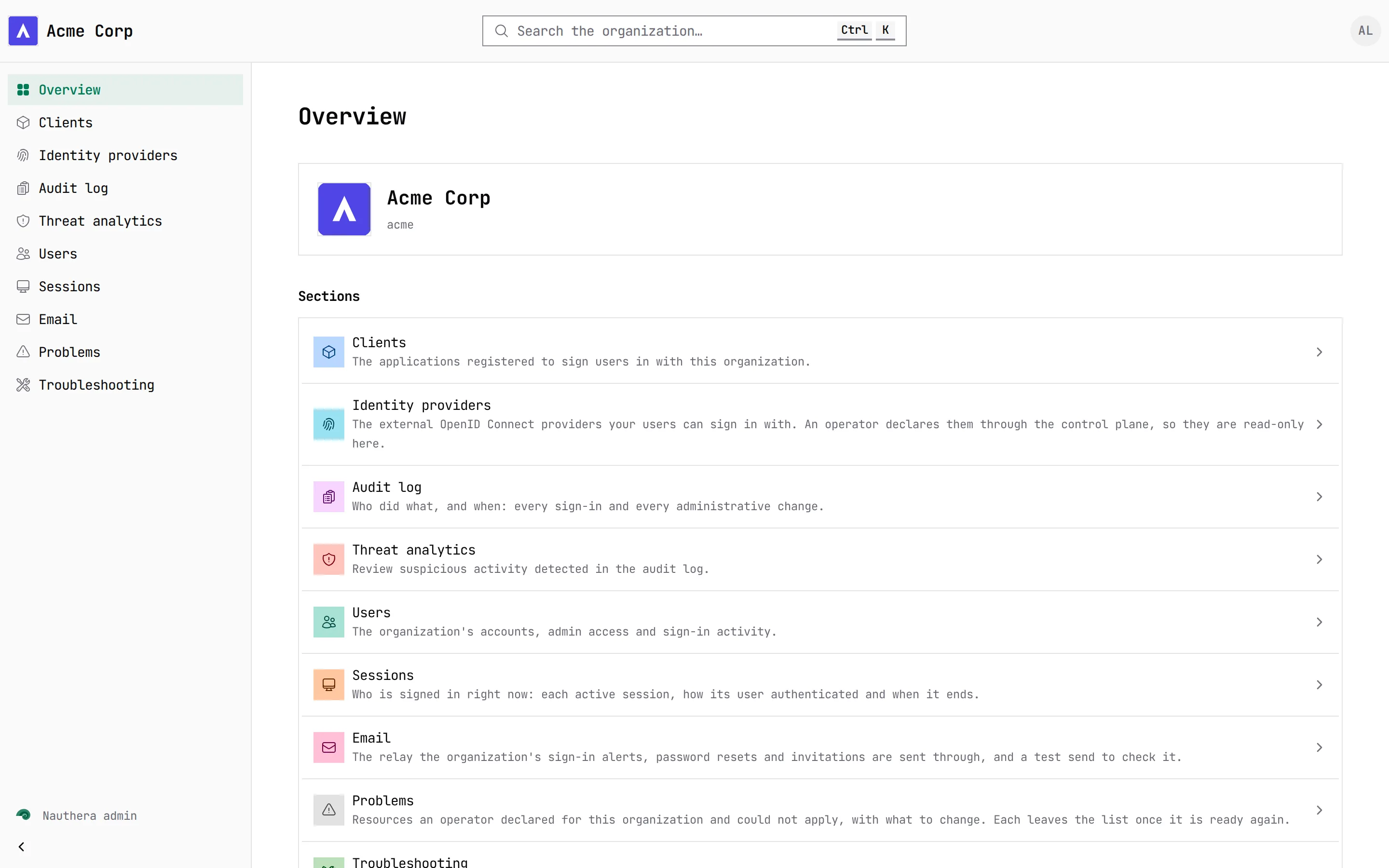
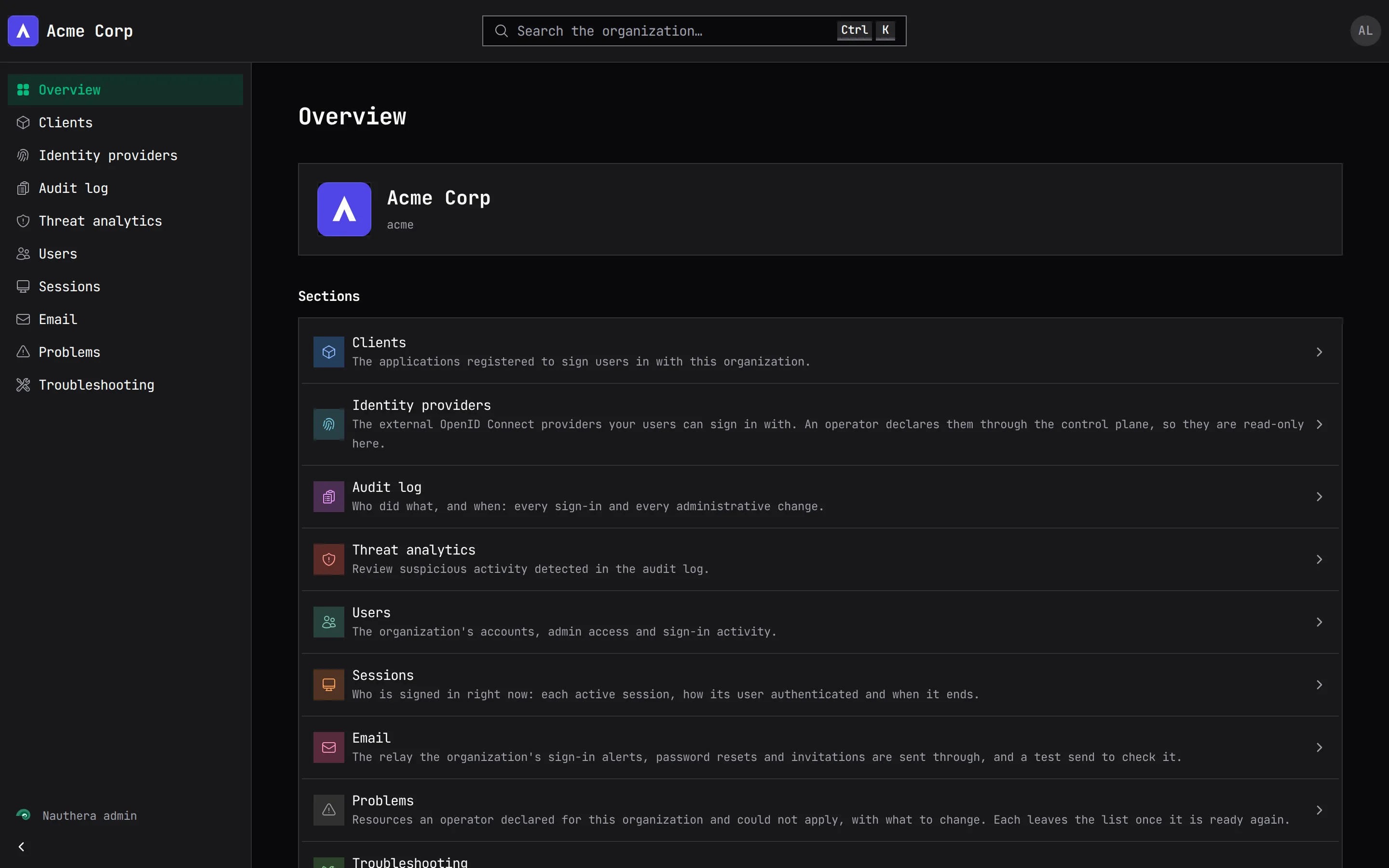
How it worksEvery OIDC client, whoever registered it: the operator, dynamic registration or the server. Each has a setup guide with code for common libraries, and display names built to mislead are flagged.
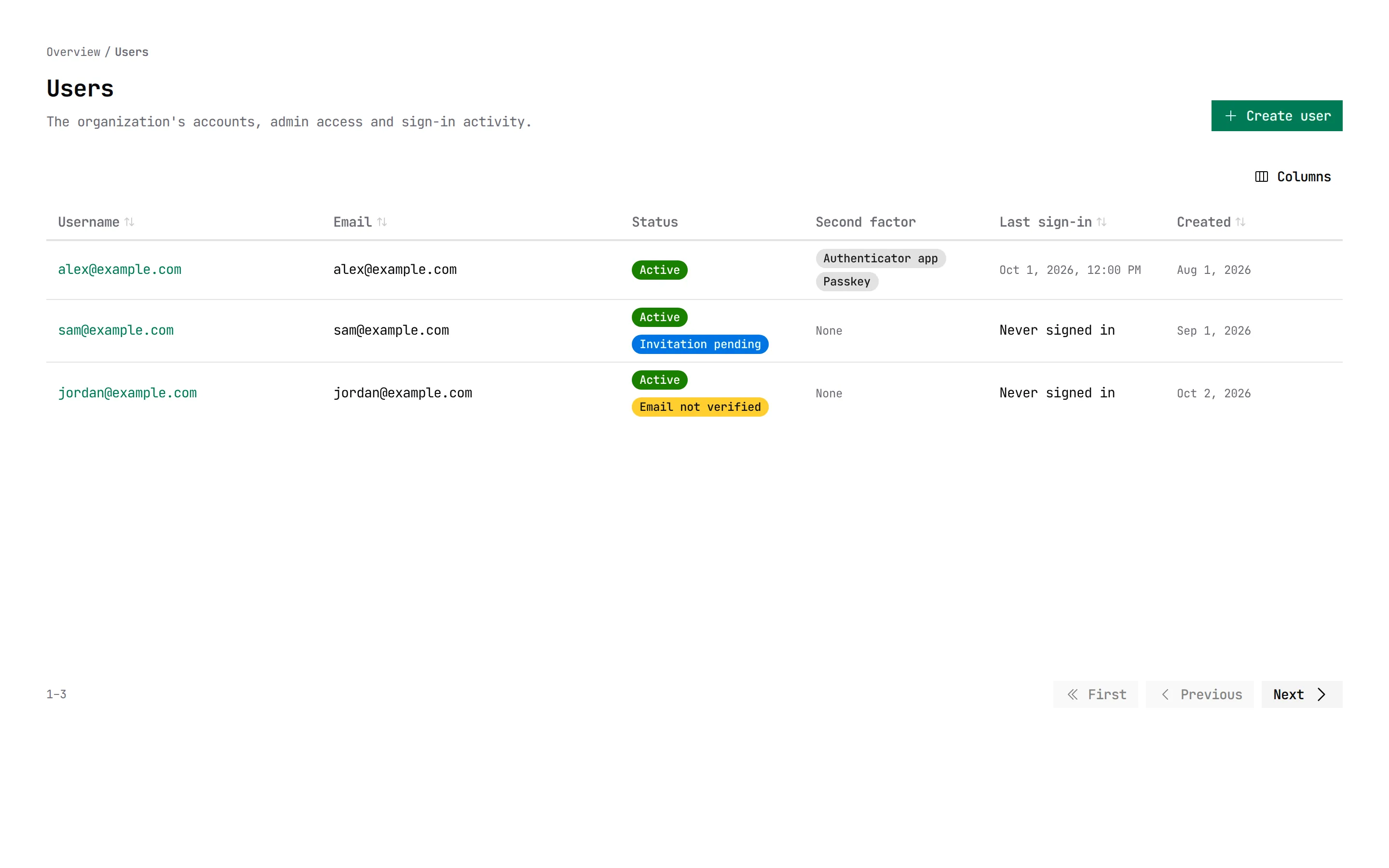
How it worksAccounts with status, last sign-in, second factor and lock state. Create, invite, suspend, block or delete users, send a password reset, grant and revoke roles, and end sessions. Each change asks for a reason, which the audit log records.
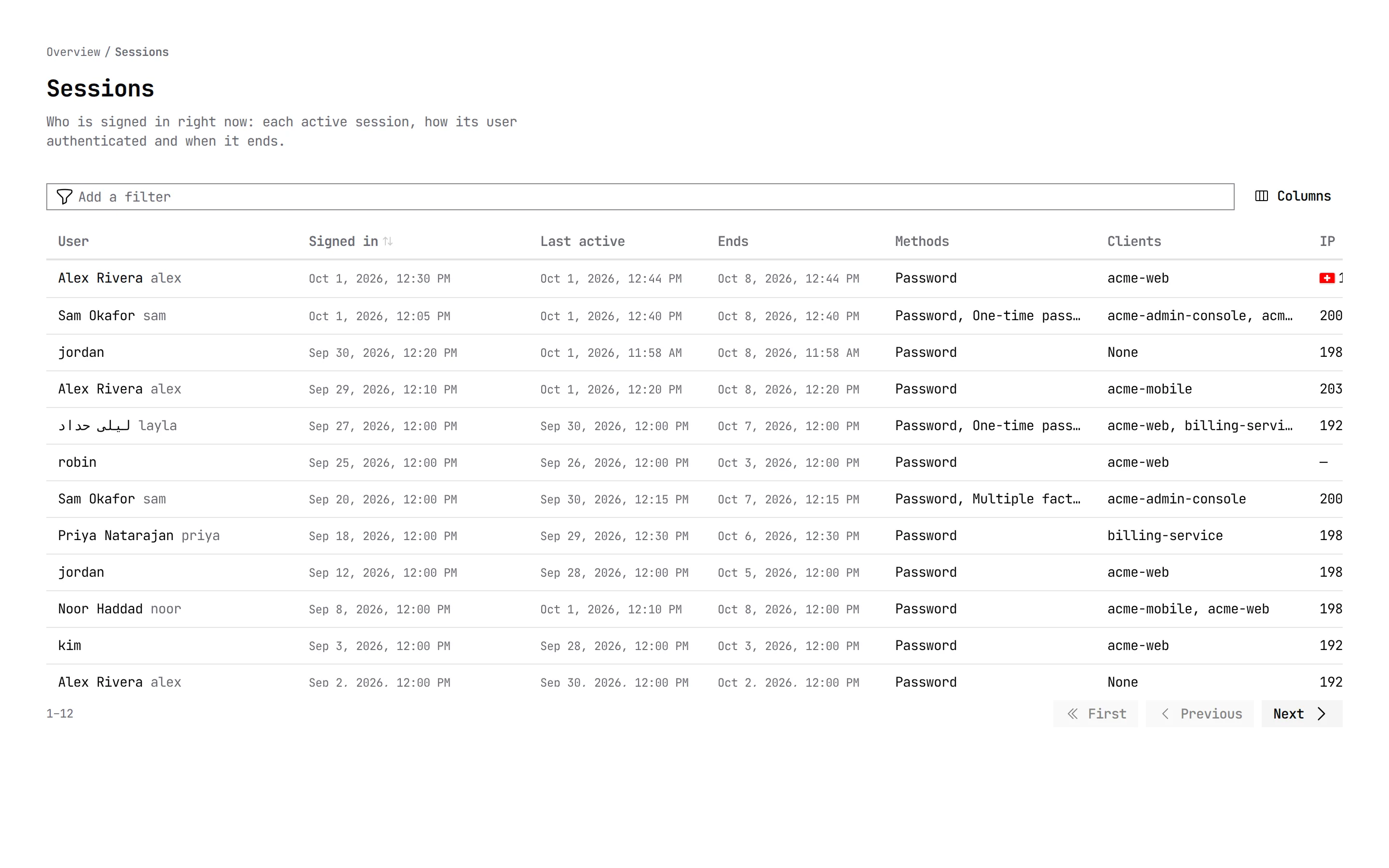
How it worksWho is signed in right now, how they authenticated, and which applications each session reached.
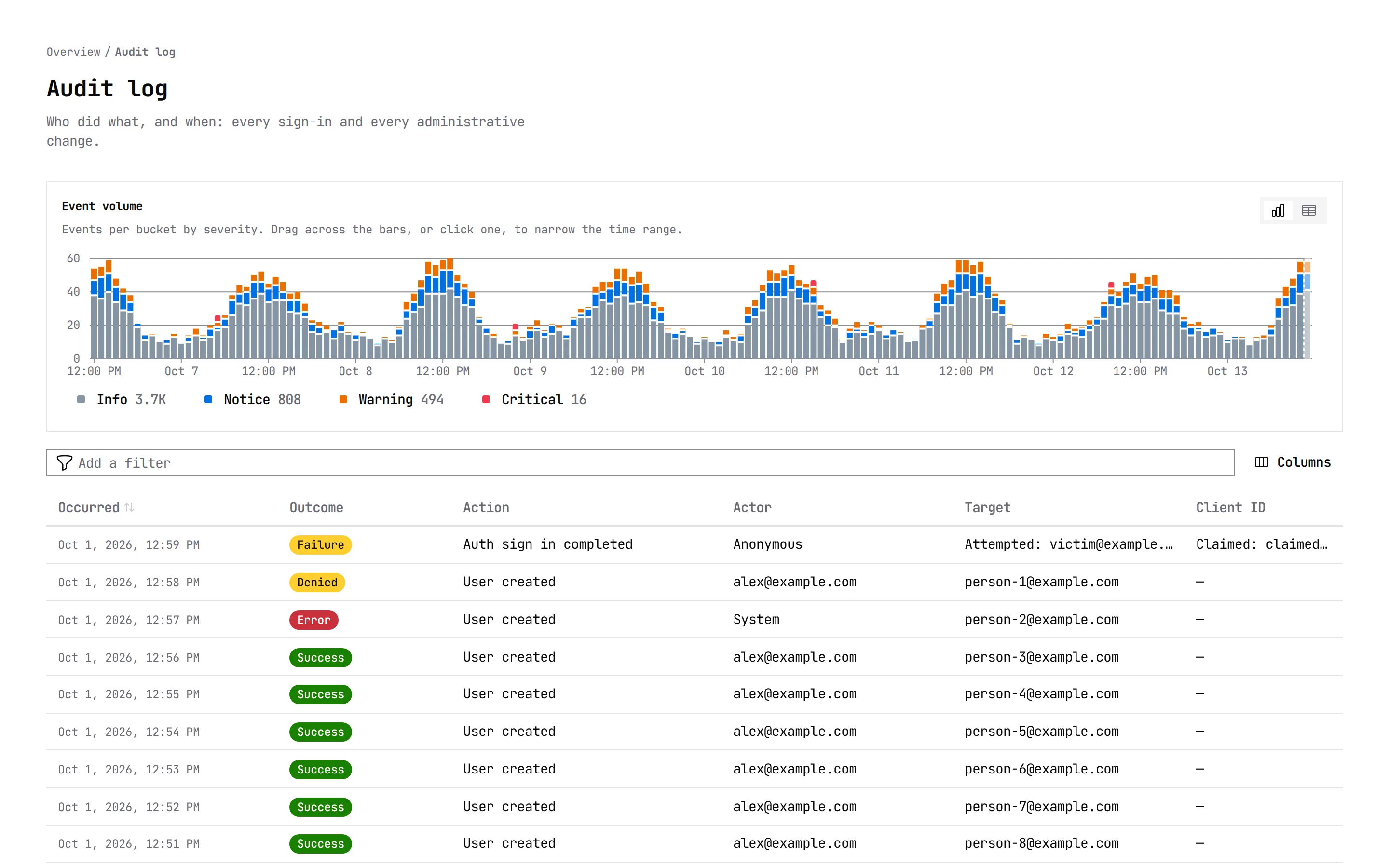
How it worksEvery sign-in and every administrative change, filterable down to one request or trace, with event volume by severity above the table.
How it works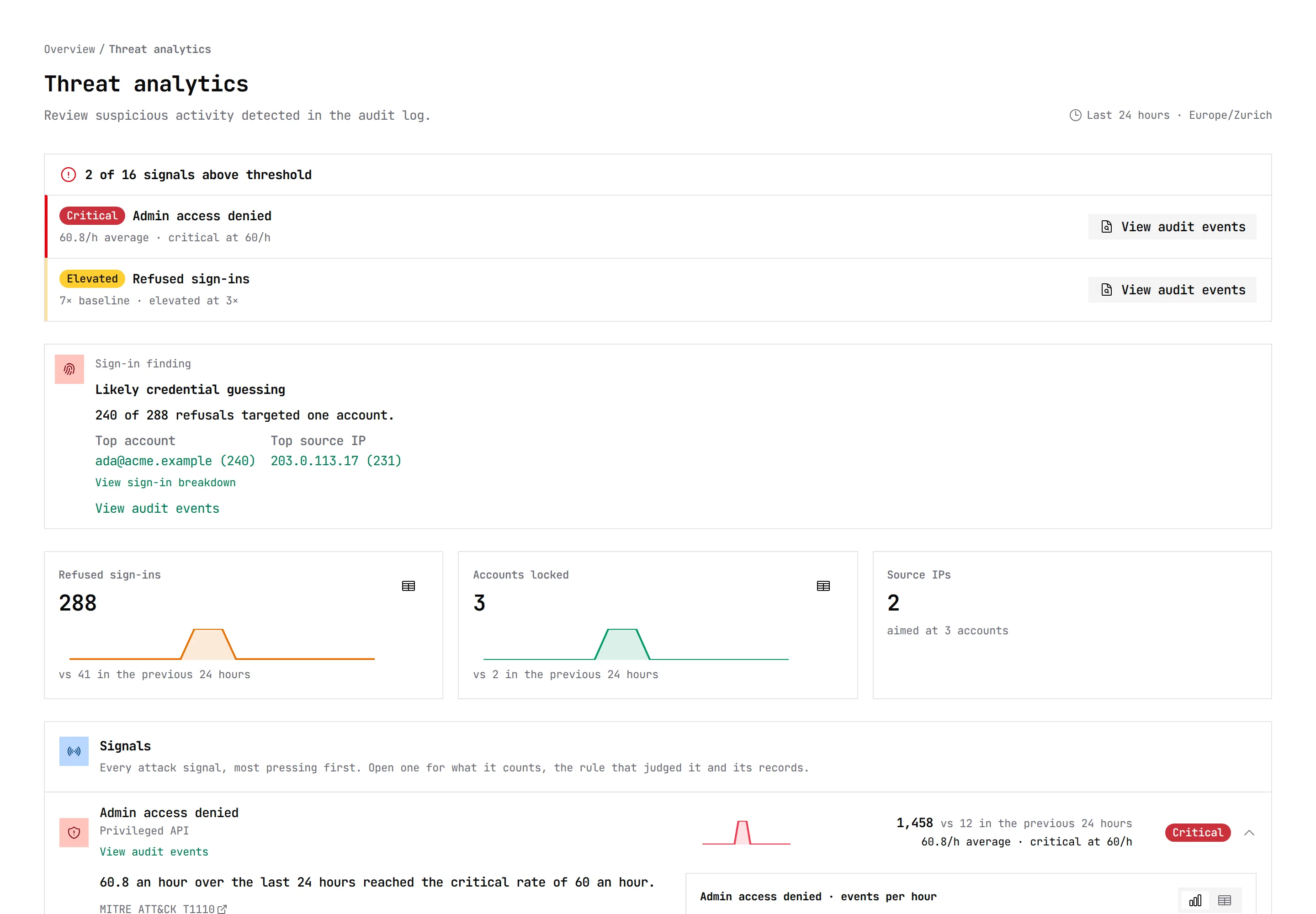
03The sign-in pages
Every flow is already built.
Sign in, sign up, passkeys, a second factor, social providers, consent, devices, password resets and errors, each with its loading and error states, in English, German and French.
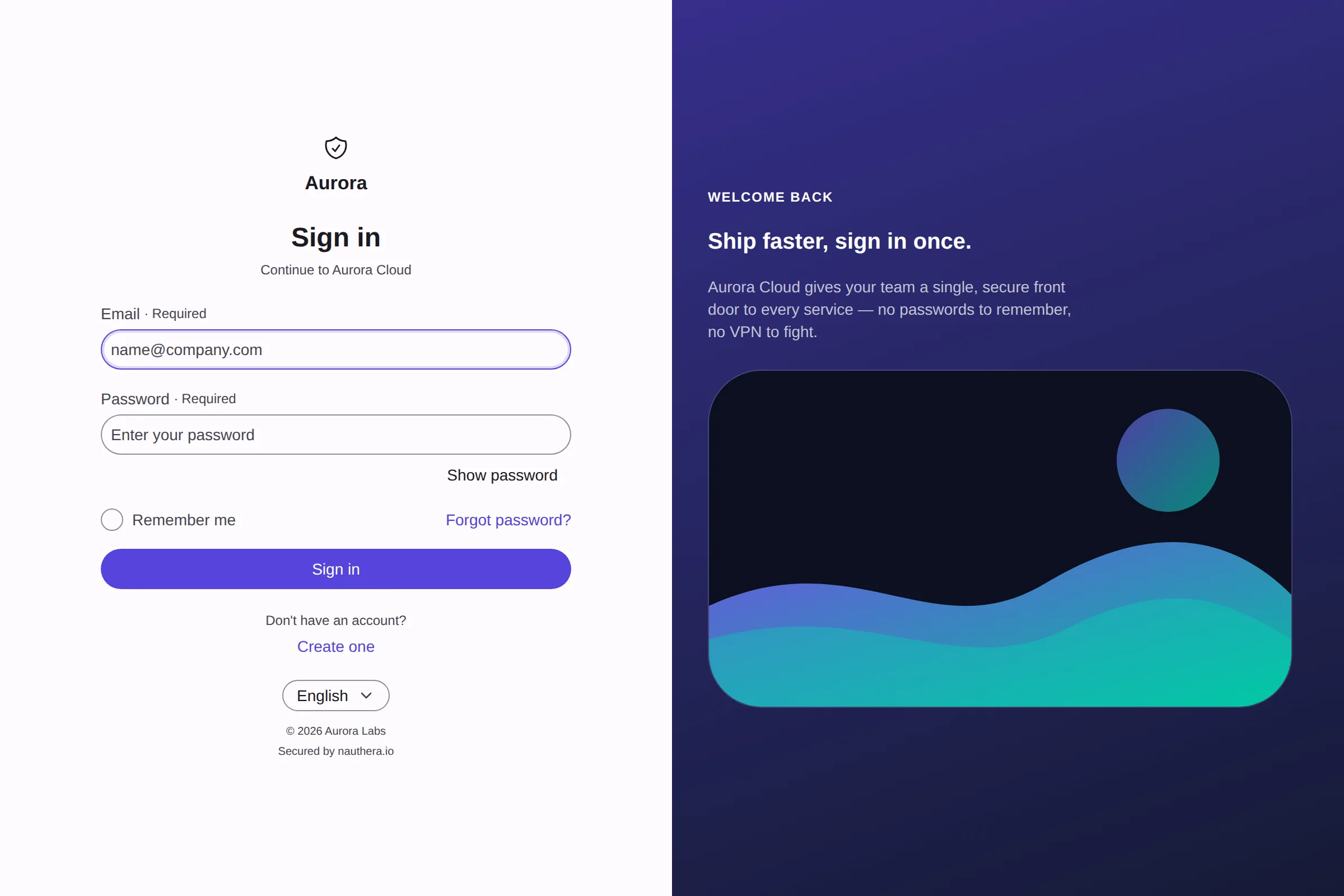
Centered or split
A card on its own, or beside a hero of your own. Below 900px the hero steps aside.
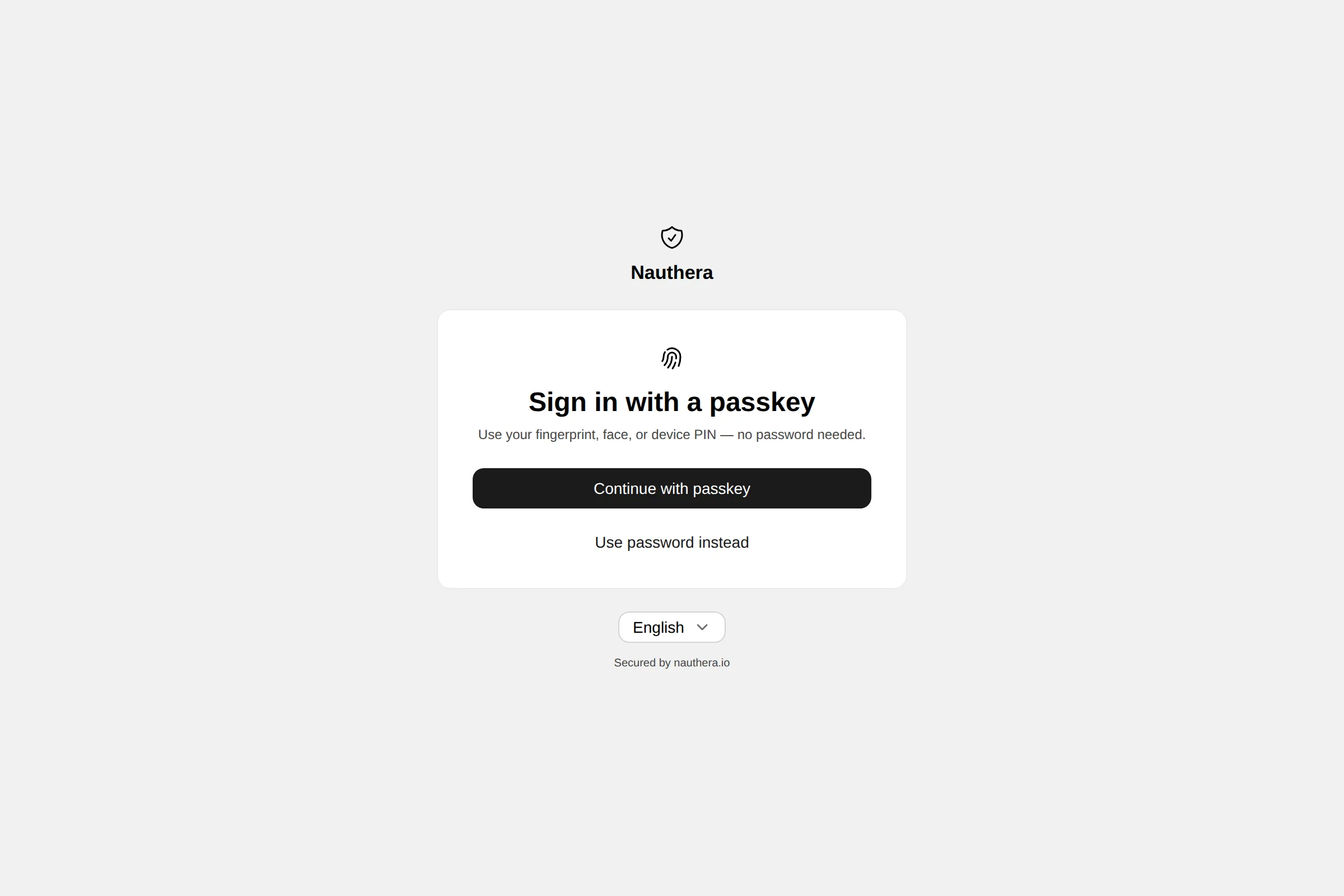
Passwordless
A passkey alone, no password.
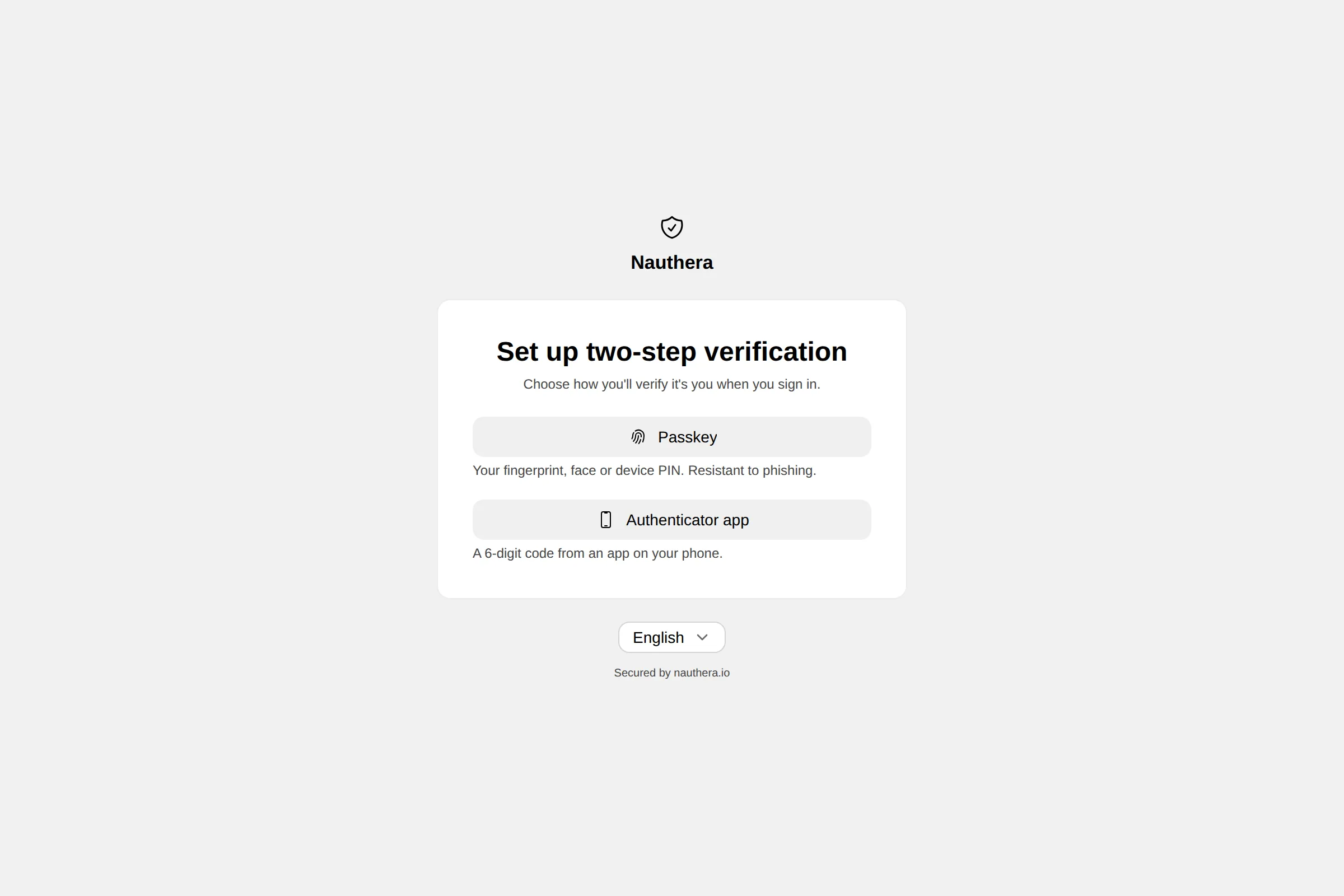
Second factor
Passkeys, authenticator apps, emailed codes, recovery codes.
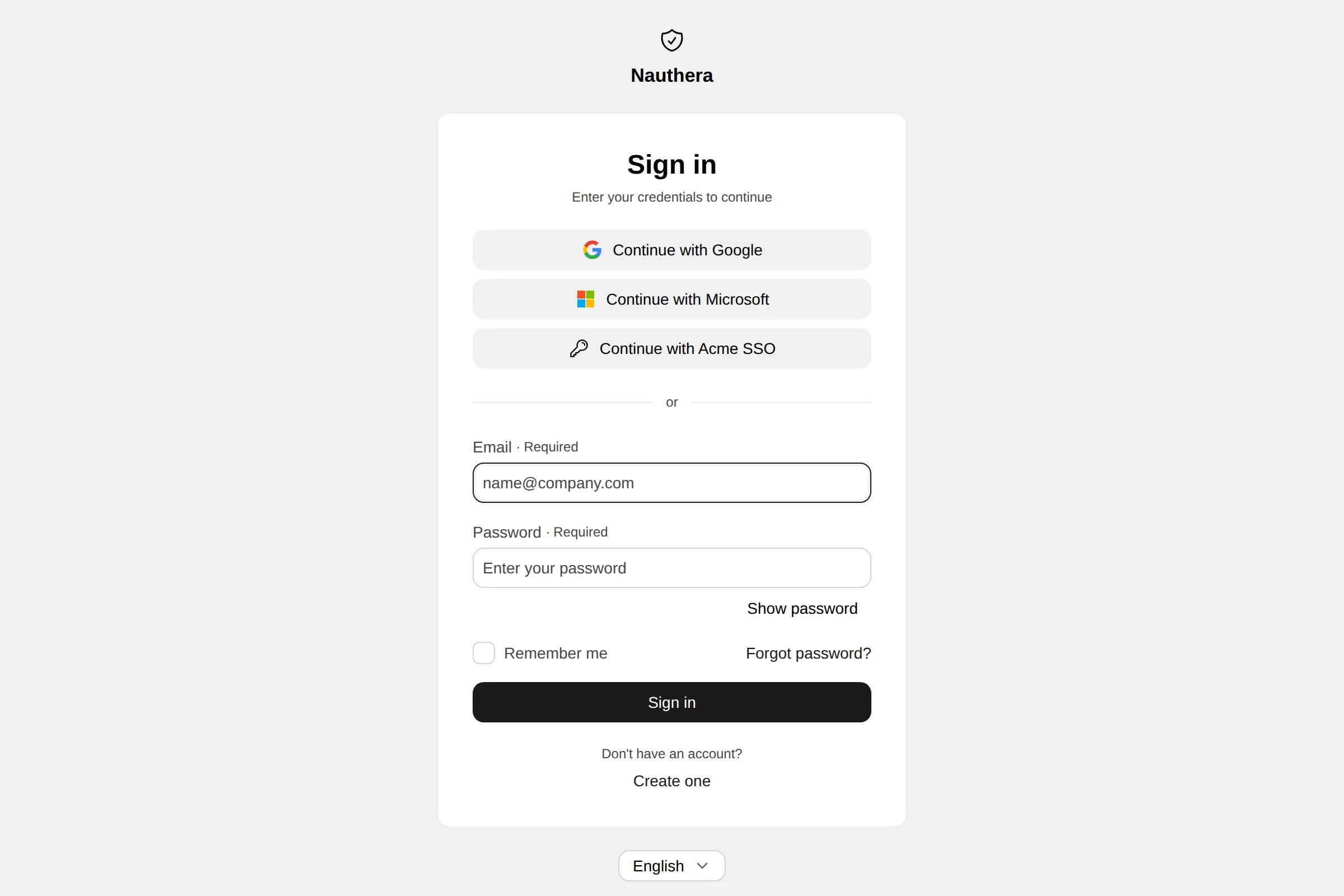
Social sign-in
The organization's identity providers, above the form.
Consent
Each permission an application asks for, in plain words.
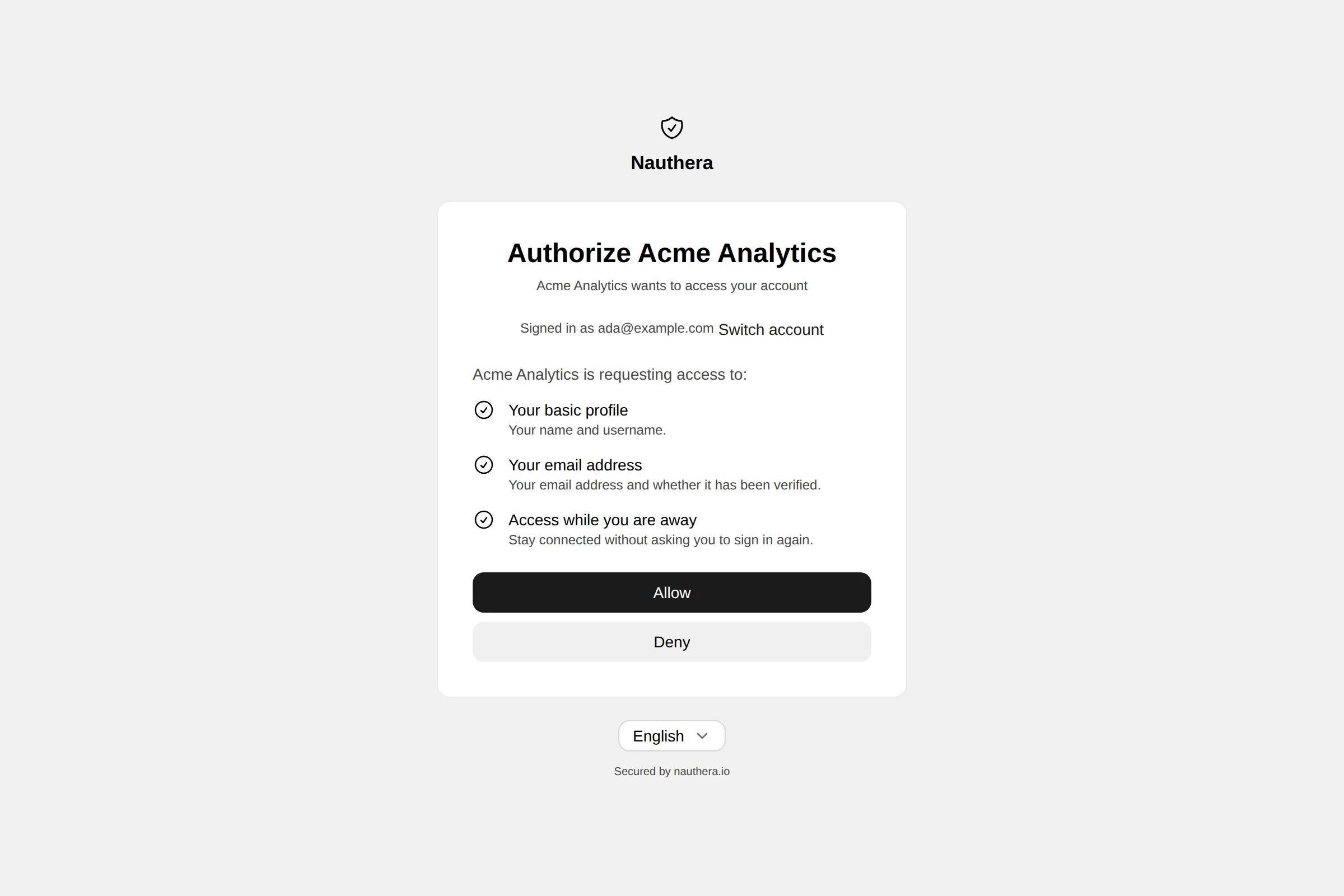
The sign-in pages ship inside the server binary under a strict Content-Security-Policy with Trusted Types, and load no third-party script by default.
04Branding
One manifest per brand.
A brand sets colours, fonts, radius, motion, layout or any of the design system's 258 tokens. Pick one below: the screen and the Branding resource that produces it change together.
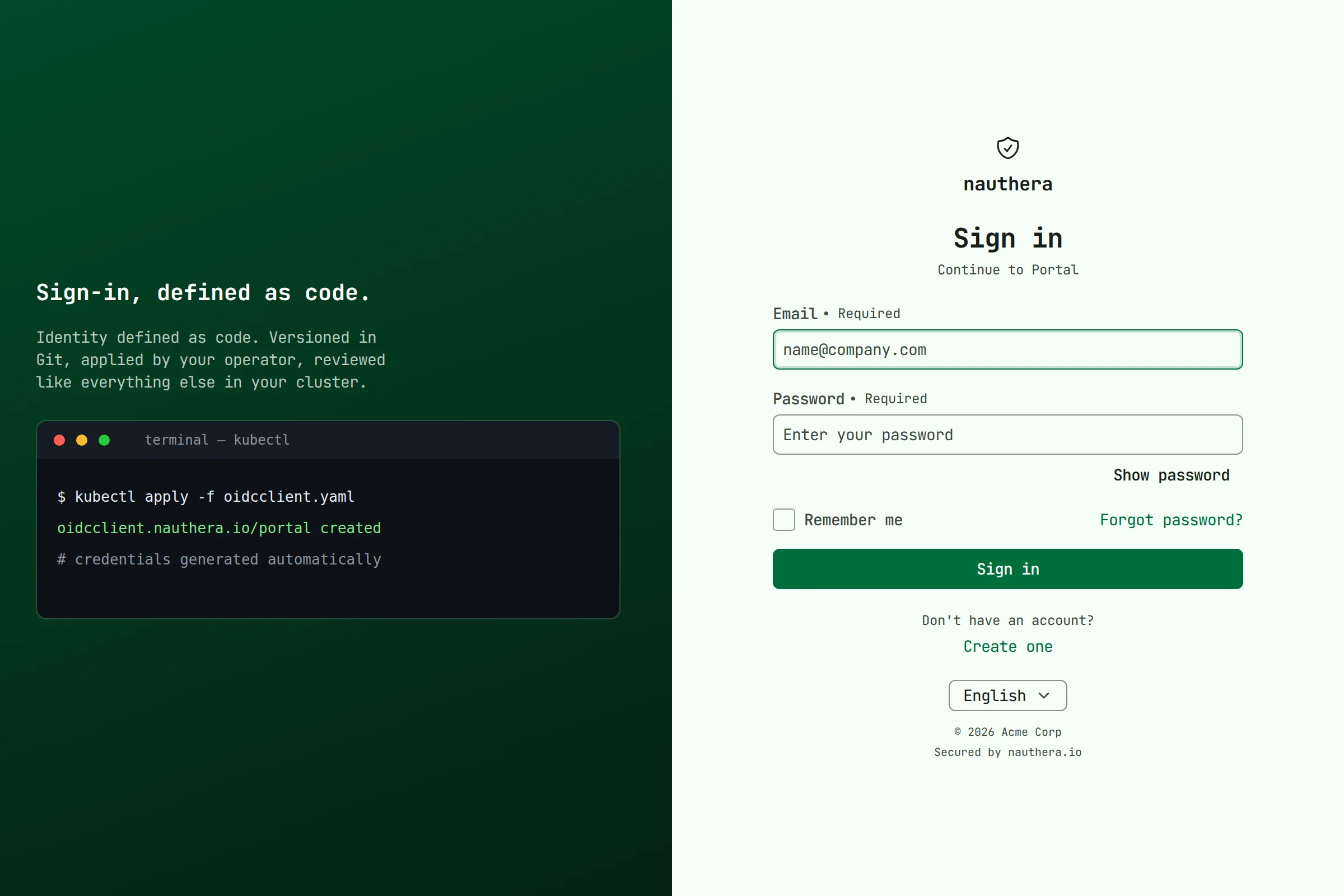
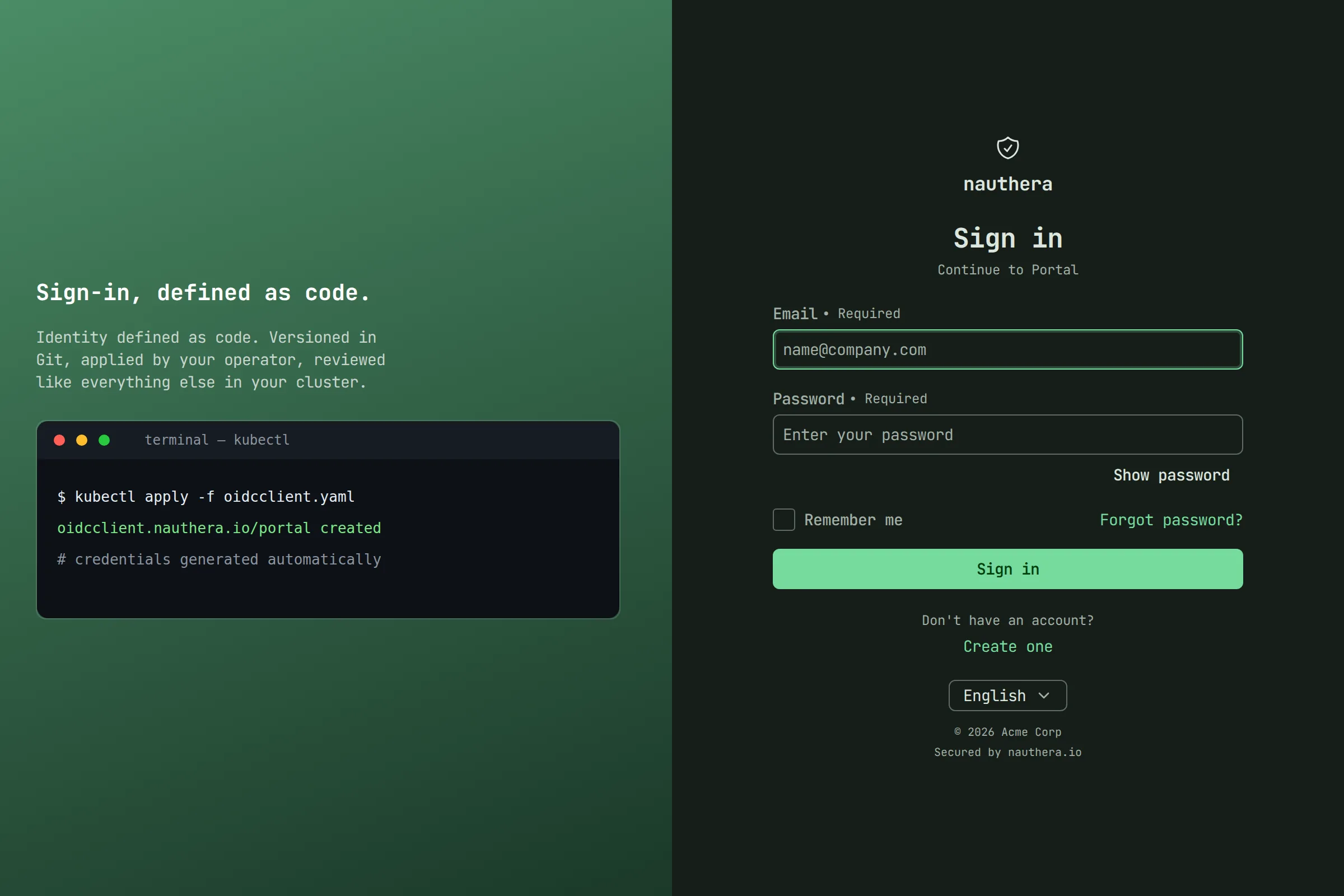
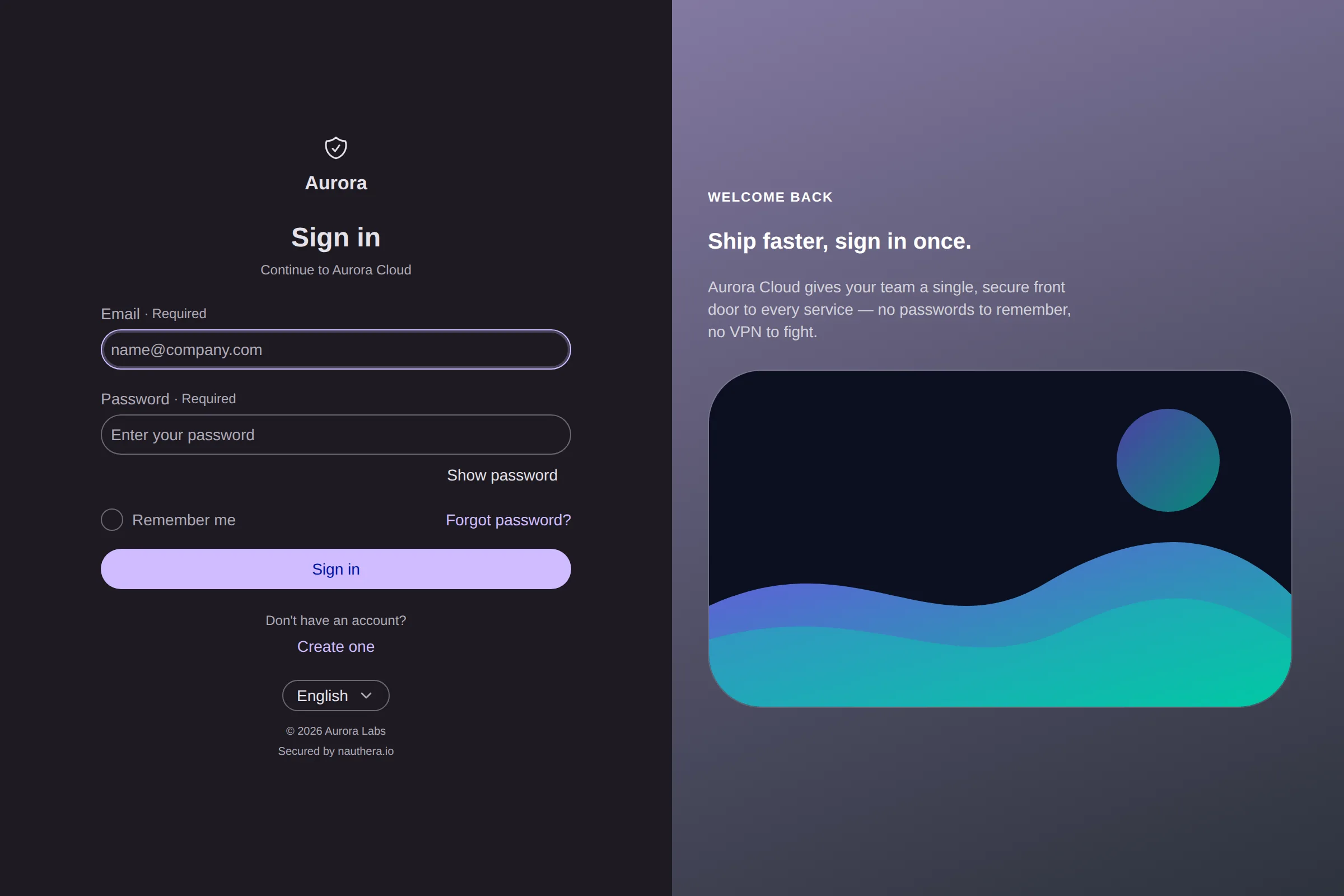
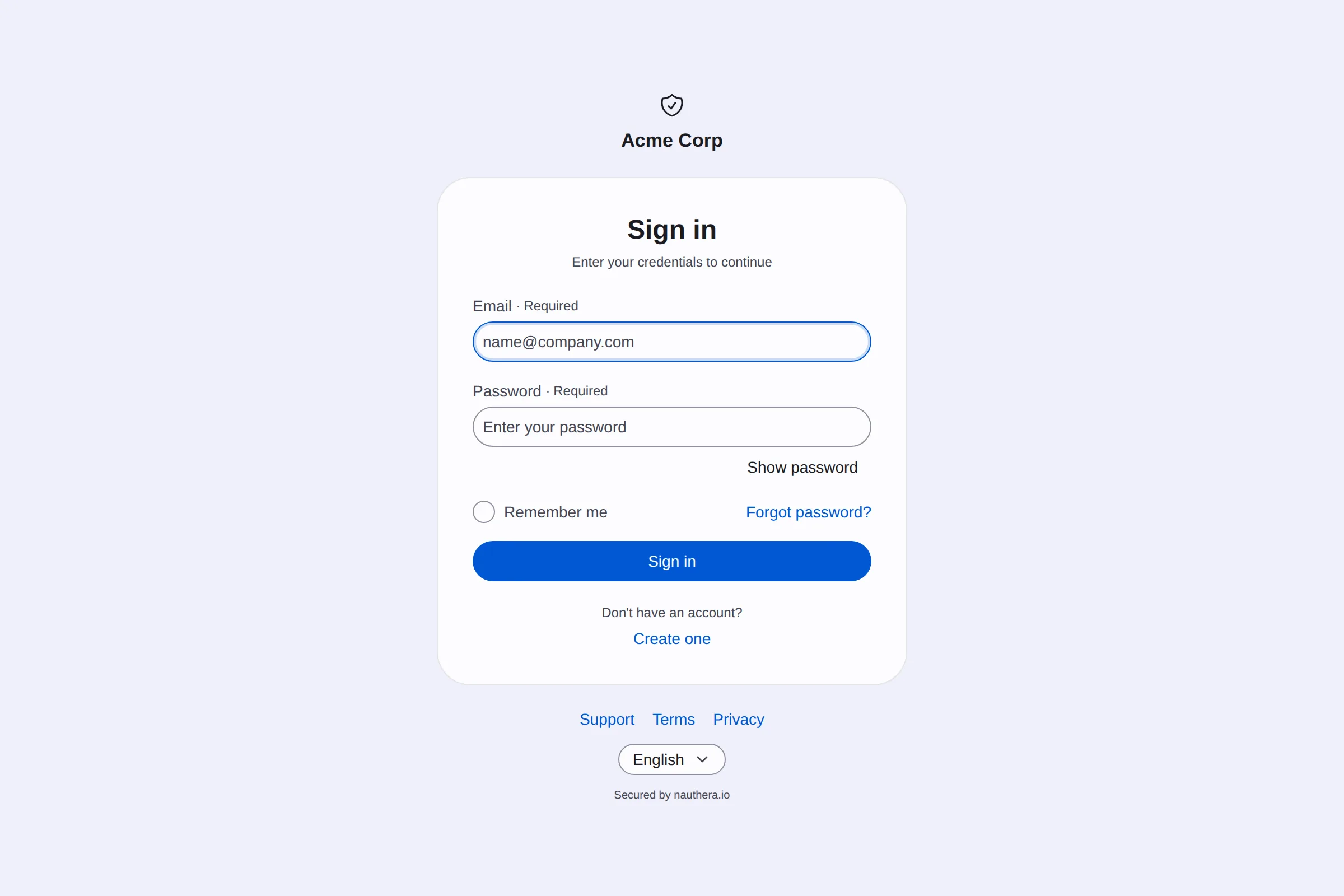
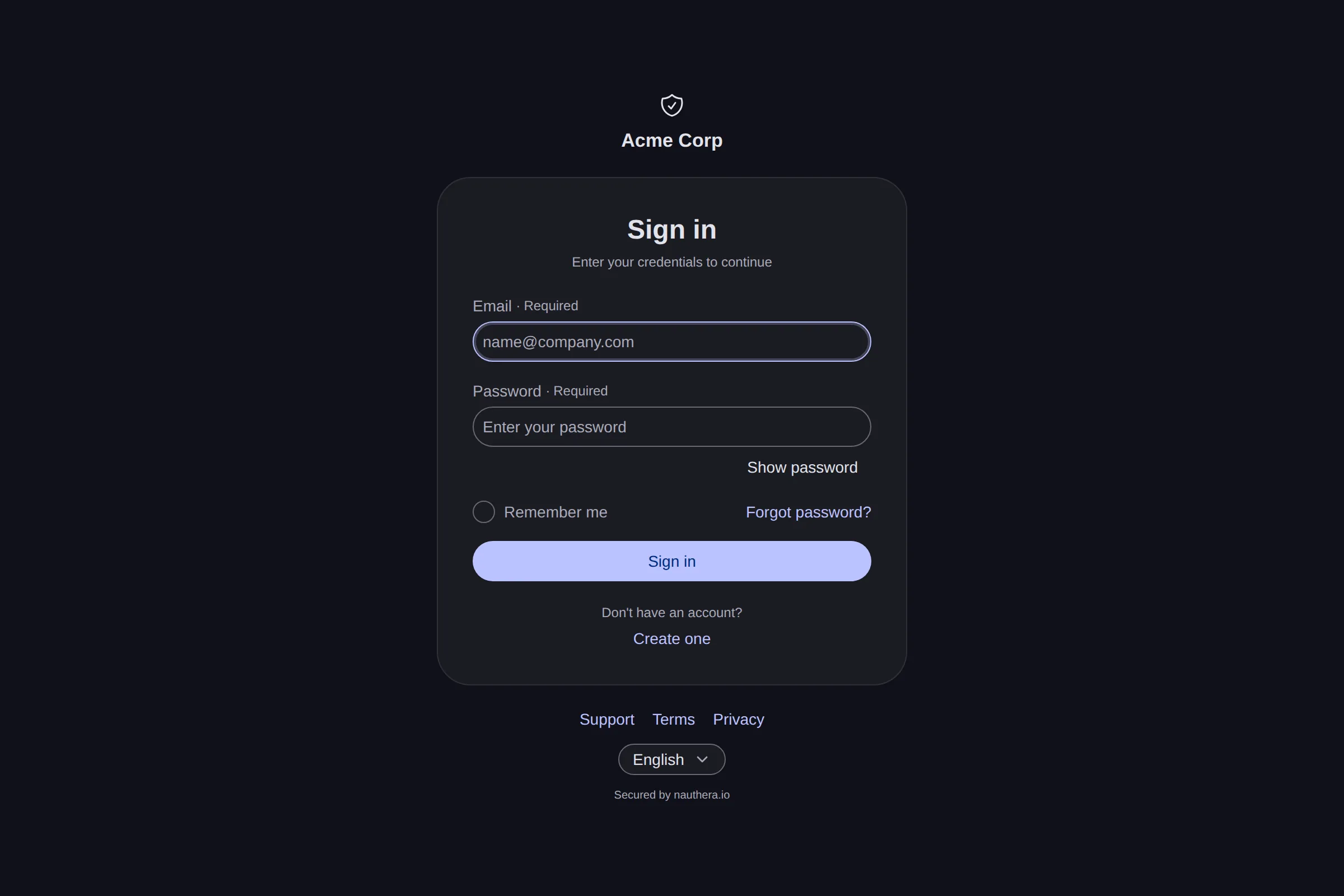
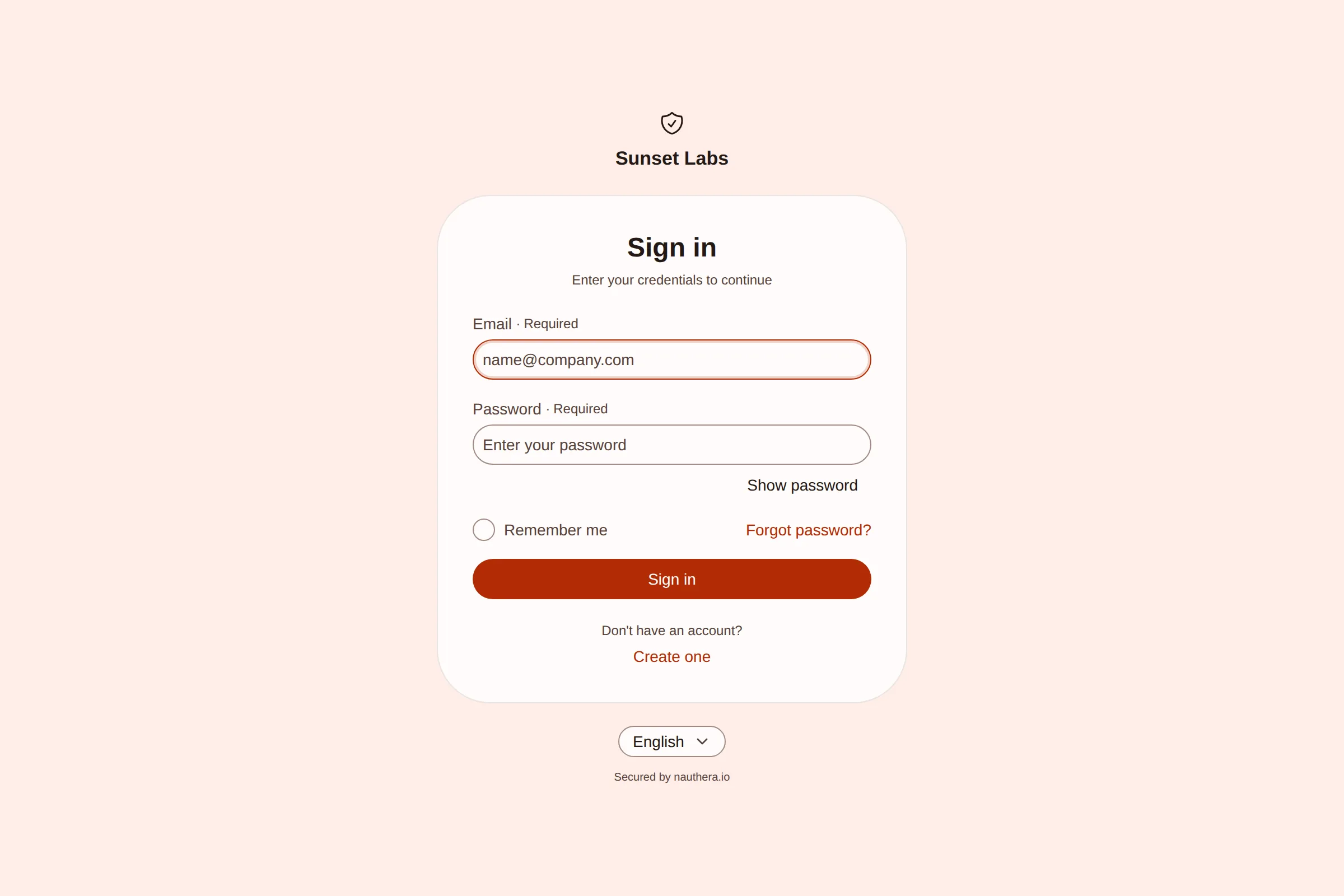
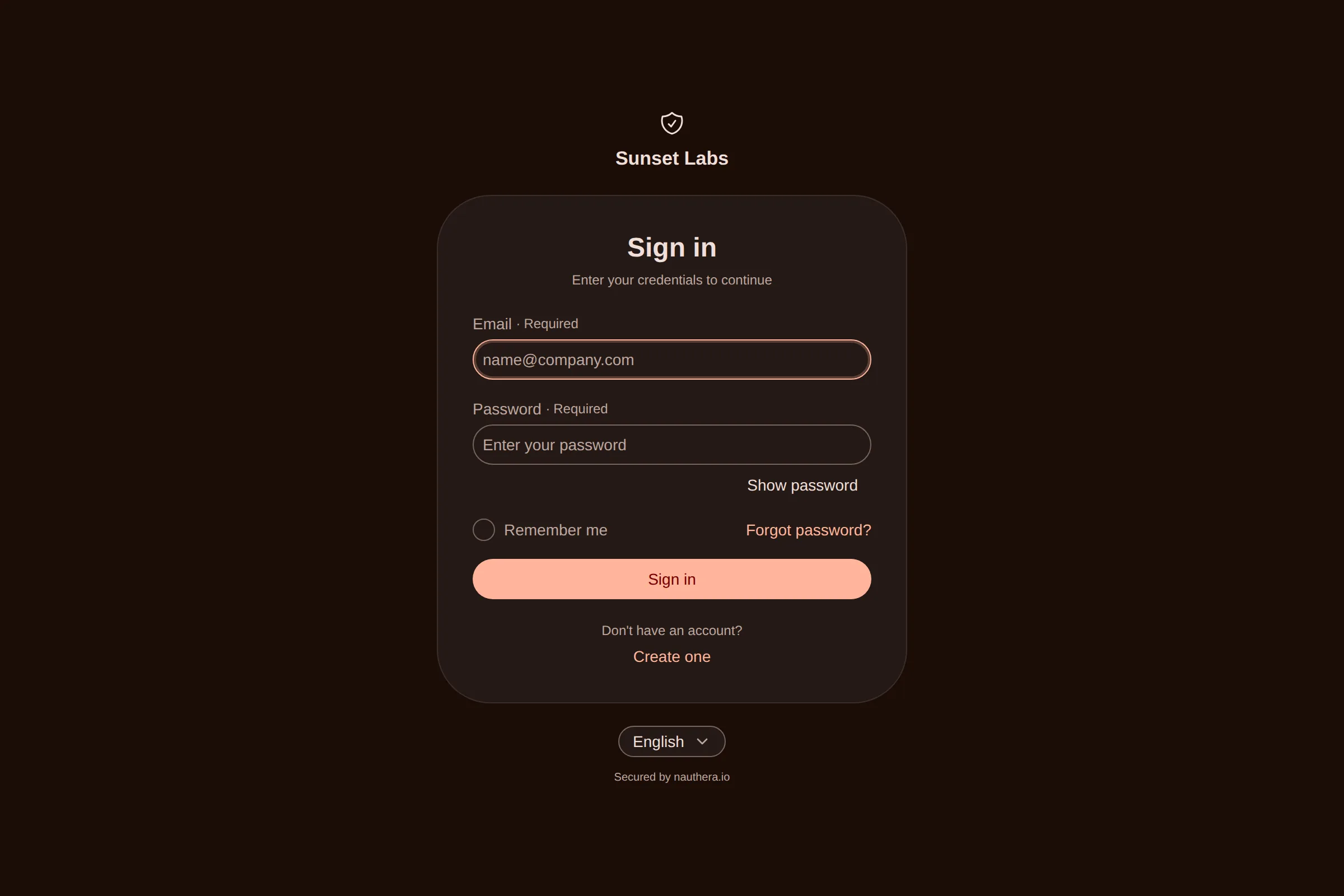
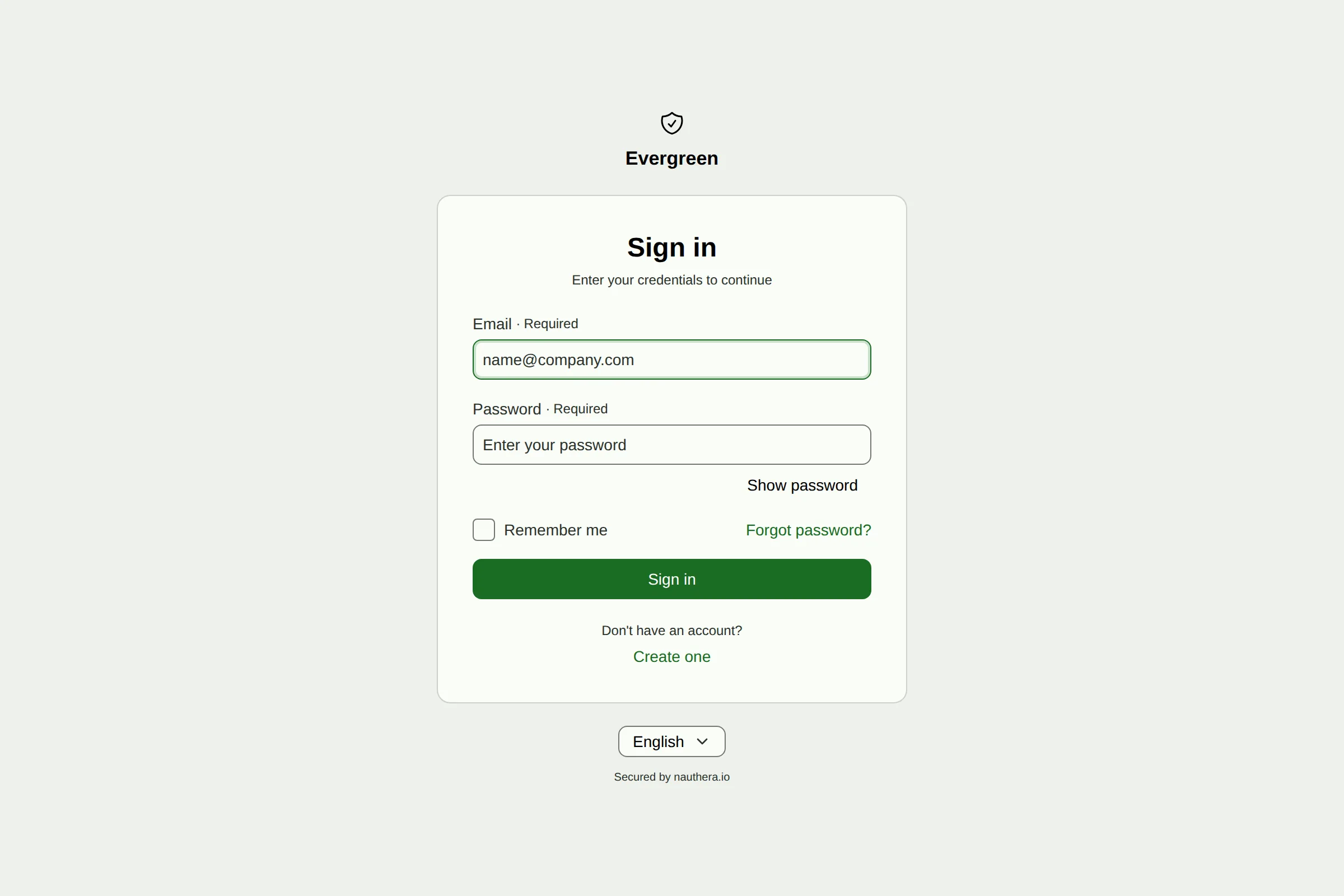
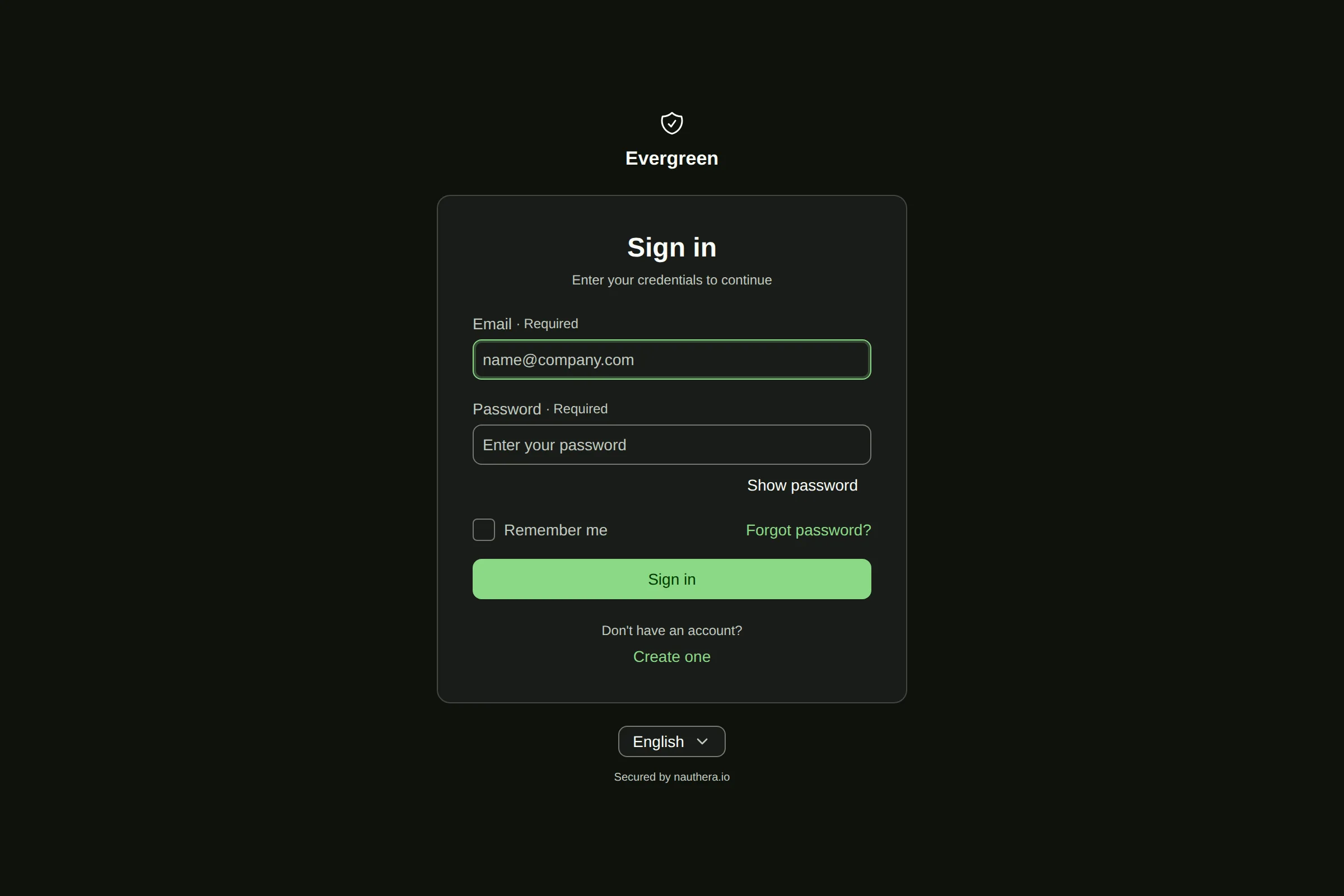
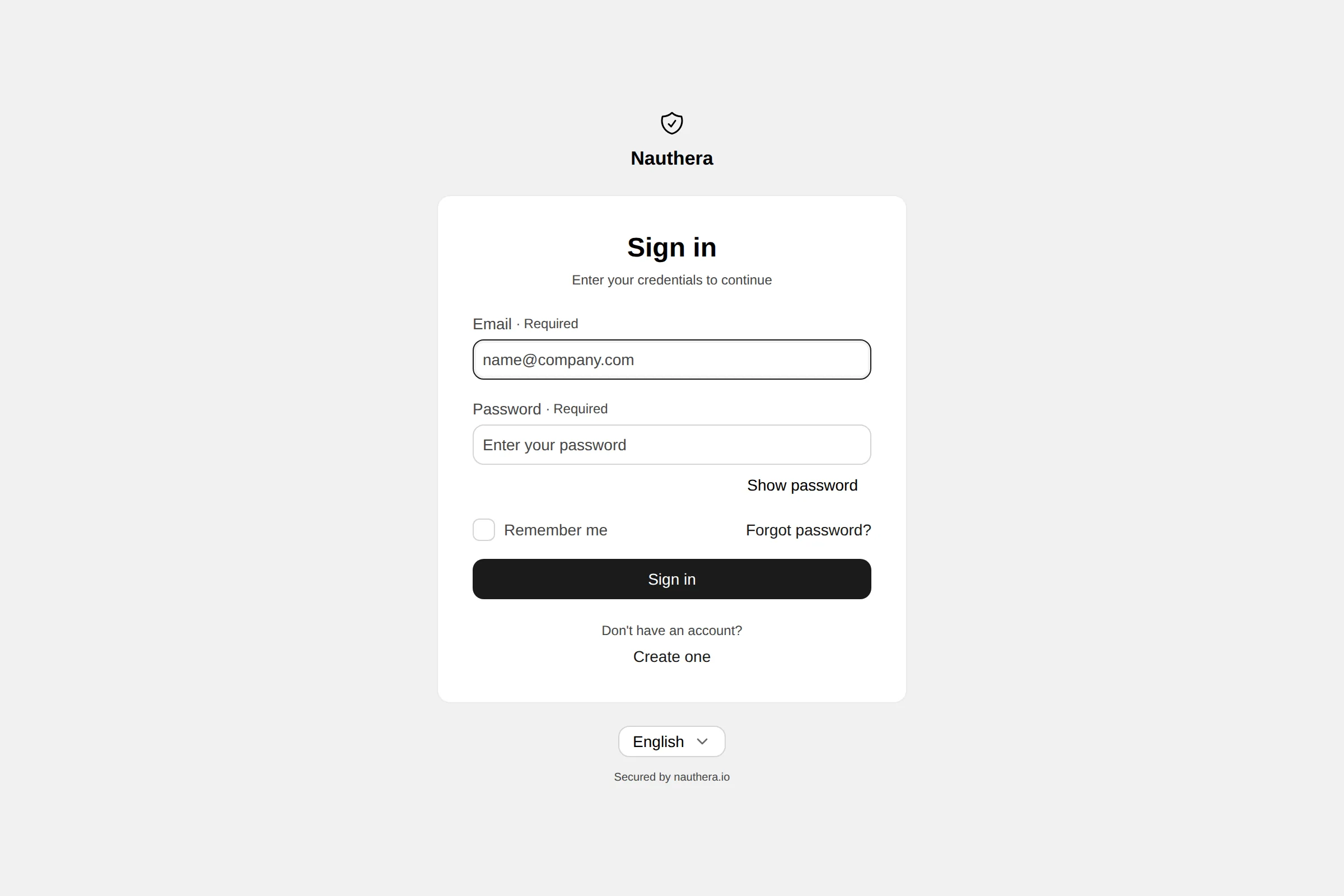
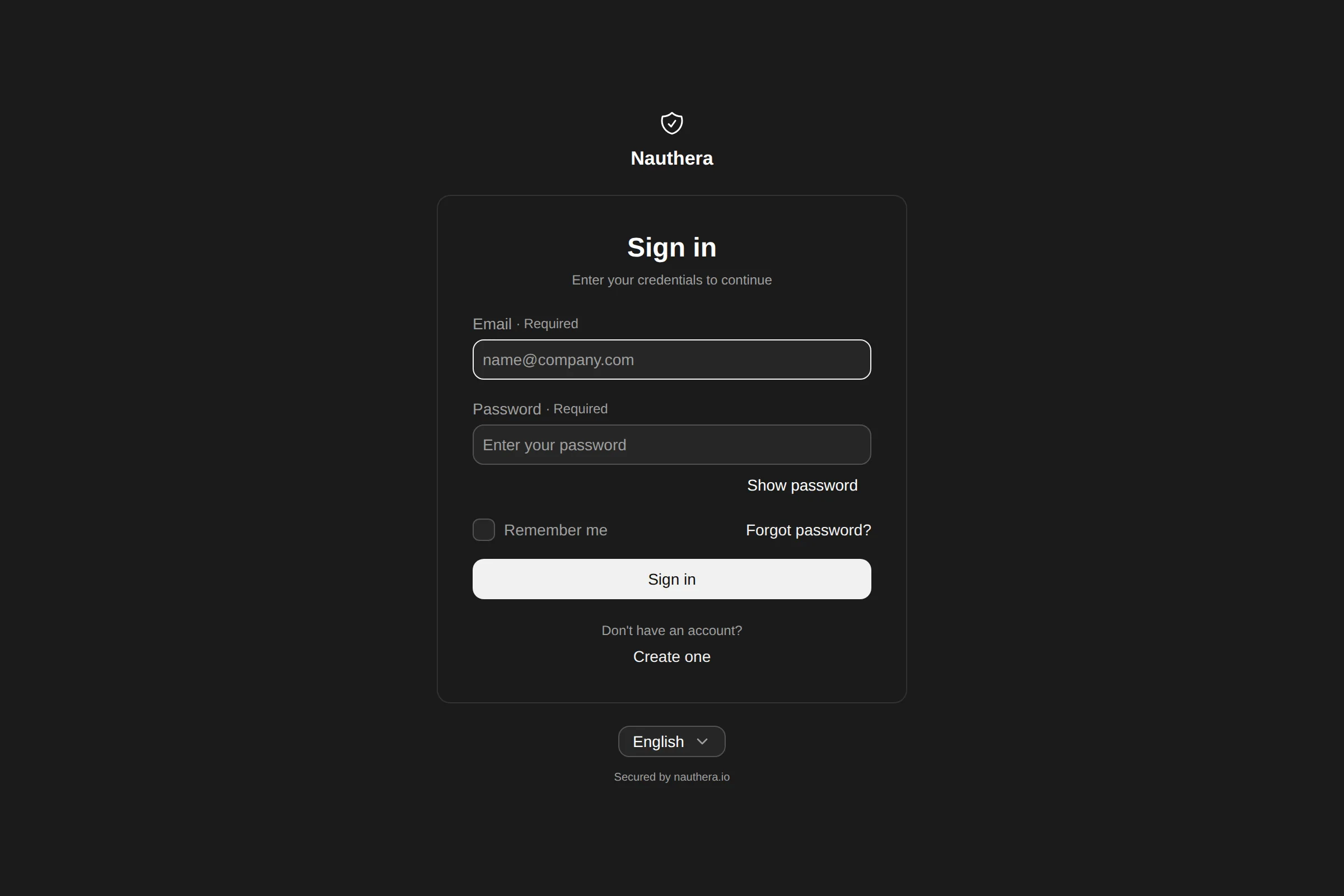
Branding
apiVersion: nauthera.io/v1alpha1
kind: Branding
metadata:
  name: platform-web-branding
  namespace: nauthera
spec:
  clientId: platform-web
  branding:
    productName: nauthera
    companyName: Acme Corp
    appName: Portal
    layout: split
    fonts:
      - "https://fonts.googleapis.com/css2?family=JetBrains+Mono:wght@400;500;700&display=swap"
    hero:
      heading: Sign-in, defined as code.
      subheading: Identity defined as code. Versioned in Git, applied by your operator, reviewed like everything else in your cluster.
      imageUrl: "data:image/svg+xml;… (inline image)"
      side: left
    theme:
      color:
        accent: "#1a7a4a"
        neutralStyle: cool
      radius:
        base: 3
        multiplier: 1
      typography:
        body:
          family: JetBrains Mono
          fallbacks: monospace
        heading:
          family: JetBrains Mono
          fallbacks: monospace
- 01
Design
Shape the theme in the Astryx playground, which renders the components the sign-in pages are built from.
- 02
Convert
Upload the playground's export in the docs and get a Branding manifest. The conversion runs in your browser.
- 03
Apply
Merge it and the operator applies it. The resource reports Ready, or names the field the server refused.
Customize the sign-in UI, step by step Preview it in your own brand
Hear when the operator ships
One email when the operator ships. No newsletter.
By joining, you agree to our Privacy Policy and Terms.