Sign-in Flows
Docs version v1 (main)Nauthera is pre-1.0, in a design-partner programUpdated
These pages follow a person through the hosted sign-in UI the way they meet it: an
application sends them to /authorize, they sign in, sign up, verify an address, prove a
second factor or consent, and come back to the application's redirect_uri. Every screen
is shown as it renders today, with its loading state and the errors it can show.
The screenshots come from nauthera-server's Storybook, one story per state, and are refreshed from it automatically. Open in Storybook under a screenshot opens the live story, where you can switch language, brand and layout.
The whole map
| Flow | Starts at | Page |
|---|---|---|
| Sign in with a password | /login | Sign in |
| Replace a password at an administrator's request | /change-password | Sign in |
| Create an account | /register | Sign up |
| Verify an address, reset a password, accept an invitation | an emailed link | Emailed links |
| Sign in through an identity broker | the broker's email screen | Broker sign-in |
| Set up or prove a second factor | /mfa/setup, /mfa | Second factor |
| Passkeys: offer, passwordless sign-in | /mfa/setup, /passkey | Passkeys |
| Sign in through another identity provider | a provider button | Social sign-in |
| Consent, and connecting a device | /consent, /device | Consent and devices |
| Sign out | /logout | Sign out |
| Throttles, locks, expired sessions, unknown pages | any screen | When something goes wrong |
Rules every flow follows
- The application's request travels with the user. Every screen carries the
authorization request in its URL, so a detour to sign-up, a password reset or a second
factor ends at the same application with the same
state. Emailed links carry it too. - Every wait shows. A button that sends something spins and locks its form until the server answers; one click sends one request.
- Every failure says what happened and leaves a way forward. A refusal the user can fix is a banner on the form they are on, and the form keeps what they typed. A throttle, a lapsed sign-in or a refusal with nothing to fix gets a page of its own, with an action.
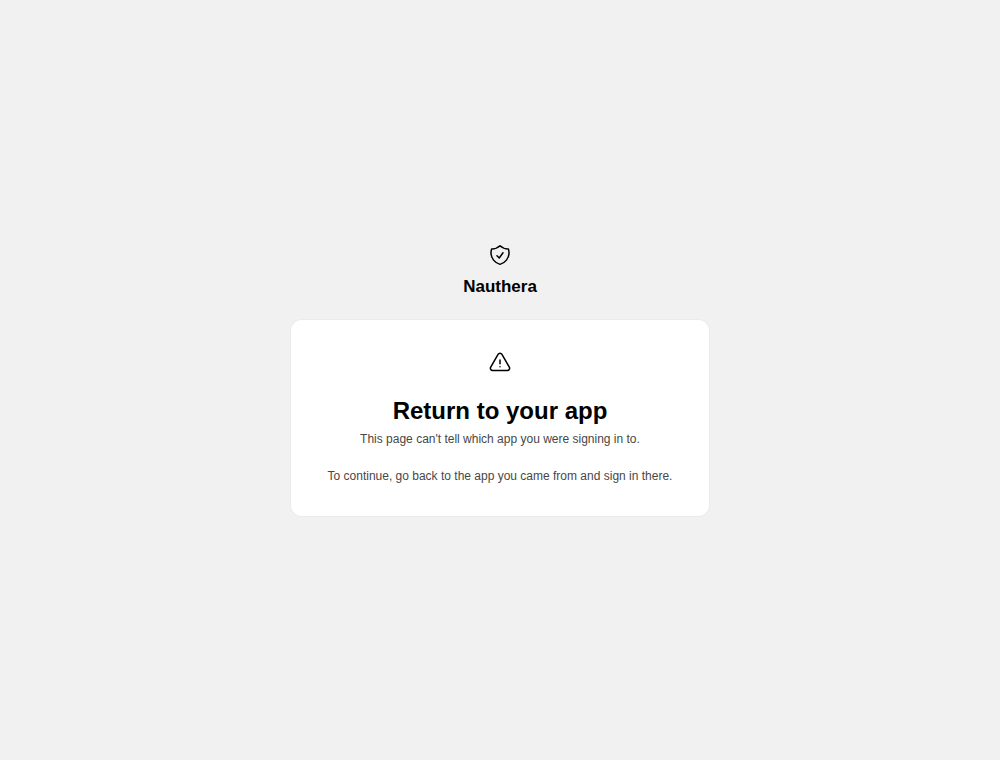
- A screen that does not know the application says to go back to it. The sign-in
screen answers
404unless its URL names a registered client, so a screen reached without one (an invitation link, a link opened on another device) ends with "To continue, go back to the app you came from and sign in there." rather than a button that goes nowhere. A flow the server finishes without an application, such as a federated sign-in that came back after it lapsed or a sign-up from a bare/registerlink, is sent to/return, which says the same.