Emailed links
Docs version v1 (main)Nauthera is pre-1.0, in a design-partner programUpdated
Three flows continue from a link in an email: verifying an address, resetting a password
and accepting an administrator's invitation. All need an email relay
for the organization. The token is in the link's fragment, which never reaches a server log
or a Referer, and the page removes it from the address bar as it opens.
A verification or reset link sent while the user was signing in to a registered client, or
connecting a device at /device, carries that request, so finishing the flow leads back to
the sign-in it interrupted. Any other link is bare, and ends by telling the user to go back
to the app they came from.
Verify an address
When an organization requires verified addresses, signing up or signing in with an unverified one does not fail: it lands on Verify your email, which names the address the link went to.
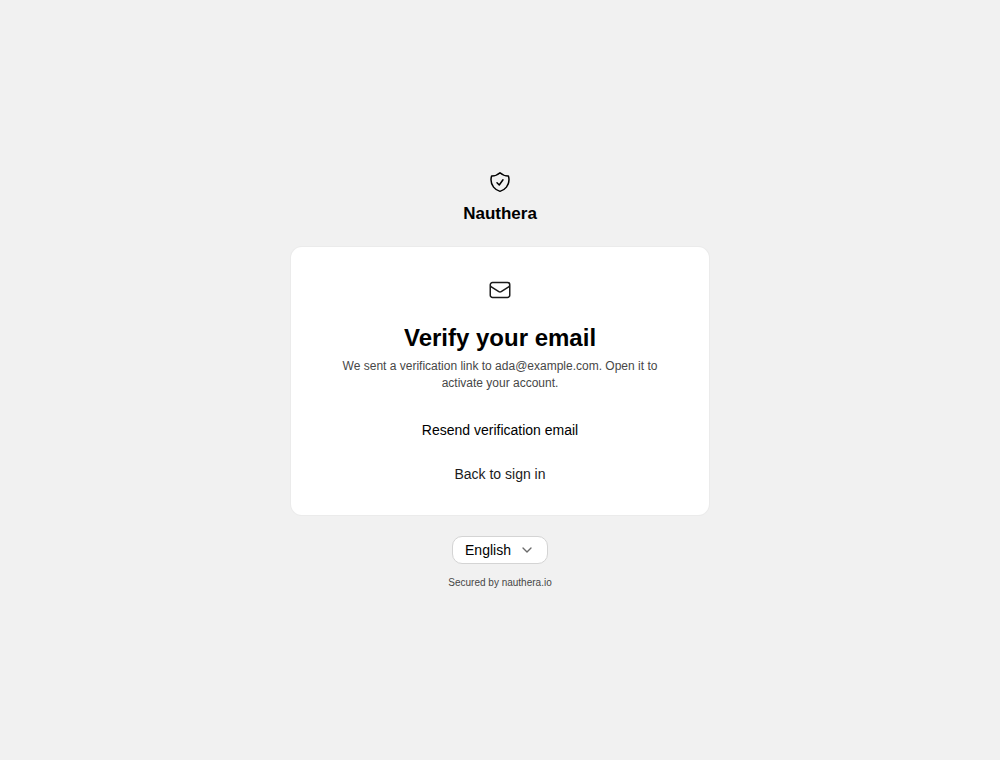
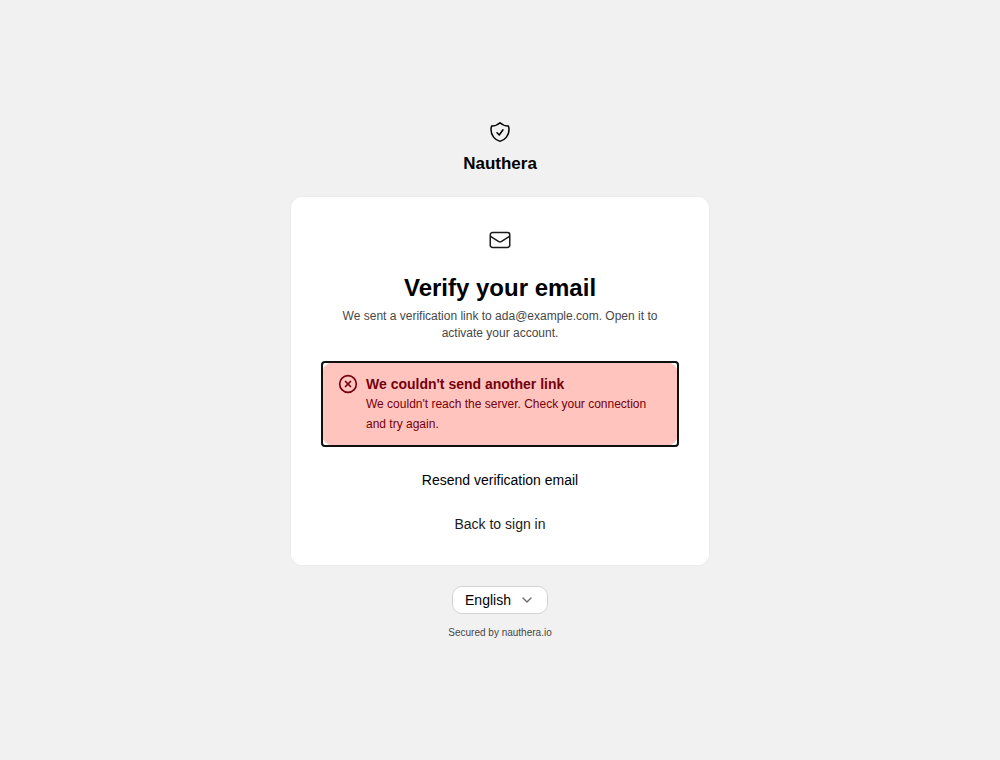
Resend verification email sends another link. Unless auth.captcha.provider is
none, it solves a captcha first, and only while a resend is on offer: not while a link is
being spent, nor once the address is verified. If the resend is refused, the reason shows
above the button.
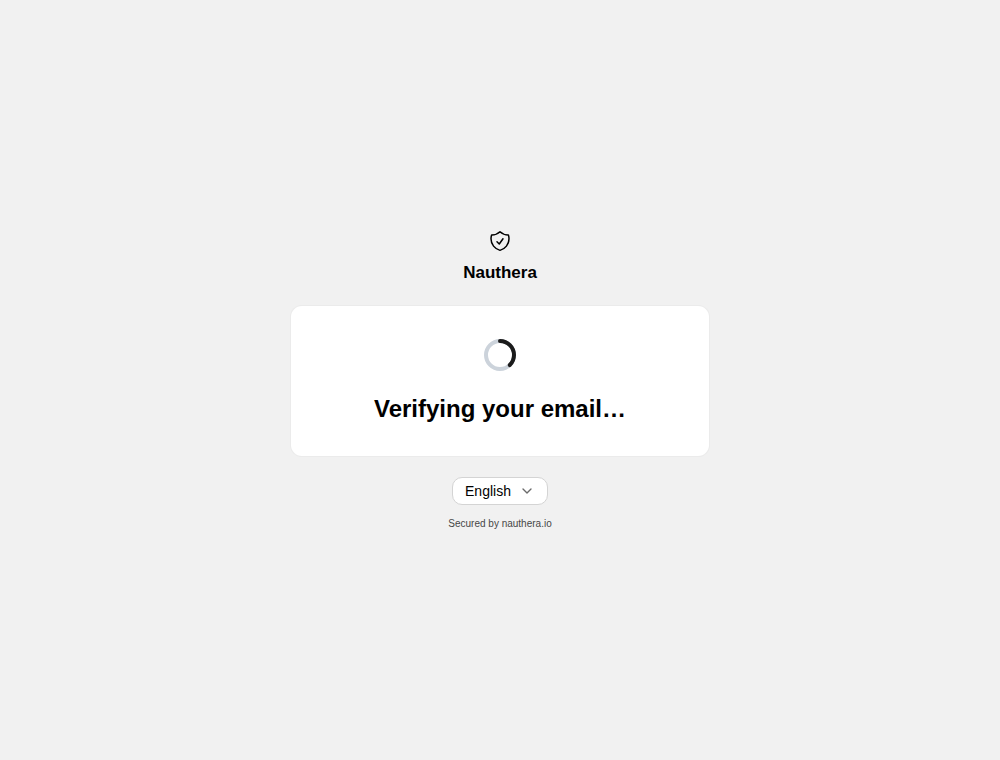
Opening the link spends it on load. While it does, the page shows a spinner; then it says whether it worked.
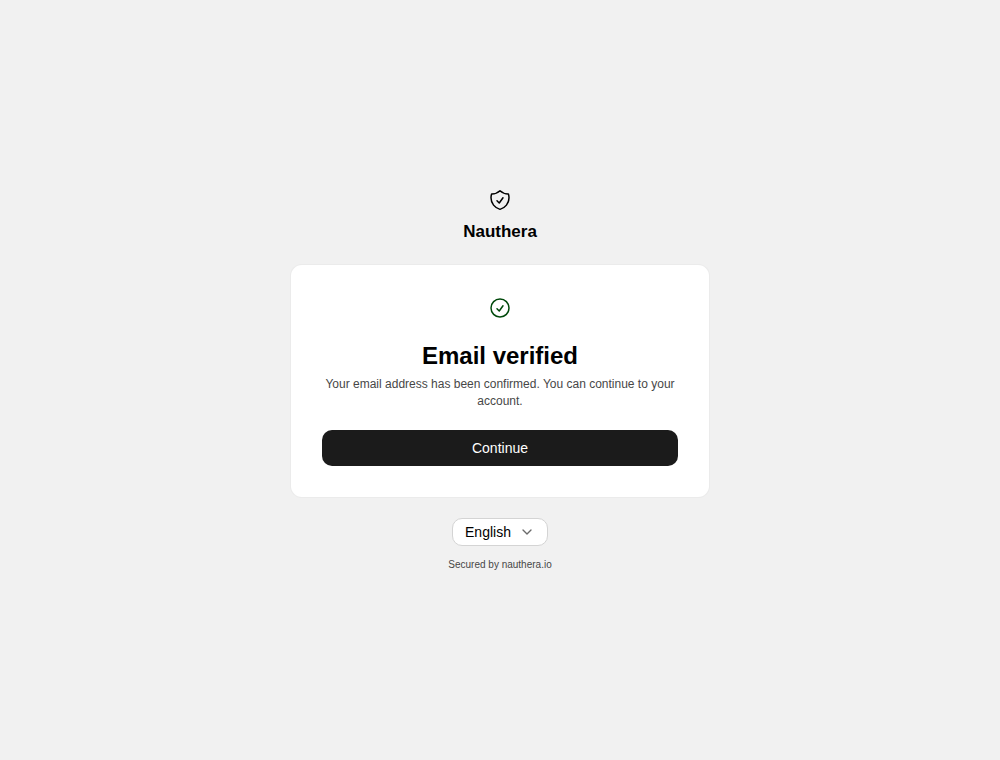
Continue opens the application's sign-in, and signing in returns to the application
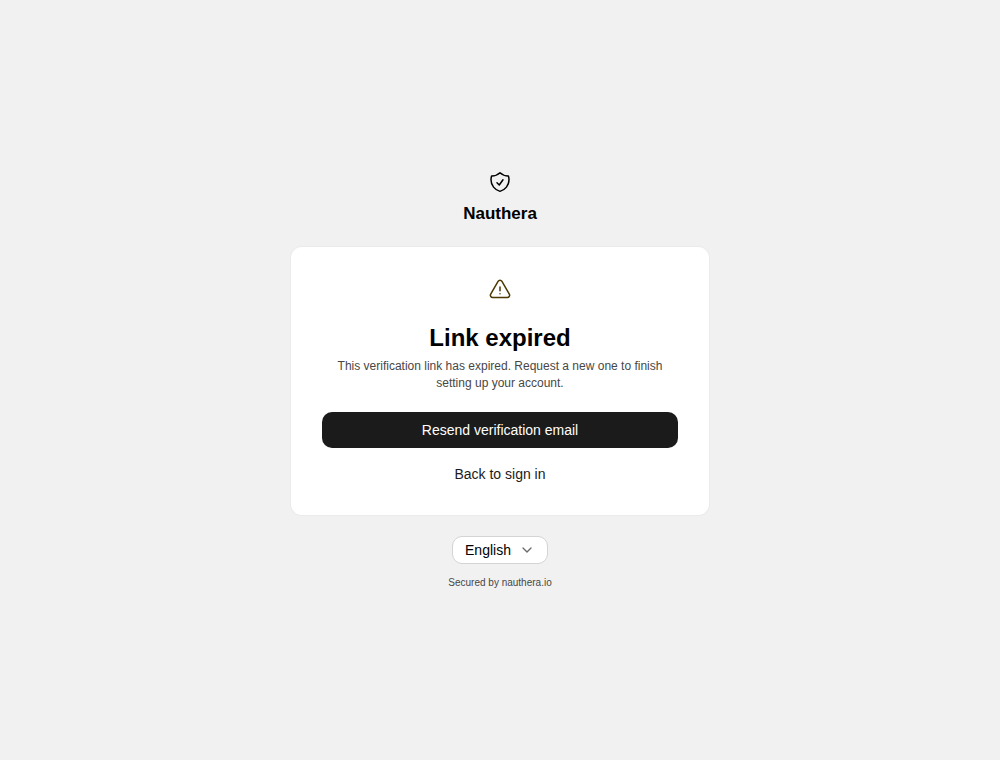
with its state. A link that was used already, or has expired, says so. In the tab that
asked for it, which knows the address, it offers Resend; opened in another browser or
on another device it offers only the way back to sign in, where signing in sends a fresh
link. A link verifies only the address it was sent to.
Reset a password
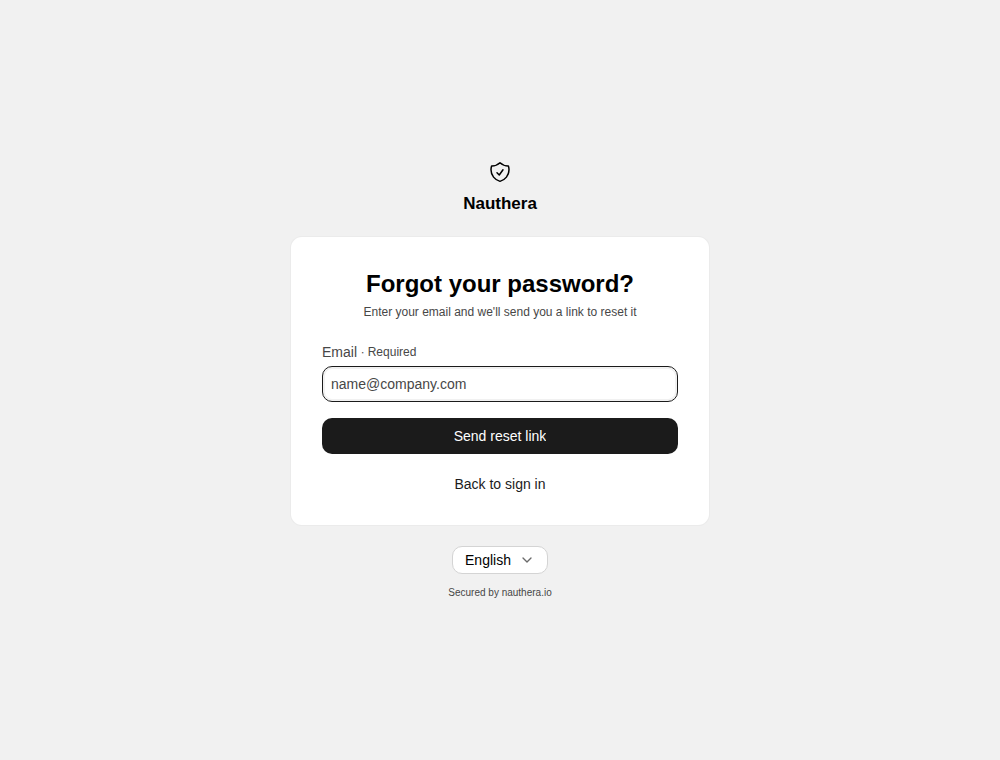
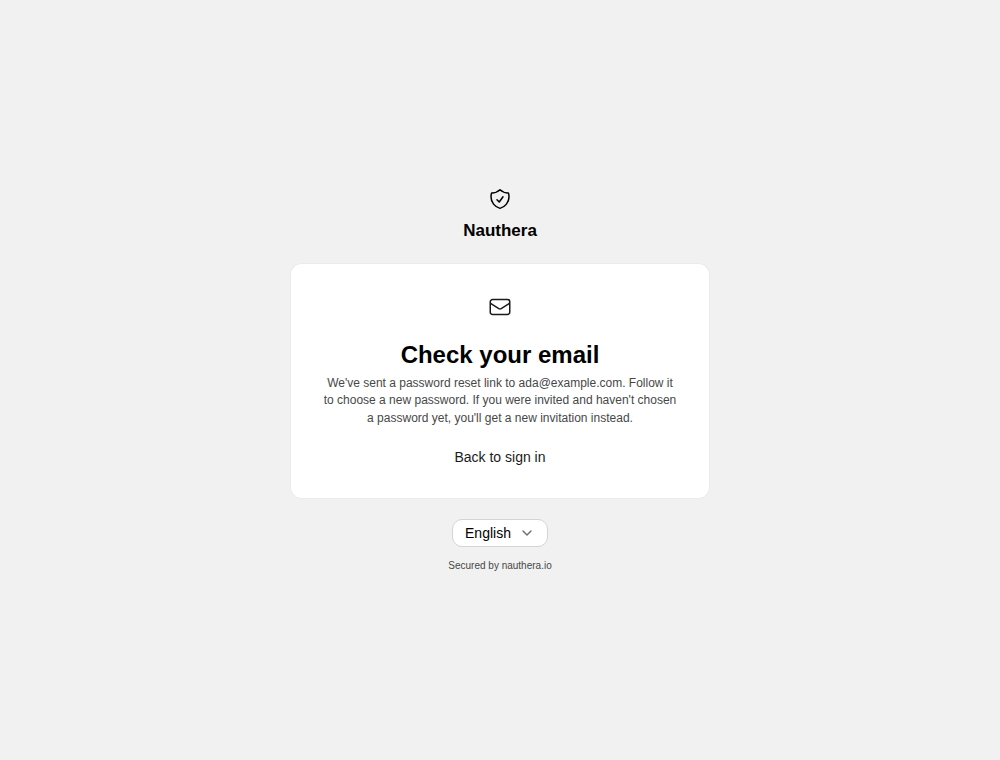
The confirmation reads the same whether or not the address has an account, so the page is no way to find out who signs in here. The request solves the captcha like a sign-up.
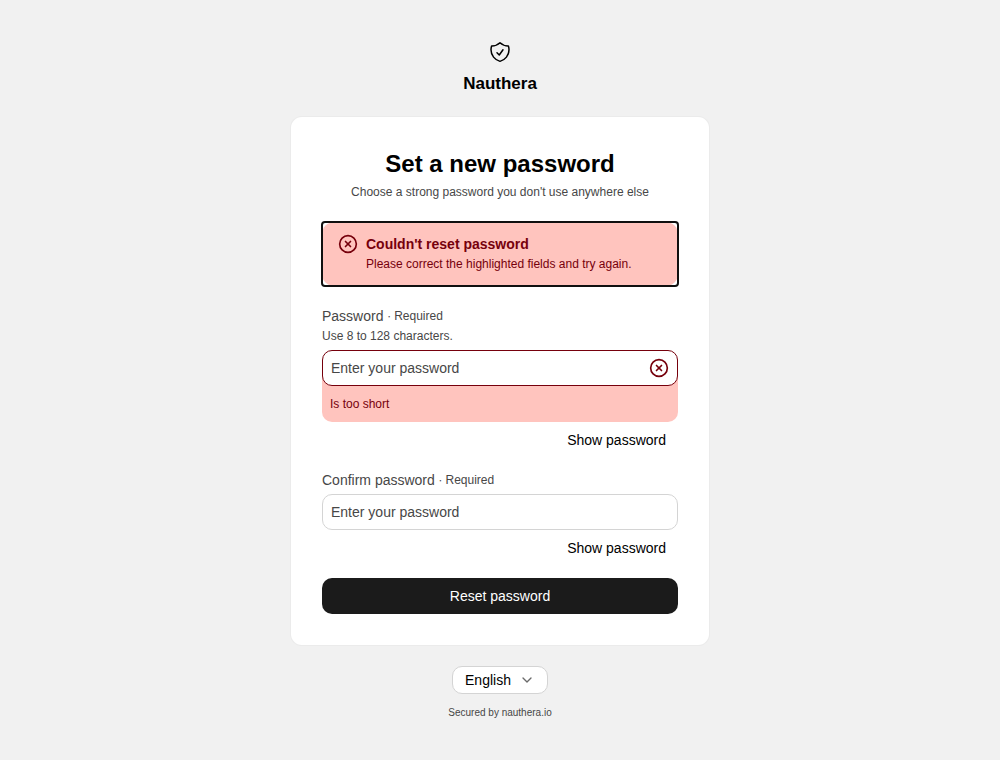
An account that waits on an invitation is sent a new invitation instead of a reset link. The confirmation, the same for every address, says If you were invited and haven't chosen a password yet, you'll get a new invitation instead.
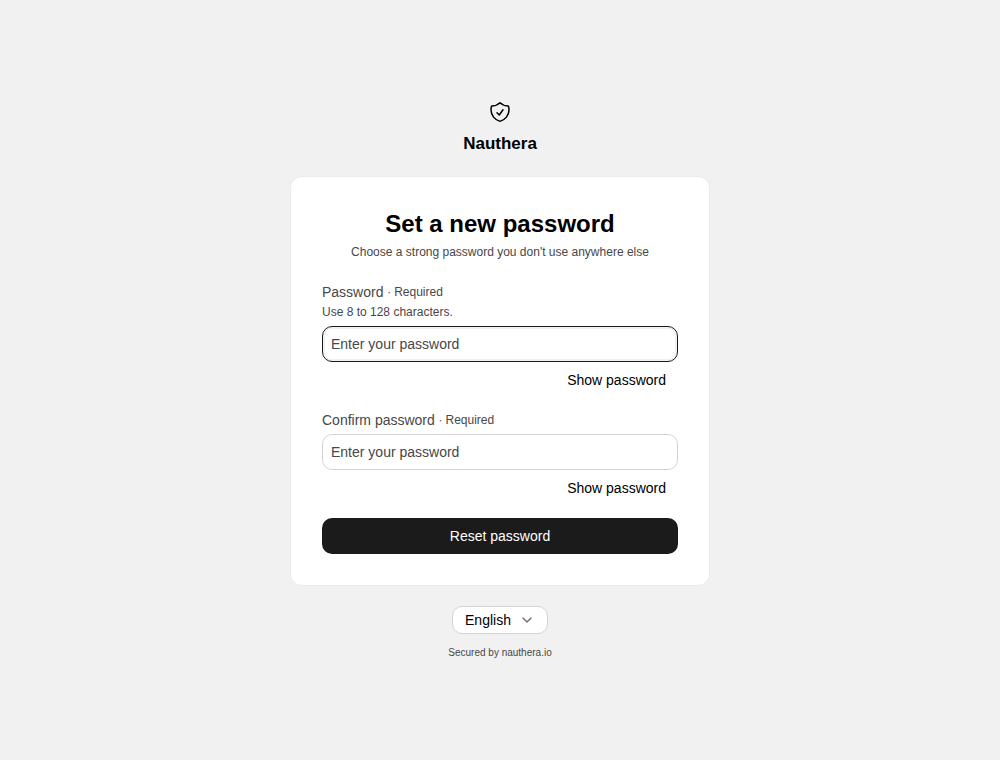
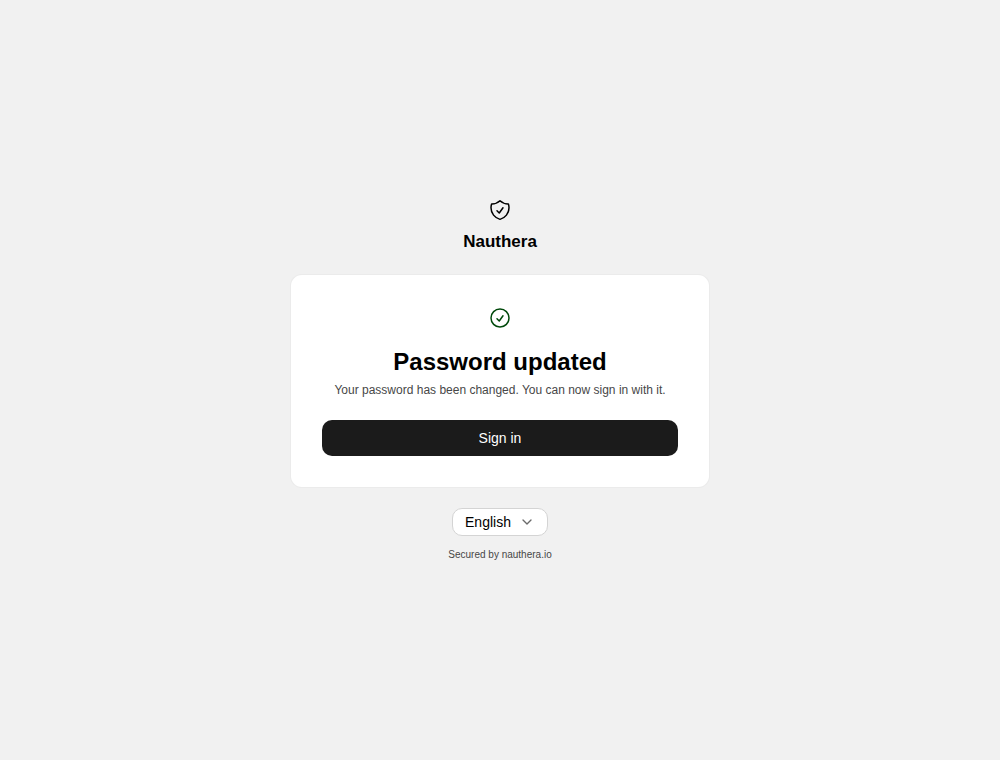
Setting the password spends the link and every other reset link the account holds, retires every refresh token the user holds, ends the user's sessions, and clears a lock from failed sign-ins. Sign in resumes the application the reset interrupted.
Accept an invitation
An administrator invites a person from the admin dashboard:
Send an invitation when creating a user, or Send a new invitation on the page of a
user who has not chosen a password yet. The account is created without a password, and
the person opens the emailed link and chooses one; following it also verifies the address.
The organization needs an email relay, and a link works for auth.invitation.validity
(168h by default).
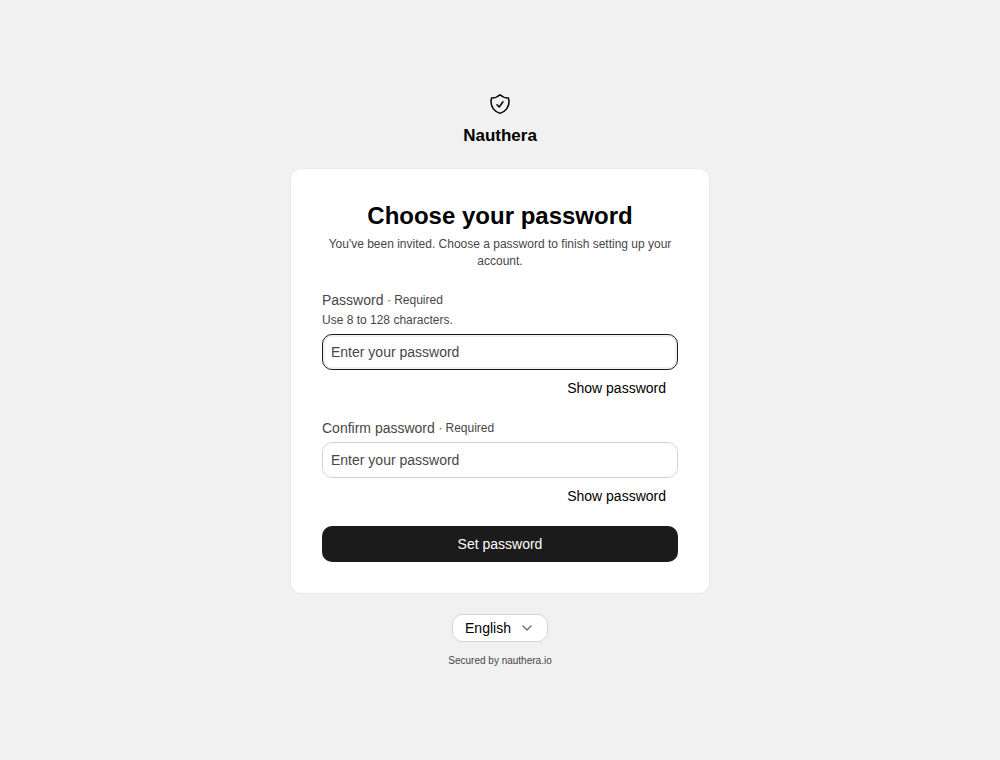
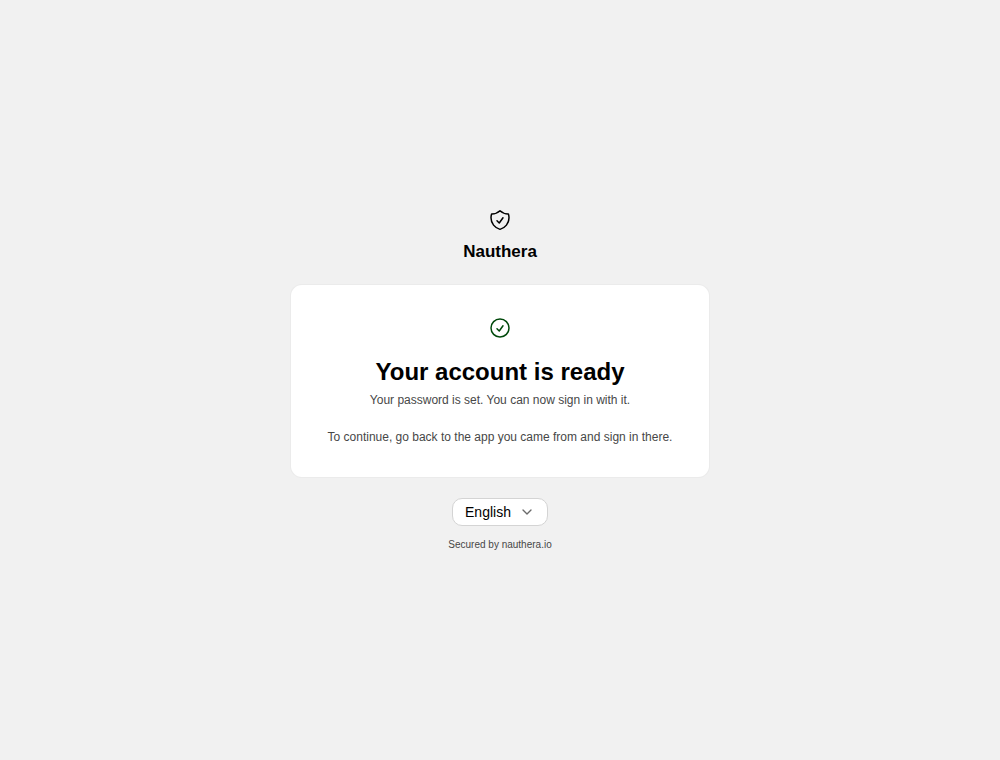
An administrator's invitation names no application, so the done screen tells the person to go back to the app they were invited to and sign in there. A new invitation does not cancel an earlier link, but using any one of them spends them all.
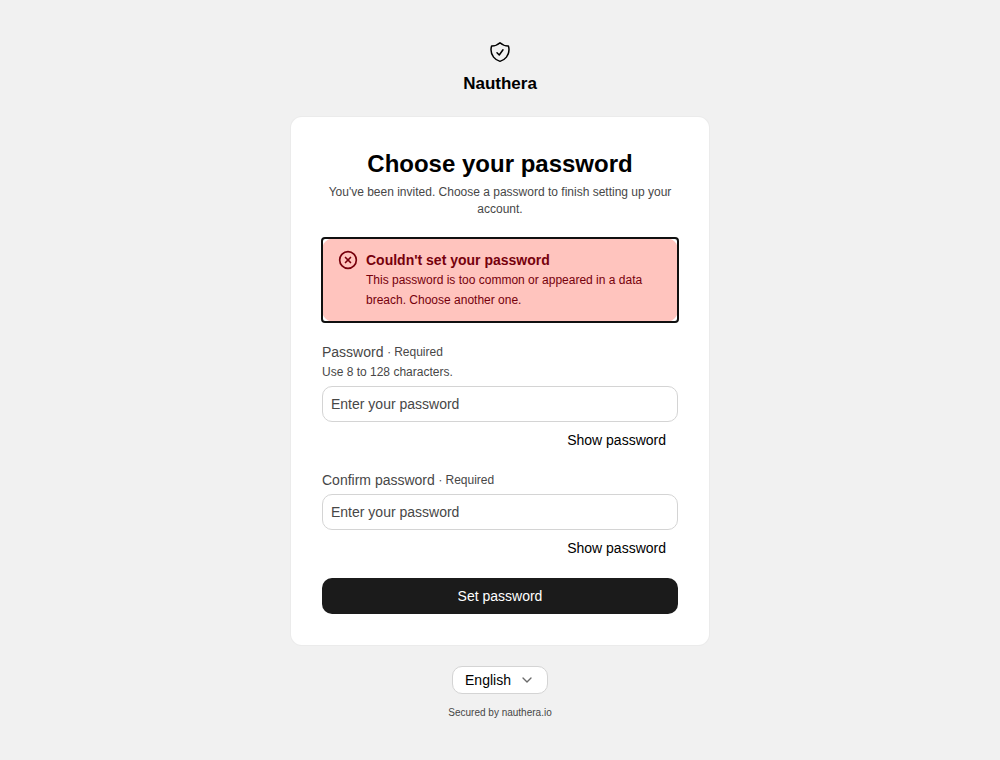
A password the server refuses, such as a common one or, with
auth., one found in a breach, or a throttle, leaves the
form and the link as they were: the same link works for another try, now or later.
Coming back without the link
An account waits on an invitation while it has no password and no linked identity-provider account. Its owner does not need the original email to get in: every other way back sends a new invitation.
- Signing in with any password is refused as a wrong password, and the sign-in form adds If you were invited and haven't chosen a password yet, check your email: we've sent you a new invitation. (Sign in).
- Signing up with the address is refused as for any address that has an account, and the message adds If you were invited, check your email for a new invitation.
- Forgot password? and Resend verification answer as for any address. The account is sent an invitation in place of a reset or verification link, since only the invitation gets it a password.
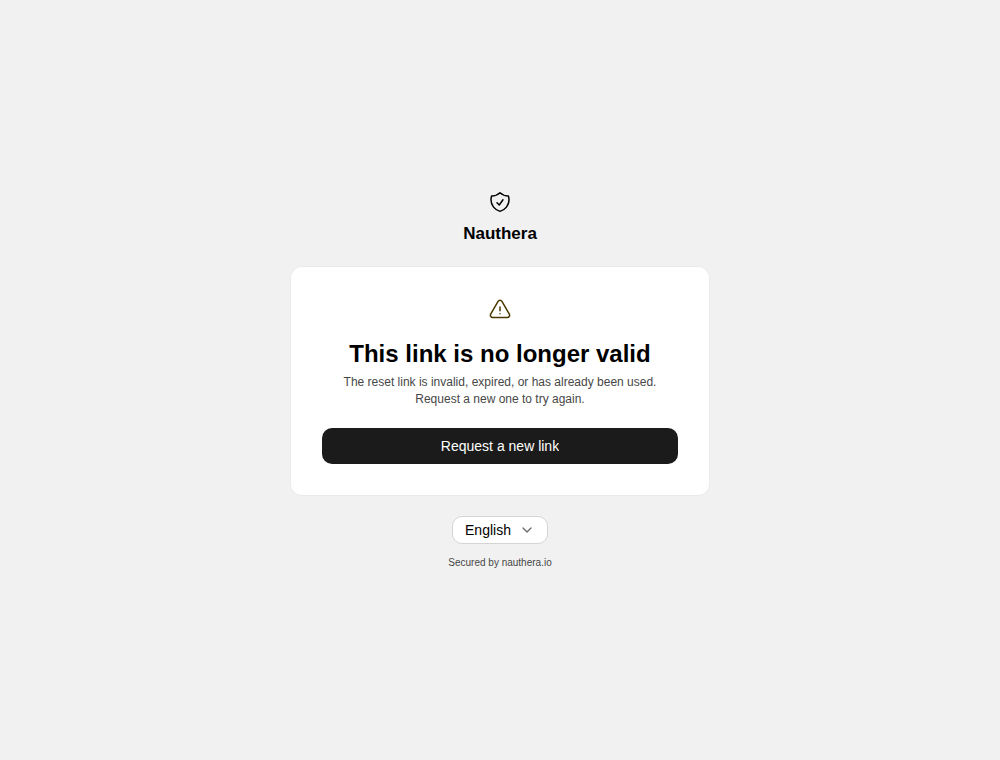
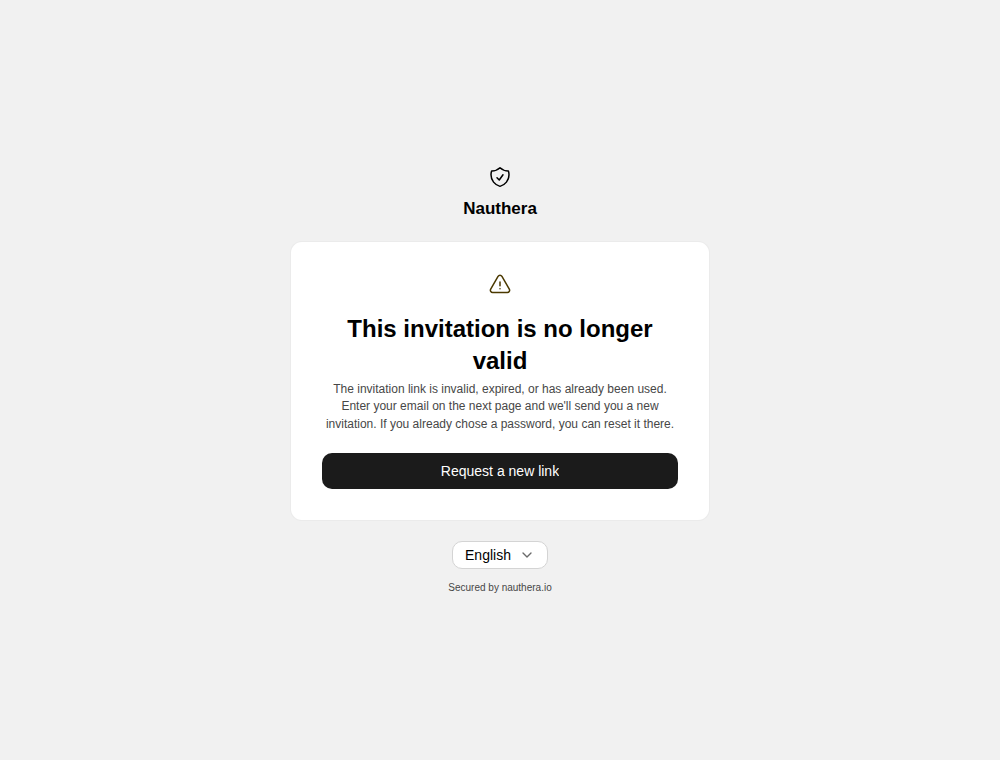
- An unusable link, one that has expired, was replaced, or was spent, says This
invitation is no longer valid and offers Request a new link, which opens
/forgot-password. An account that still waits on an invitation is sent one from there, and an account whose owner has chosen a password by now is sent a reset link.
Every answer is the one any other address gets, and the invitation is sent after the response, so none of these pages reveals whether an address waits on an invitation. The hints are shown for every refused password and every taken address for the same reason.
An invitation the user asked for this way names the organization as the inviter, and its
link carries the authorization request the user started from: after choosing a password
they sign in and go back to the application. Each one counts against
auth. (5 per validity window by default) together with the
administrator's; beyond it nothing is sent, and the request is recorded as
rate_limited. An account linked to an identity provider, or one that is suspended or
blocked, is sent nothing.
Each send is recorded as user.invitation.sent, beside the record of what the user asked
for:
| The user tried | Recorded as | Plus |
|---|---|---|
| Sign in | auth.sign_in.completed, failure invalid_credentials, cause password_not_set | user.invitation.sent |
| Forgot password | auth., failure conflict, cause password_not_set | user.invitation.sent |
| Resend verification | auth., failure conflict, cause password_not_set | user.invitation.sent |
| Sign up | auth., failure conflict, cause identifier_taken | user.invitation.sent |