Skip to content

The v1 docs follow nauthera-server's main branch and its 0.x releases on the way to 1.0, so fields and APIs can still change.

v1

Consent and devices

Docs version v1 (main)Nauthera is pre-1.0, in a design-partner programUpdated

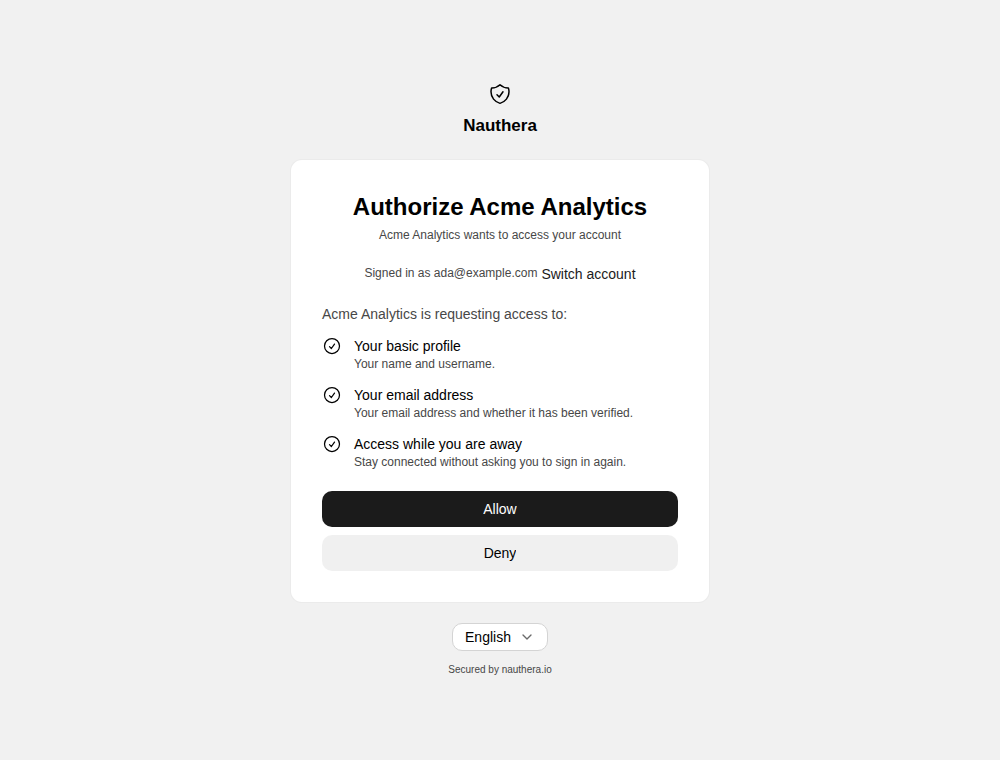
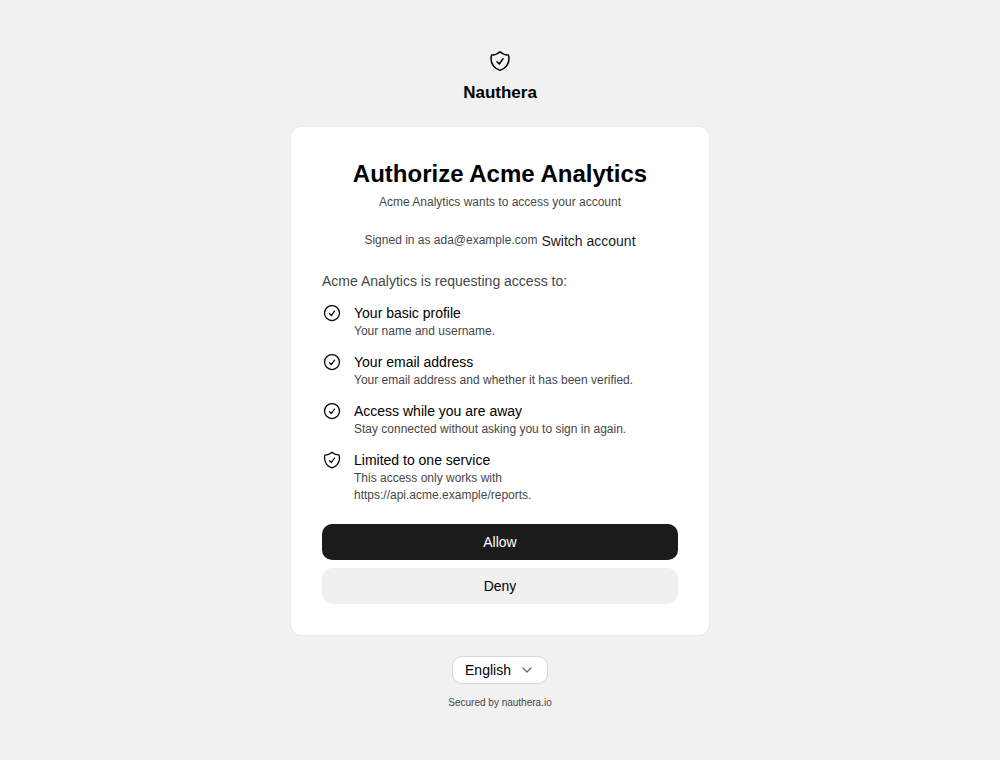
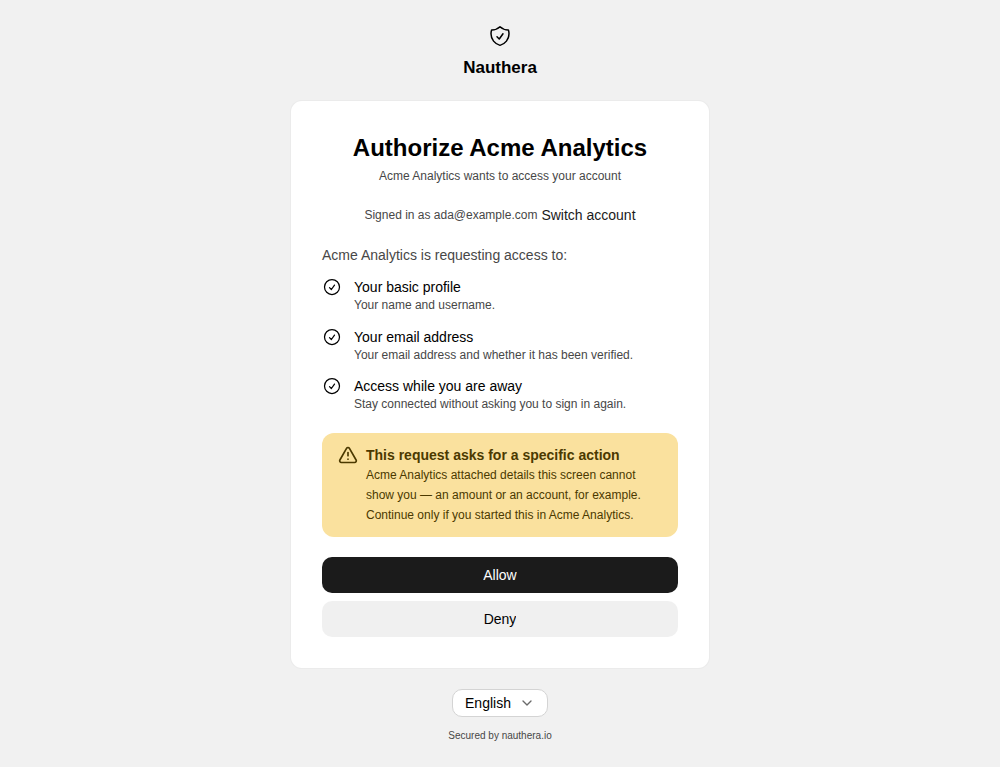
A request with prompt=consent, or one a client must ask for, shows /consent after the user is signed in. Everything on it comes from the server's reading of the validated request, never from the address bar: the application, the account, each permission, the service the access is limited to, and a warning when the request carries structured details the screen cannot show. See Sessions, Consent & Logout.
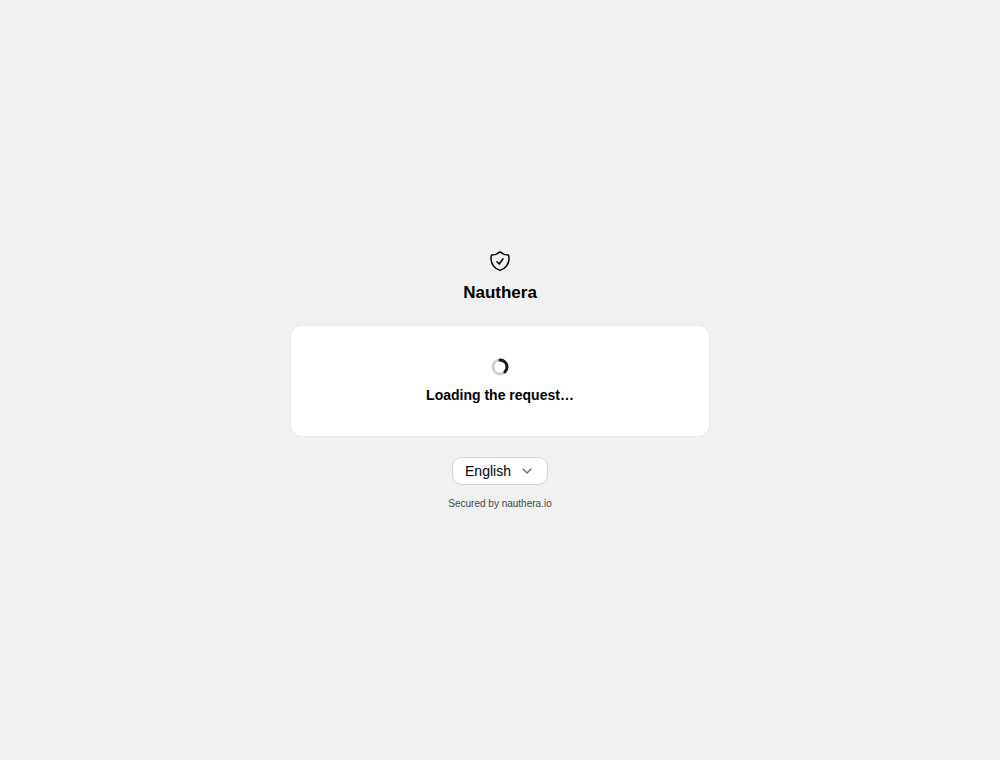
Loading the request…
Loading the request…Open in Storybook
Authorize the application: the account and each permission, with Allow and Deny
Authorize the application: the account and each permission, with Allow and DenyOpen in Storybook
Consent with the access limited to one service
Consent with the access limited to one serviceOpen in Storybook
Consent warning that the request asks for a specific action
Consent warning that the request asks for a specific actionOpen in Storybook

Allow returns a code to the application; Deny returns access_denied. A grant is remembered, so the same request is not asked again. A request the server can no longer describe shows no permission list at all, with Sign in to start over:
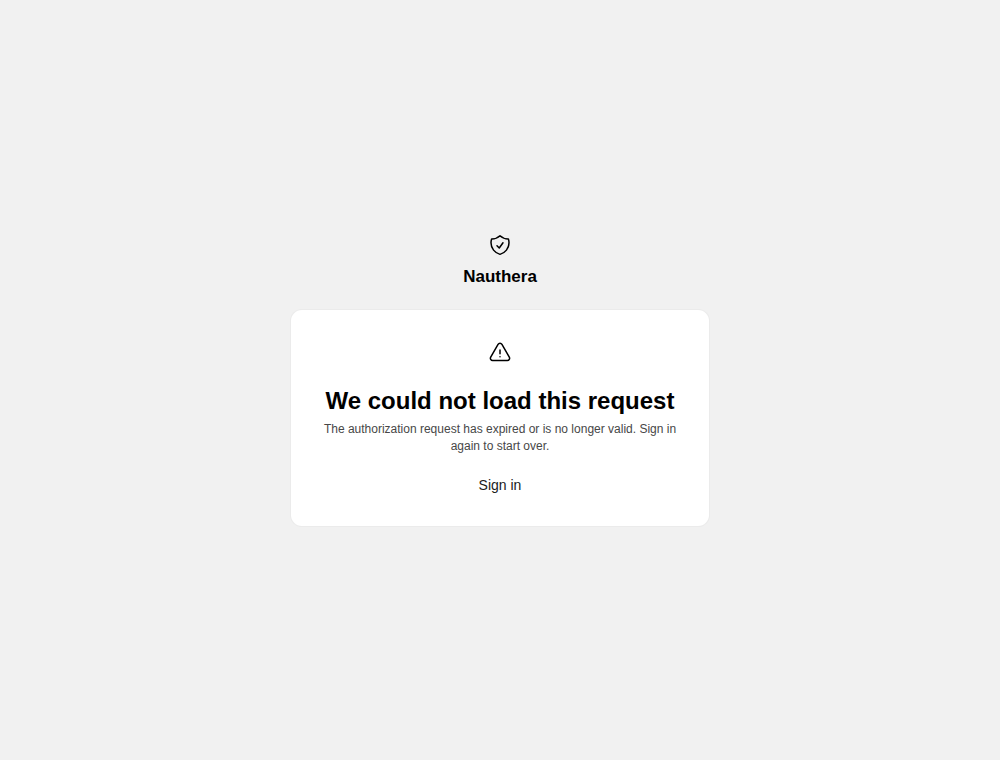
We could not load this request, with Sign in
We could not load this request, with Sign inOpen in Storybook

Connect a device

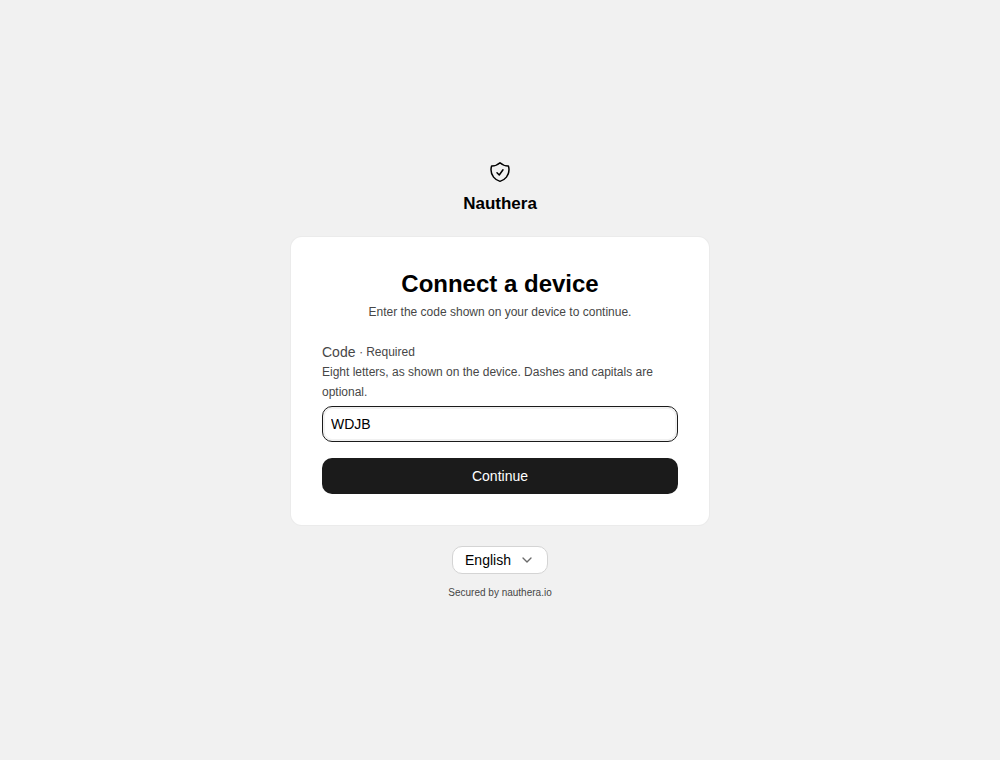
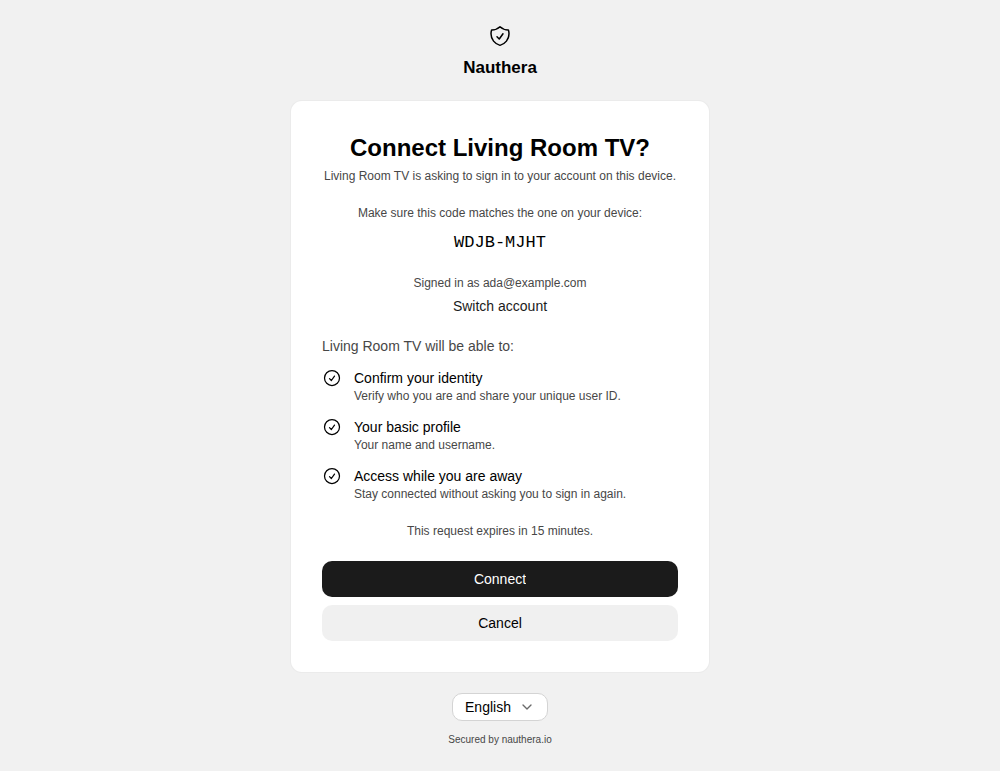
A device using the device flow (RFC 8628) shows a code and the address /device. The user opens it, signs in if needed, enters the code, and approves.
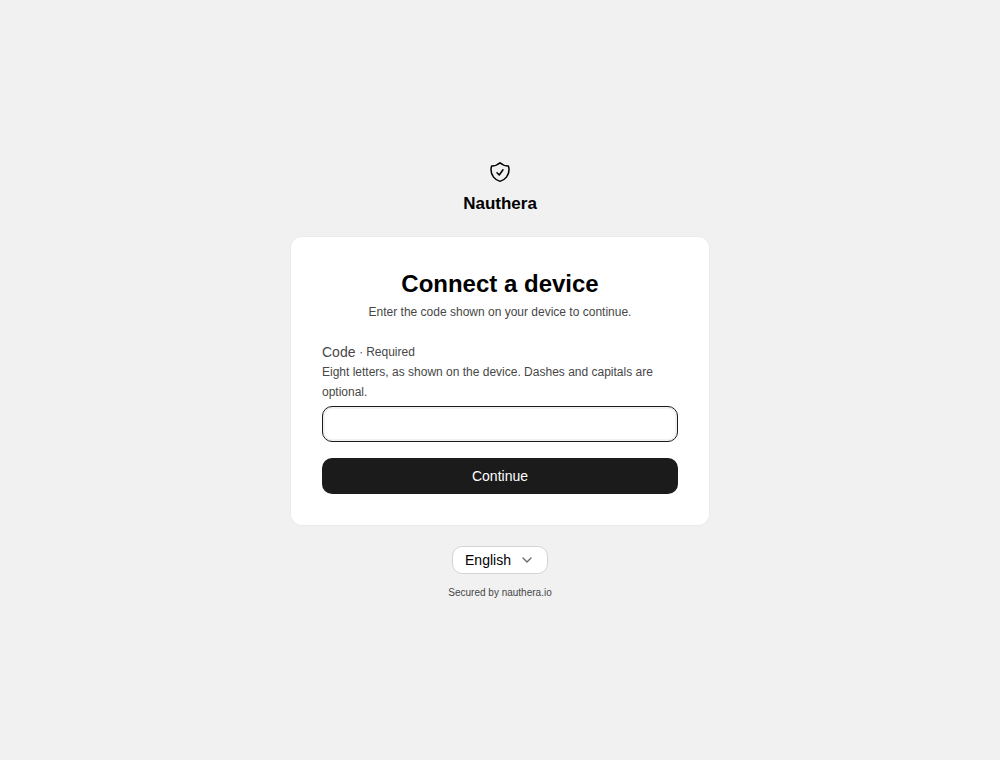
Connect a device: enter the code shown on your device
Connect a device: enter the code shown on your deviceOpen in Storybook
That code is not valid or has expired
That code is not valid or has expiredOpen in Storybook
Connect the device? The code to match, the account, the permissions and the expiry
Connect the device? The code to match, the account, the permissions and the expiryOpen in Storybook
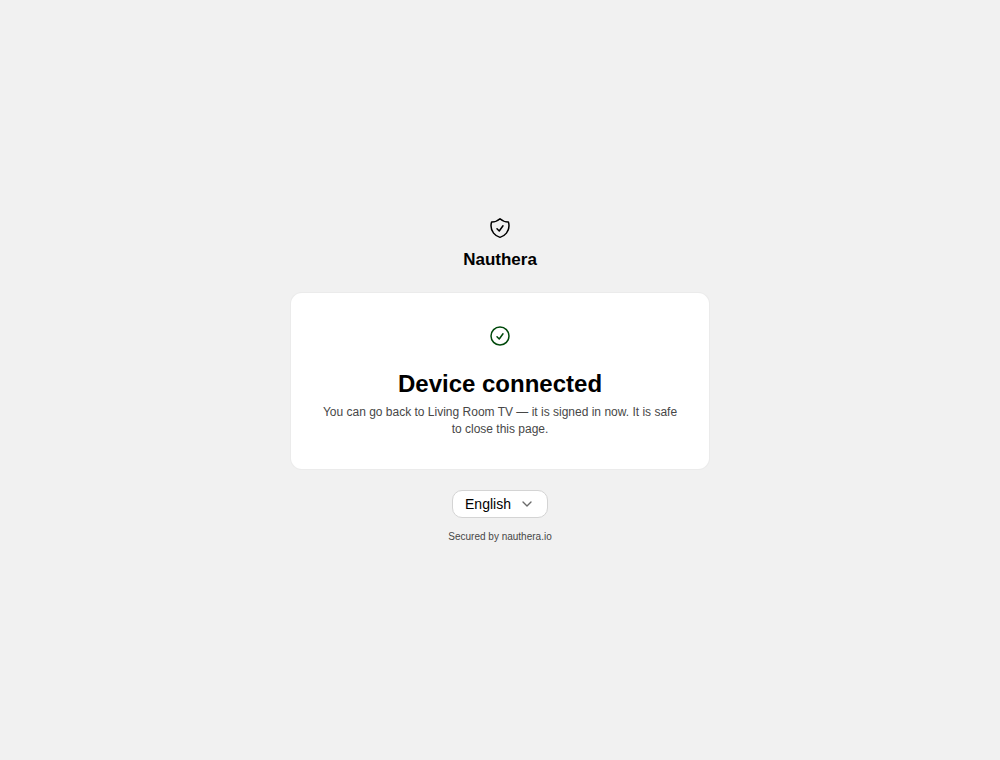
Device connected: you can go back to the device
Device connected: you can go back to the deviceOpen in Storybook
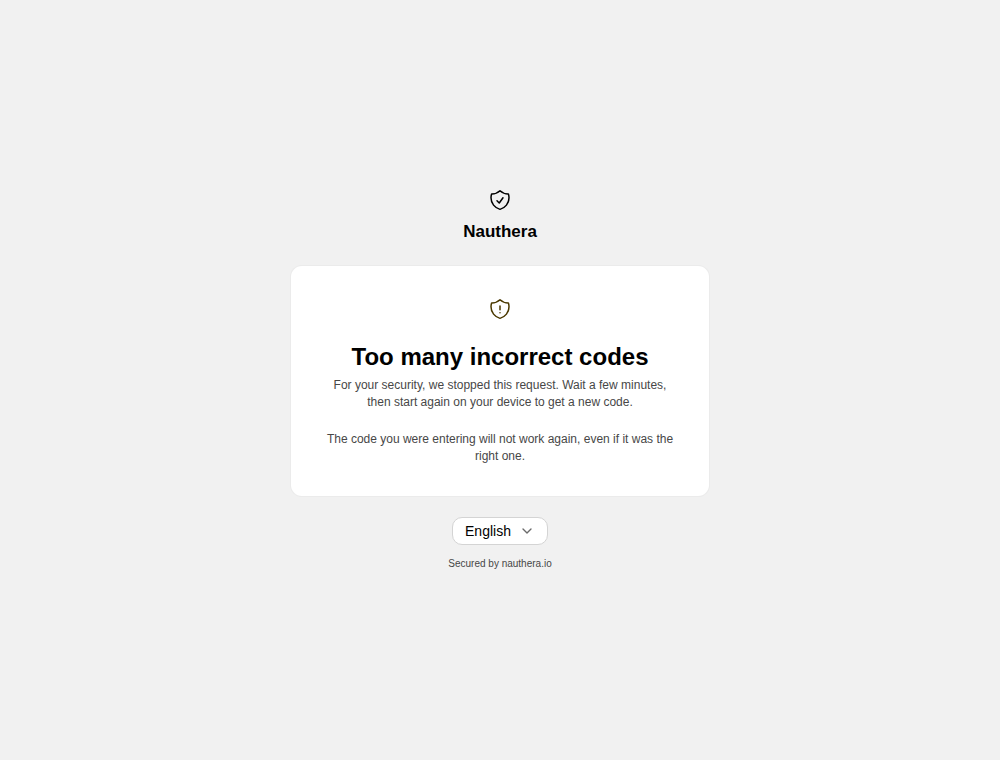
Too many incorrect codes: start again on your device
Too many incorrect codes: start again on your deviceOpen in Storybook

A device's own address can fill the code in. The approval names the account, with Switch account, and how long the request has left. Wrong codes are refused one at a time; too many stop the request, and the device has to start again.