Sign in with an email and password
Docs version v1 (main)Nauthera is pre-1.0, in a design-partner programUpdated
An application sends the user to /authorize. Without a session the server hands off to
/login, keeping the authorization request in the query. A successful sign-in goes back
through /authorize, which redirects to the application's redirect_uri with a code and
the application's state.
The screen
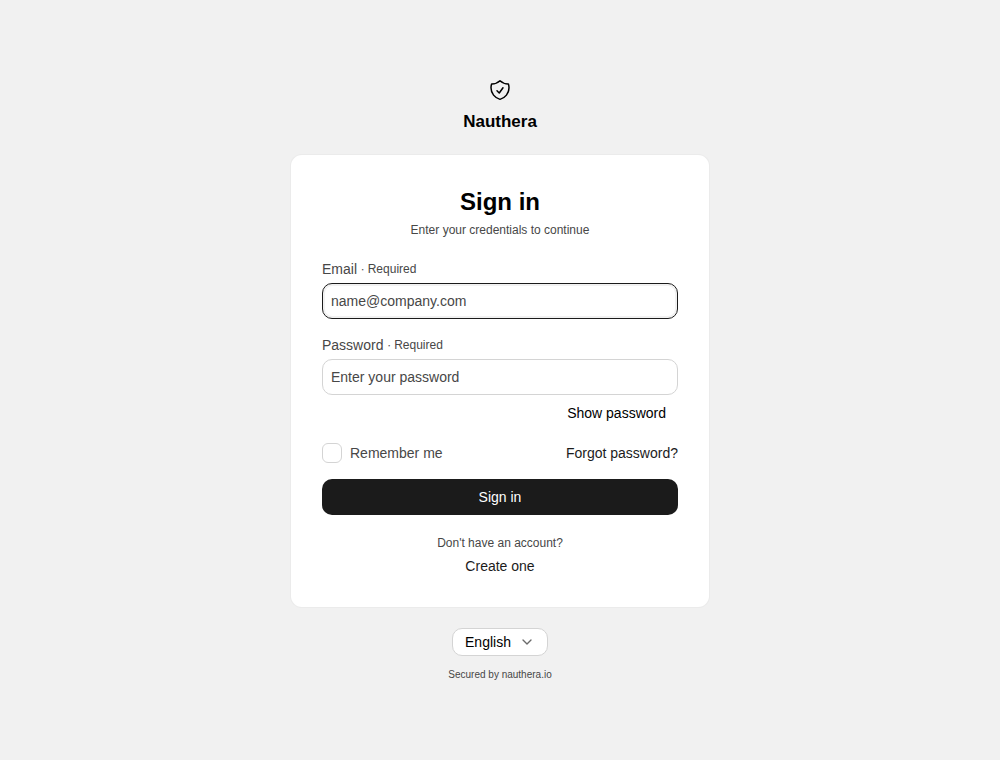
- Create one opens
/registerwhileauth.is on, and is absent while it is off, the default (Sign up). Forgot password? opensregistration. enabled /forgot-password. Both keep the application's request, and both screens link back. login_hintin the authorization request fills in the email address.- A session lasts as long as
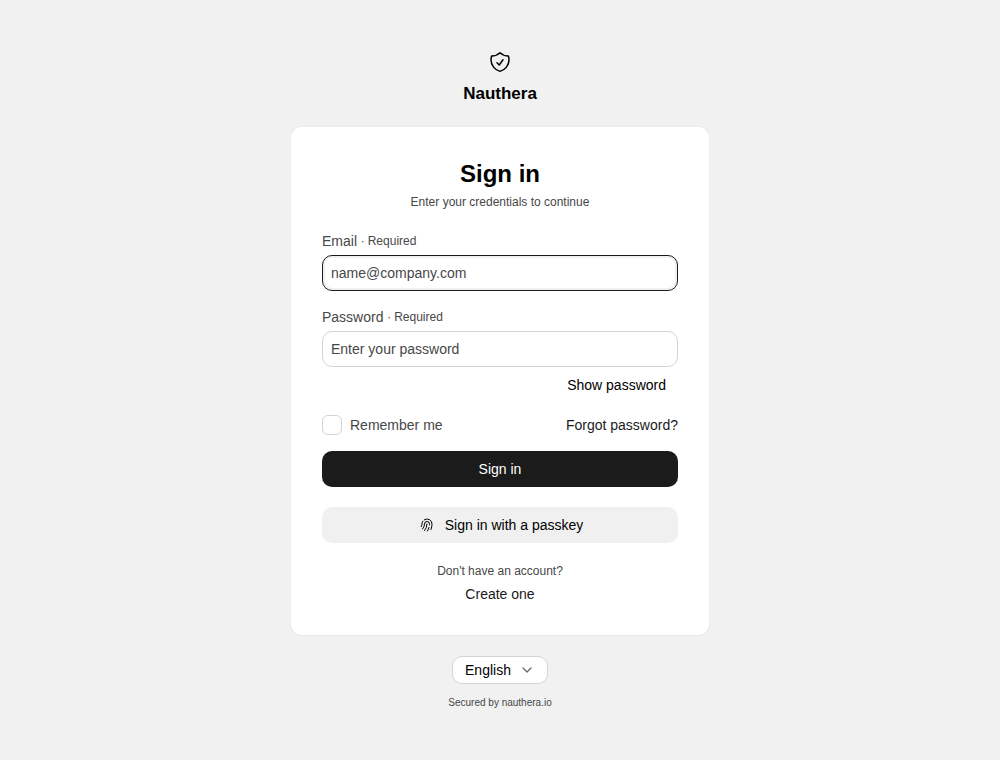
auth.session.idle_ttlandauth.allow, with Remember me ticked or not (Sessions).session. absolute_ ttl - Sign in with a passkey appears when passwordless sign-in is open and the browser can use passkeys (Passkeys).
- When the client offers an LDAP directory, the first field takes a username as well as an address (Username or email), and Forgot password? is left out: the directory holds those passwords.
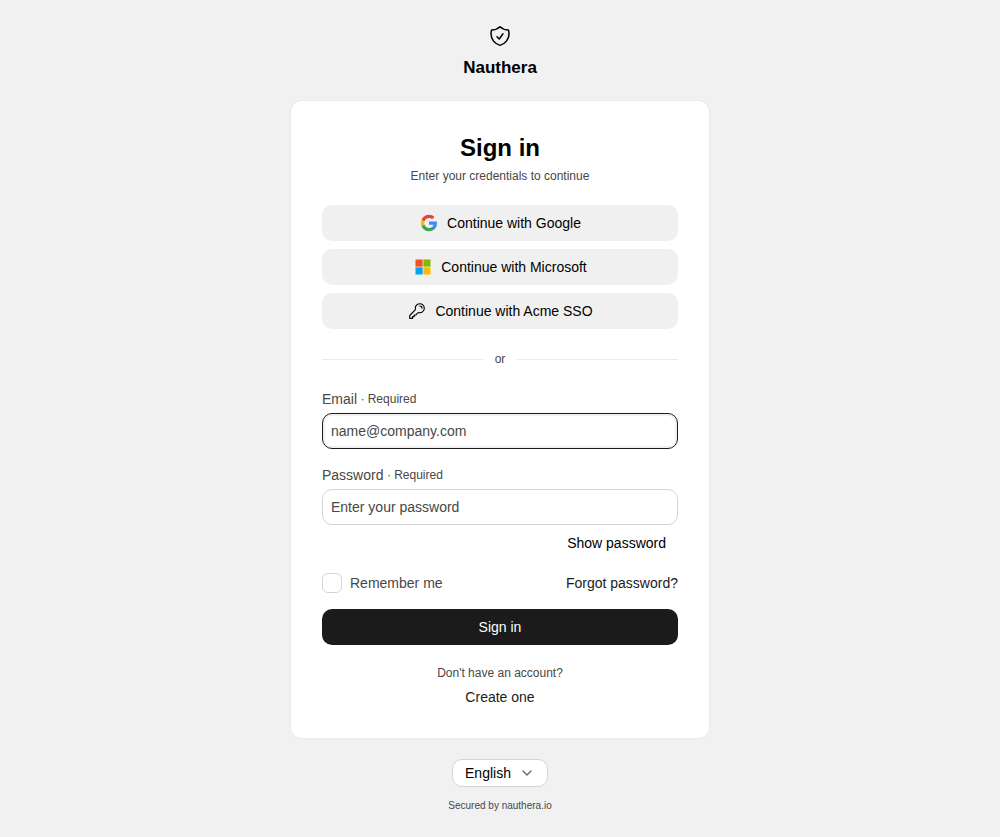
- Identity-provider buttons appear above the form for each provider the client offers (Social sign-in).
While it signs in
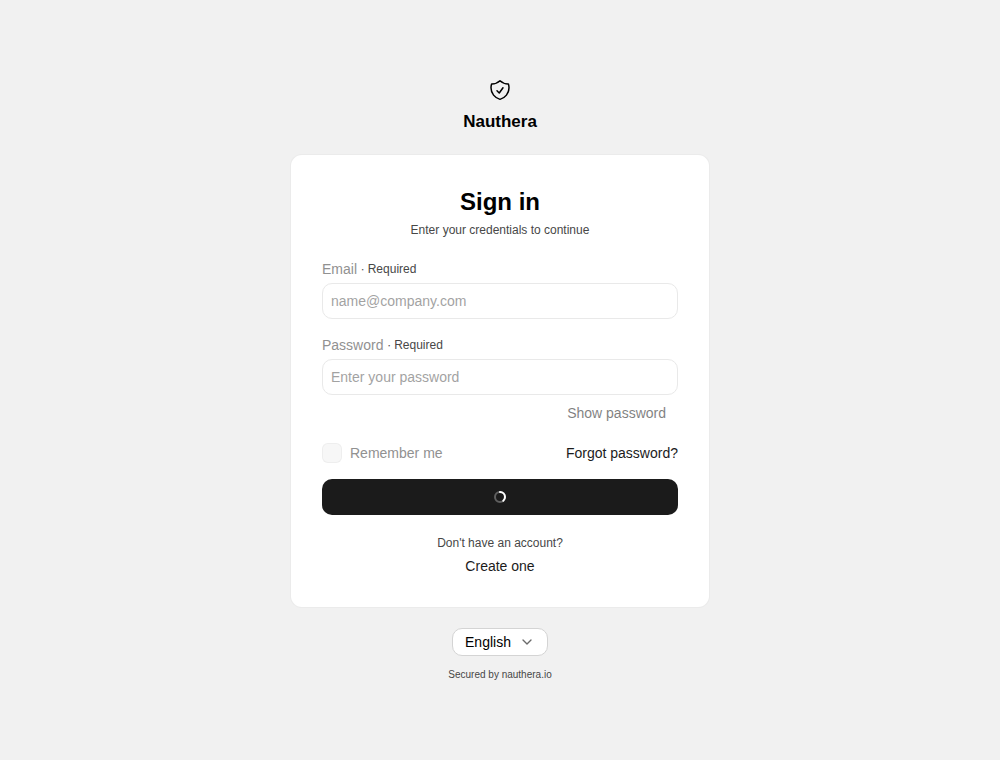
The Sign in button spins and every field and button is disabled until the server answers, so a double click sends one request.
When it does not work
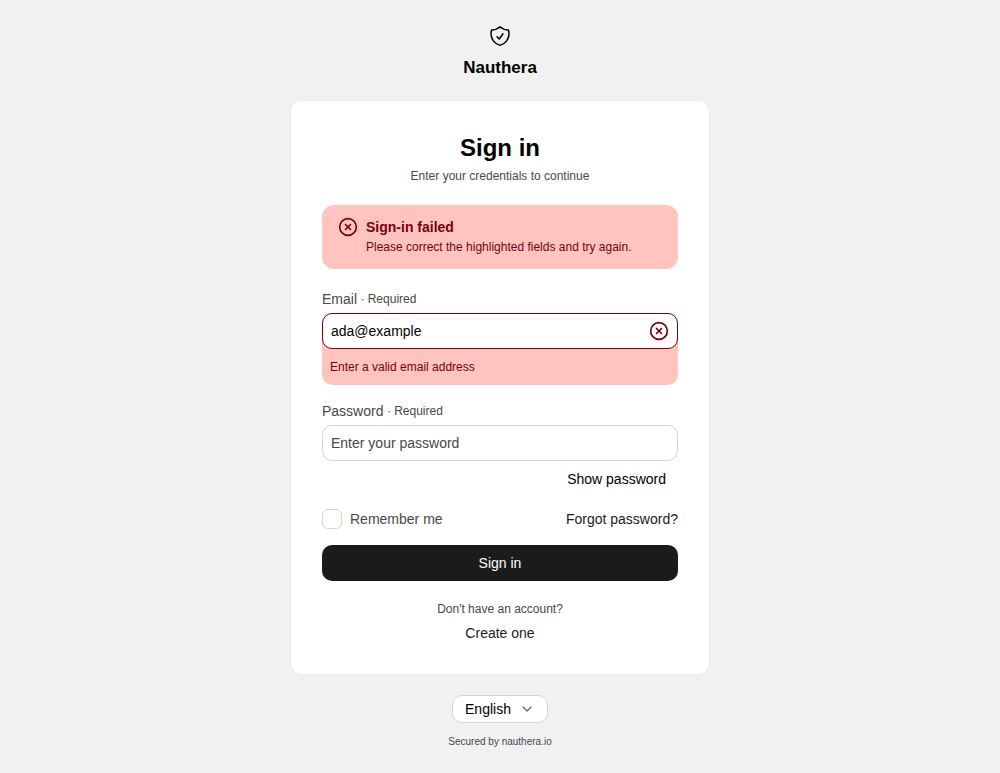
Before anything is sent. An empty field shows This field is required, and an address that is not one shows Enter a valid email address. Nothing reaches the server until both are valid.
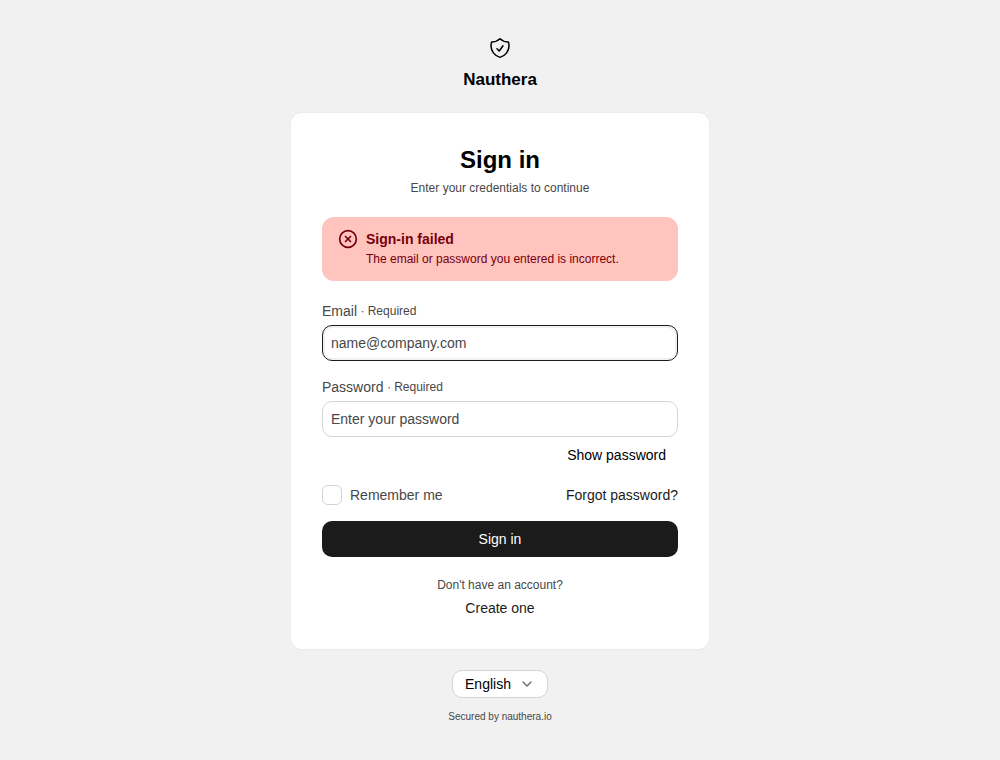
Wrong email or password. An unknown address gets exactly the same answer as a wrong password, The email or password you entered is incorrect., so the screen never reveals whether an account exists. The form stays filled in.
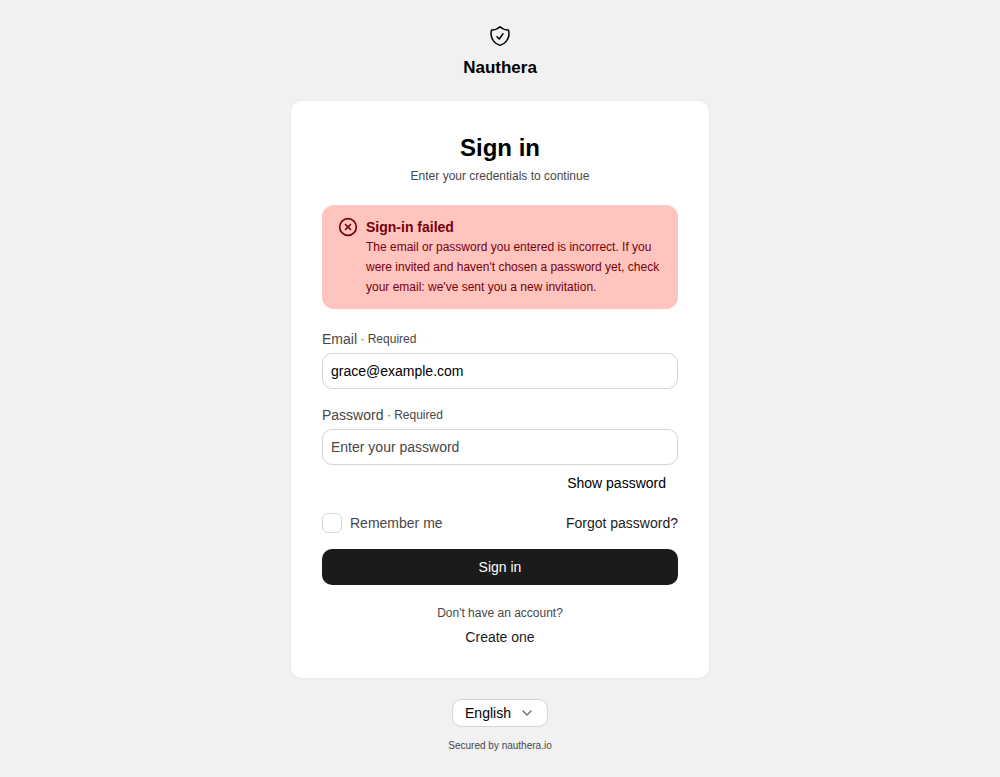
Invited, and no password yet. An account an administrator invited has no password until its owner chooses one, so every password is wrong for it. After answering, the server emails the account a new invitation, whose link returns to this application. The wrong-password banner on the password form adds If you were invited and haven't chosen a password yet, check your email: we've sent you a new invitation. It is shown for every refused password, so it reveals nothing about the address. A failed passkey does not show it.
The server or the network fails. A server error, a lost connection or an unexplained failure is a banner on the form; an unexplained one carries a reference ID for an administrator. The form keeps what was typed, and submitting again works once the problem is gone.
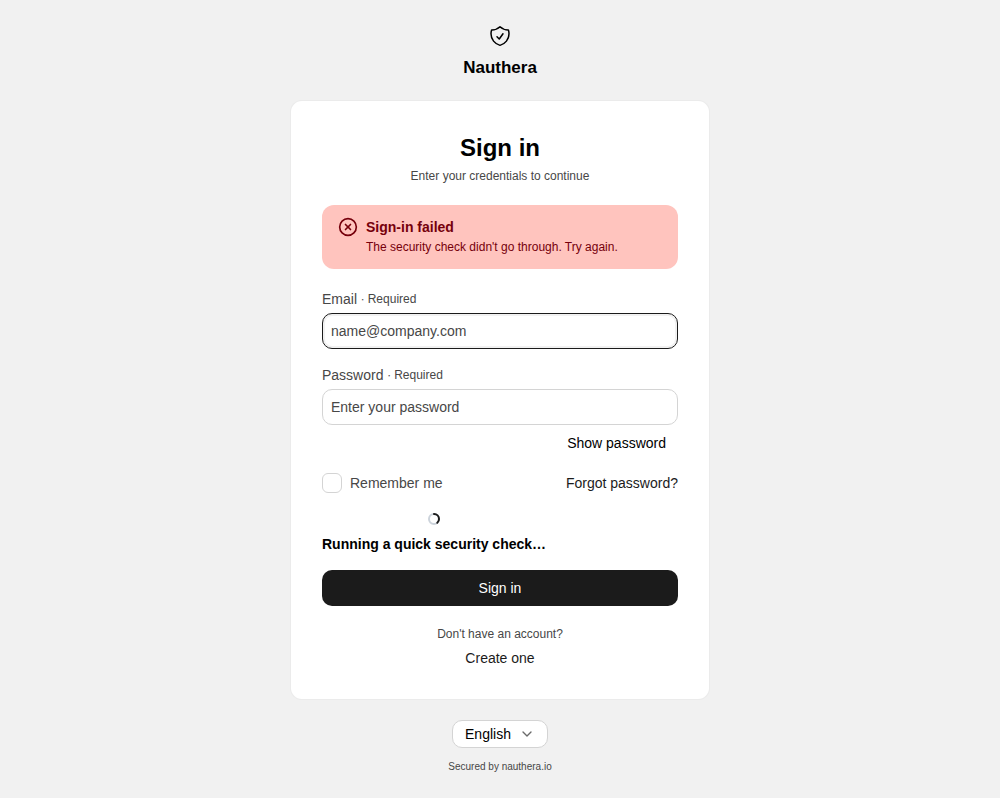
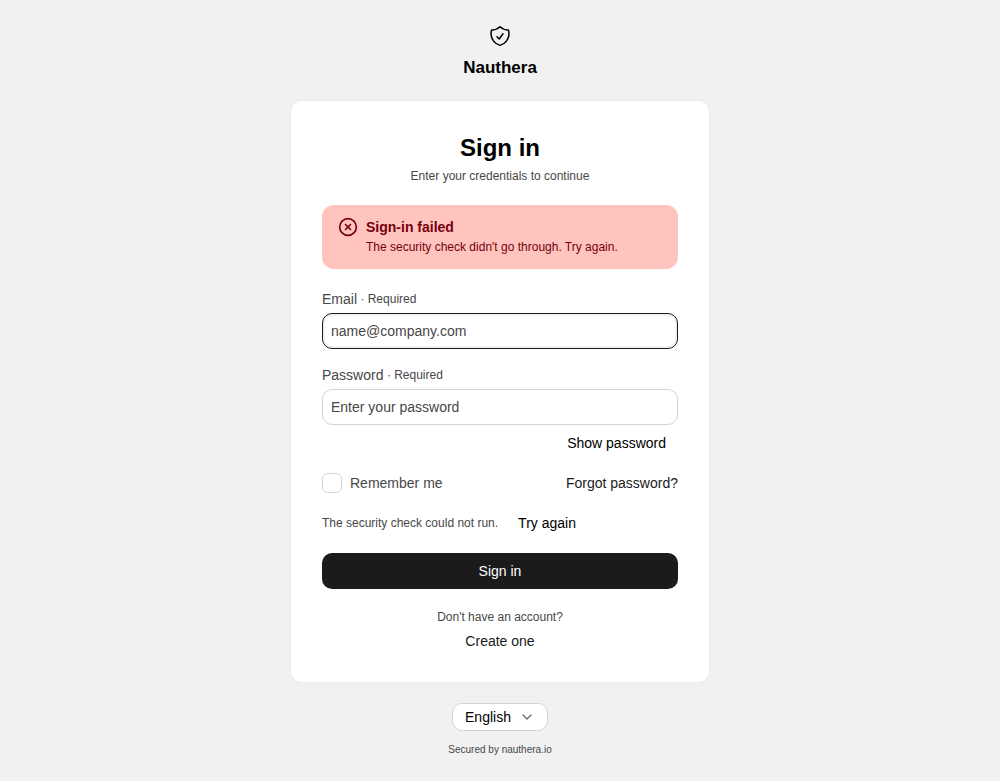
A captcha. A person signs in without one. Once the address typed, or the caller's IP,
has failed auth. times recently (3 by default; 0 never asks), the
server refuses the sign-in until a captcha is solved, and from then on the page solves one
with every attempt. The default provider, altcha, is a built-in proof-of-work that runs
in the browser without the user doing anything and calls no third party. A hosted provider
(turnstile, hcaptcha or recaptcha) shows its widget above the button. Either way a
failed check says so and offers to try again. auth. turns the
captcha off.
Throttles and lockout
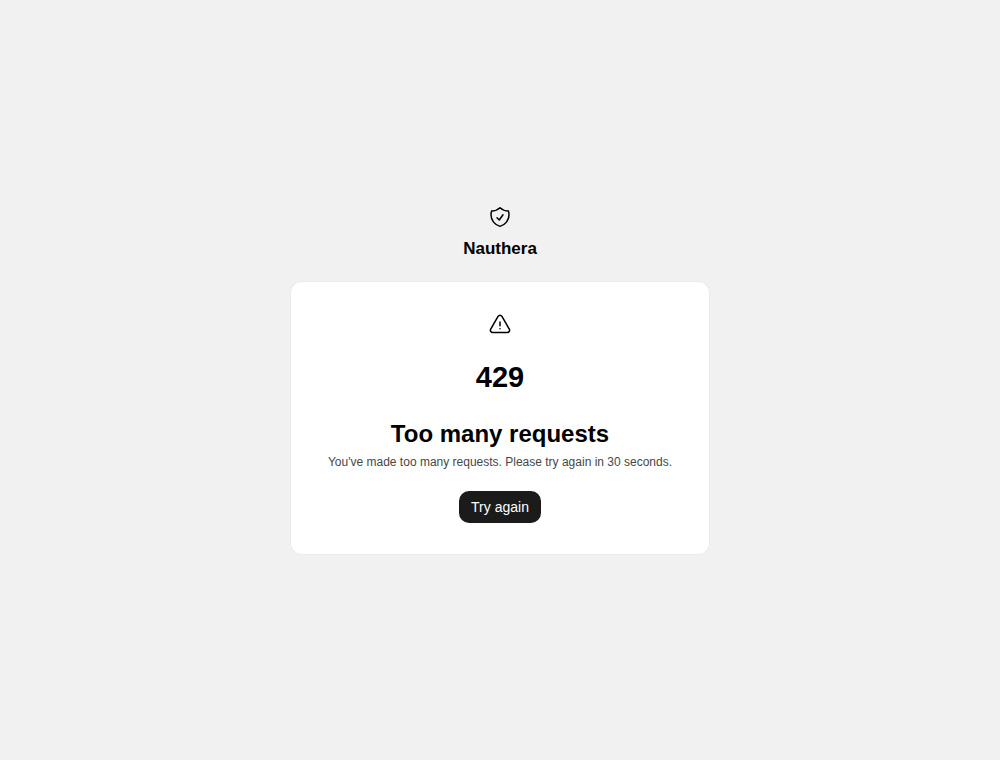
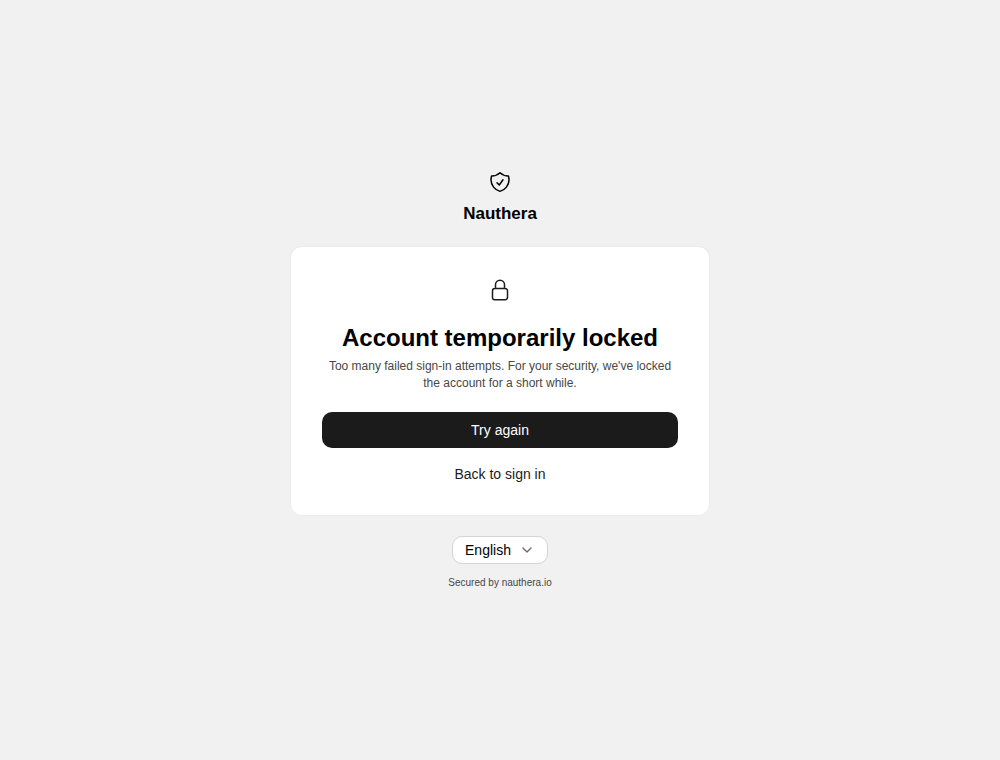
After auth. wrong passwords (5 by default) the account
locks. With auth. off, the default, a locked account looks like
a throttle, so the screen says nothing about whether the account exists; the right password
does not open it either. With it on, the user lands on /account-locked, which offers
Try again and Back to sign in; it does not say when the lock lifts. See
Rate Limits & Lockout.
With reveal_lockout on, an account an administrator suspended or blocked gets, after the
right password, a banner on the form: This account is unavailable. Contact your
administrator. With it off, the default, it is answered like a wrong password.
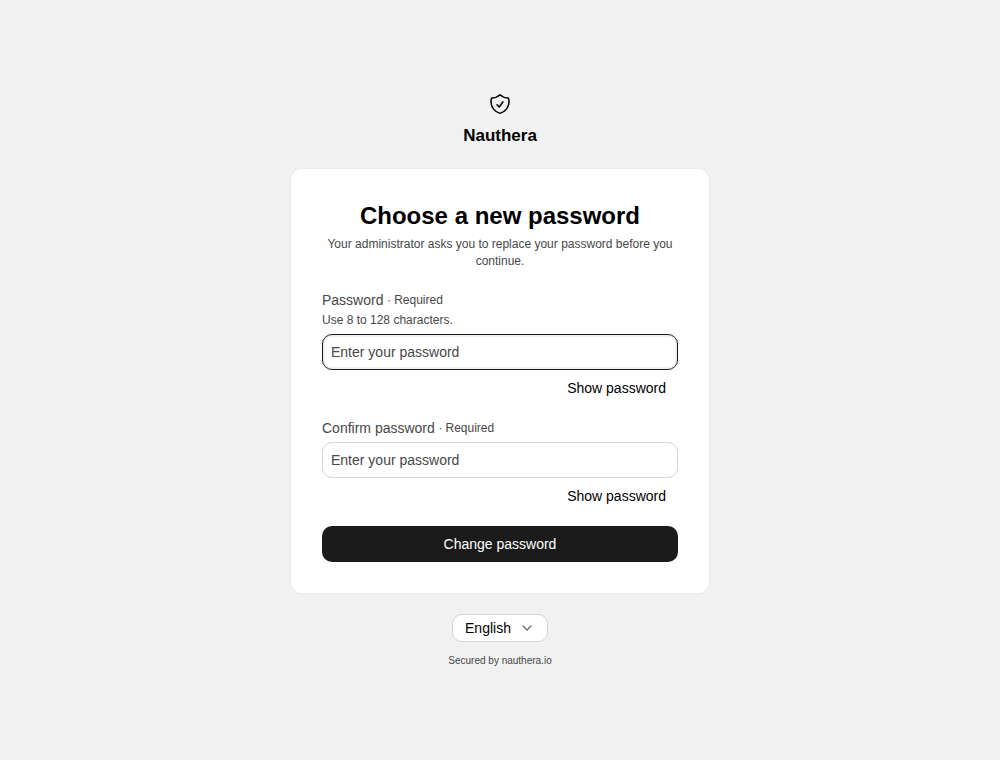
A new password is required
An administrator can require a user to replace their password
(POST /). The next password sign-in, once
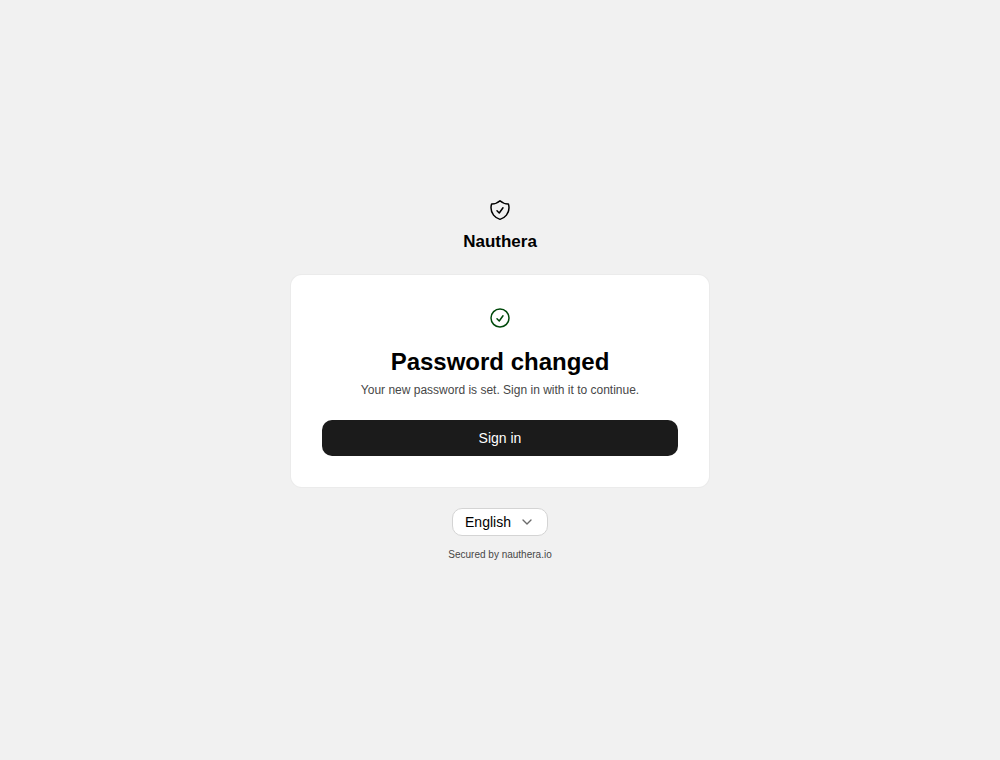
the password and any second factor are proven, ends on /change-password instead of in a
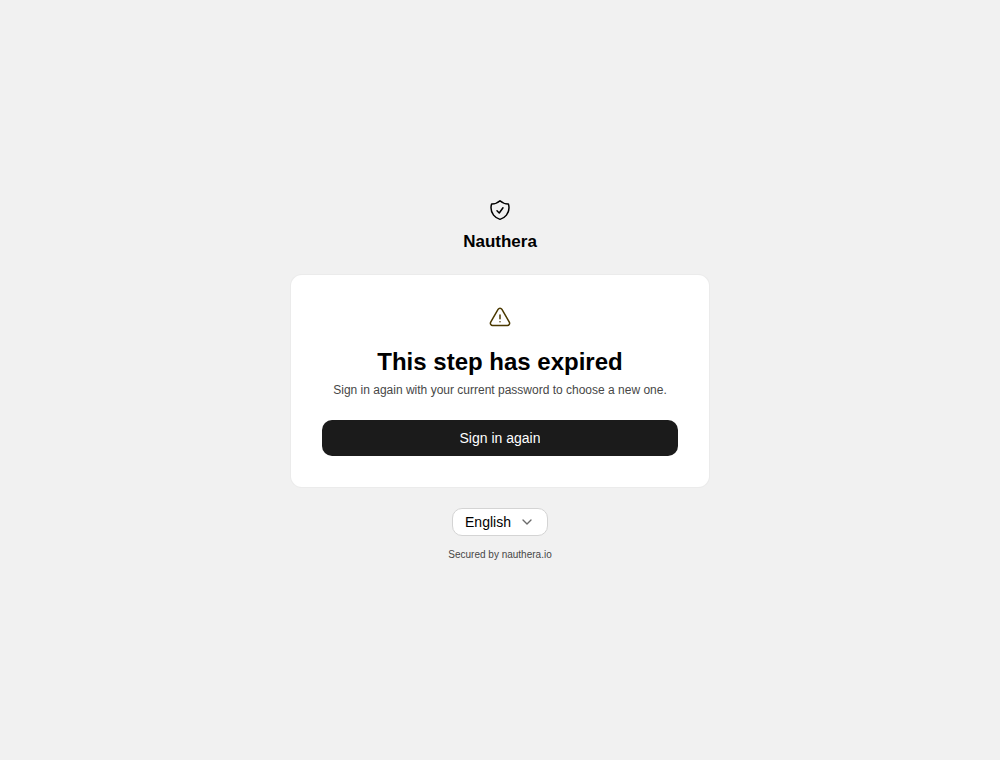
session. Setting the new password works like a reset,
and the user then signs in with it. A step that lapsed says so, with Sign in again. A
sign-in through an identity provider is not affected.
Single sign-on and prompt=login
A browser that already holds a session goes from /authorize straight back to the
application; /login never shows. prompt=login in the authorization request asks for the
password again even then.
Pages around sign-in
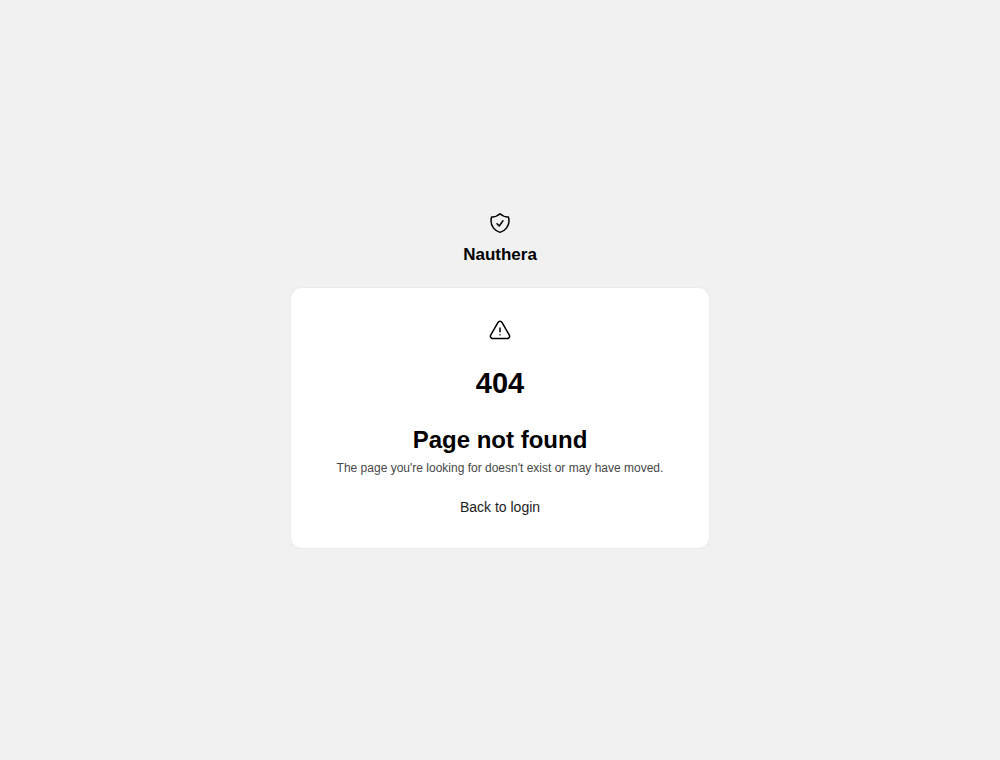
/with an authorization request in the query forwards to/loginwith it./loginanswers404unless its URL names a registered client, or continues one of the server's own screens such as/device: a sign-in that continues nothing has nowhere to go. Without aclient_idit shows Page not found with the way back to the app.- An unknown page shows Page not found with Back to login to the application's sign-in.