Sign-in Experience
Docs version v1 (main)Nauthera is pre-1.0, in a design-partner programUpdated
Users authenticate on a hosted UI that is compiled into the server binary. It is a React
single-page app (TanStack Router, built with bun and Vite) embedded with go:embed and
served from the public listener's root. You deploy nothing extra to get it.
Screens
| Route | Screen | Backed by |
|---|---|---|
/login | Sign-in with email and password (answers 404 unless it names a registered client) | POST /v1/auth/sign-in |
/register | Self-registration (works only when auth. is on) | POST /v1/auth/register |
/forgot-password | Ask for a password-reset link | POST / |
/reset-password | Set a new password from a reset link | POST / |
/verify-email | Follow an address-verification link | POST / |
/consent | Consent to the scopes a client asks for | /v1/auth/consent, / |
/device | Enter, approve or deny a device user code | /v1/auth/device/verify, /v1/auth/device/decision |
/change-password | Set a new password an administrator required, after the password and any second factor | POST / |
/accept-invitation | Choose a first password from an administrator's invitation | POST / |
/passkey | Sign in with a passkey alone | /v1/auth/passkey/options, /v1/auth/passkey/verify |
/mfa | Second-factor challenge: an authenticator code, an emailed code or a passkey | /v1/auth/mfa/totp/verify, /v1/auth/mfa/email/send, /, / |
/mfa/recovery | Sign in with a recovery code | / |
/mfa/setup | Second-factor enrolment (method chooser, TOTP, emailed code, passkey) and recovery codes | /v1/auth/mfa/totp/*, /, /, / |
/logout | Sign out and confirm an RP-initiated logout | /v1/auth/sign-out, /v1/auth/logout/confirm |
/account-locked | Shown for a soft-locked account, only when auth. is on | — |
/return | Sends the user back to their application when a flow no longer names one | — |
/authorize sends the browser here whenever it needs the user, and the UI returns to
the authorization flow when it is done. Error screens cover interrupted flows, unknown
pages and server errors. When the server's answer carries a request ID, the error screen
shows it as a reference ID with a copy button. An administrator can look that ID up on
the dashboard's troubleshooting page to find the audit records of the failed request.
The sign-in screen links to /forgot-password, and to /register only while
auth. is on. It is off by default; then the sign-in screen offers no
way to register and /register says sign-up is closed. The switch is server-wide: it
opens or closes sign-up in every organization at once; there is no per-organization
switch.
/login answers 404 unless its URL names a registered client, or continues one of the
server's own screens such as /device: a sign-in that continues nothing has nowhere to go.
Without a client_id it shows Page not found. A flow that finishes without naming an
application, such as a federated sign-in that came back after it lapsed or a sign-up from a
bare /register link, is sent to /return, which tells the user to go back to the app
they came from and sign in there.
Every flow through these screens, with its loading and error states and a screenshot of
each, is in Sign-in Flows. Passkeys are served when
mfa.passkey.rp_id is set (Passkeys).
Not available. A self-service account page for managing MFA does not exist. The server endpoints for MFA status, disabling TOTP and regenerating recovery codes are implemented, but no screen calls them.
Password reset and address verification
Both work by an emailed, single-use link, so both need an email relay for the user's organization. Without one, nothing is sent.
Password reset. The user enters an address on /forgot-password. The server answers
202 and the screen confirms in the same way whether or not the address has an account:
the account is looked up, and the link queued, after the response. A link is sent only to
an account that may sign in. It opens /reset-password on the organization's issuer with
the token in the URL fragment, which never reaches a server log or a Referer; the page
removes it from the address bar. A link requested while signing in to an application
carries that authorization request, so Sign in after the reset resumes it. Setting a
new password:
- spends the link and every other reset link the account holds,
- retires every refresh token the user was issued until then, whatever client or flow it came from (device-flow grants, which belong to no session, included),
- ends all of the user's sessions, telling each application that took part over back-channel logout, and any sign-in in progress,
- clears a soft lock from failed sign-ins, and
- marks the address verified, when the link went to the account's current address.
A link that has expired or was already used gets its own screen, with a way to ask for a new one.
Address verification. /verify-email spends the link on load and shows whether it
worked. A link verifies only the address it was sent to: if the account's address changed
since, it verifies nothing. A verified address is published as email_verified: true in
tokens and UserInfo. An organization can require a verified address before sign-in
completes: orgs. for the main organization,
spec. on an Organization
resource, or email_ in the admin API. There, signing up or signing
in with an unverified address (only after the right password) creates no session: it sends
a link and lands on /verify-email, which can send another; a link is requested with
POST /, which answers 202 whatever it comes to. An account
whose address is already verified is sent nothing. A link sent while signing in to an
application carries that request, so Continue after verifying returns to its sign-in.
Unless auth.captcha.provider is none, asking for a reset link or another verification
link solves a captcha first, as sign-up does. The built-in altcha proof-of-work is the
default (Sign in).
| Key | Default | Meaning |
|---|---|---|
auth. | 30m | How long a reset link works (1m to 24h) |
auth. | 3 | Reset links one account is sent per validity window |
auth. | 24h | How long a verification link works (1m to 7 days) |
auth. | 3 | Verification links one account is sent per validity window |
Requests beyond max_requests send nothing and are answered the same. Every request
also counts toward the per-IP sign-in throttle (auth.brute_force.ip_*). Requests,
completions and refusals are recorded as auth.password_reset.* and
auth. audit events.
New-sign-in alerts
The server remembers the browsers and networks each user signs in from. A browser is recognized by a random marker in a long-lived, HttpOnly cookie; a network is the address's /24 (IPv4) or /48 (IPv6). Only digests are stored, at most 20 of each per user, and an entry unused for 180 days is forgotten. Administrators see a user's known browsers and networks in the admin API and the dashboard.
When a password sign-in, a second-factor step or a registration that signs the user in
comes from a browser or a network the user has not used before, the user is emailed
an alert. It names the time, the browser, the IP address and, with an optional
IP geolocation database, the city and
country. Its button links to the organization's /forgot-password page, so a user who
did not sign in can reset the password, which also ends every session. There is no alert:
- on an account's first recognized sign-in, when there is nothing to compare it with,
- for a browser that already caused an alert in the last 24 hours,
- for a user without an address, or an organization without an email relay.
The alert never delays or fails the sign-in. Each one queued is recorded as
auth.sign_in.alerted.
Account status
An administrator can set an account to active, suspended (optionally until a given
time) or blocked. A suspended or blocked account cannot sign in: the status is checked
at the password step and again when the second factor is entered, so suspending a user
mid-sign-in stops it. With auth. off, the default, such an
account is answered exactly like a wrong password. With it on, and only after the right
password, the screen says the account is unavailable and to contact an administrator.
The status is also checked on every token grant: see
Tokens & Sender Constraint. A suspended account also
receives no reset or verification link.
Languages
The UI is translated into English, German and French. It chooses the language in this order:
- the OpenID Connect
ui_localesparameter of the authorization request (the first supported tag), - a
lngorlangquery parameter, - a choice the user made in the language menu, remembered in the browser,
- the browser's languages.
If none of those is supported, it uses English. Tags match on the base language, so
de-CH picks German. The server does not read Accept-Language to choose the UI's
language, only an email's, and discovery does
not advertise ui_locales_supported.
Sessions
A successful sign-in creates a durable login session held in a __Host- prefixed
cookie (auth.session.cookie_name, default nauthera_session). The session has an
idle lifetime (auth.session.idle_ttl, 12h) and an absolute lifetime
(auth., 24h). The sign-in screen shows a Remember me checkbox, but
the server ignores it: every session gets the same idle and absolute lifetimes. Sessions
belong to one organization and are never shared across organizations. Cookie naming,
consent and logout are covered in Sessions, Consent & Logout.
Sign-in has two layers of defense:
- Throttles: a per-IP limit on all sign-in attempts and a per-identifier limit on
failed ones (
auth.brute_force.ip_*andidentifier_*). - Durable soft lock: a per-account lock after
max_failed_attempts(5) failures, lastinglockout_duration(15m). Backoff is on by default: each further failure doubles the next lock, up tolockout_max(1h). Settinglockout_backoffto false turns it off.
By default the UI does not reveal that an account is locked (reveal_lockout: false).
Defaults and responses are in Rate Limits & Lockout.
Branding
The UI is branded at two levels. An organization can set a default brand that every
sign-in page under it wears, and an OAuth client can set its own, stored against
(issuer, client_id). When the server serves a page it lays the client's document over the
organization's, key by key at every depth (a list replaces the default's whole), and
injects the result into the HTML. A client with no brand of its own wears the
organization's; with neither, the page gets the neutral theme. With cache.enabled on,
which an issuer that is not loopback requires, each lookup, hit or miss, is cached for
30 seconds, so a changed brand can take that long to appear. The UI then applies the brand
with the Astryx design system's defineTheme.
| Field | Purpose |
|---|---|
productName | Product name shown in the header |
logoUrl | Header logo: an https URL or an inline data:image/ URI |
faviconUrl | The tab and bookmark icon: an https URL or an inline data:image/ URI. Without one the browser shows the Nauthera icon the server ships. |
mode | Default colour mode: system, light or dark |
layout | centered (default) or split with a hero pane |
hero | Hero content for the split layout: eyebrow, heading, subheading, imageUrl, side |
companyName, appName | Footer copyright holder; "Continue to …" label |
supportUrl, termsUrl, privacyUrl | Footer links (http or https) |
fonts | Up to 8 https stylesheet URLs on Google Fonts (fonts.googleapis.com, fonts.gstatic.com). The server refuses an entry on any other host, naming the field. |
theme | An Astryx defineTheme input by the design system's own names: color, typography, radius, motion, syntax, tokens, localTokens, components, onDark, onLight and adaptations. The UI sets extends and icons itself. |
The same sign-in screen in each of the example brandings nauthera-server's Storybook
ships, light and dark. Each is one Branding document; the
Branding resource page shows them as manifests, and
Customize the sign-in UI walks through making your own.
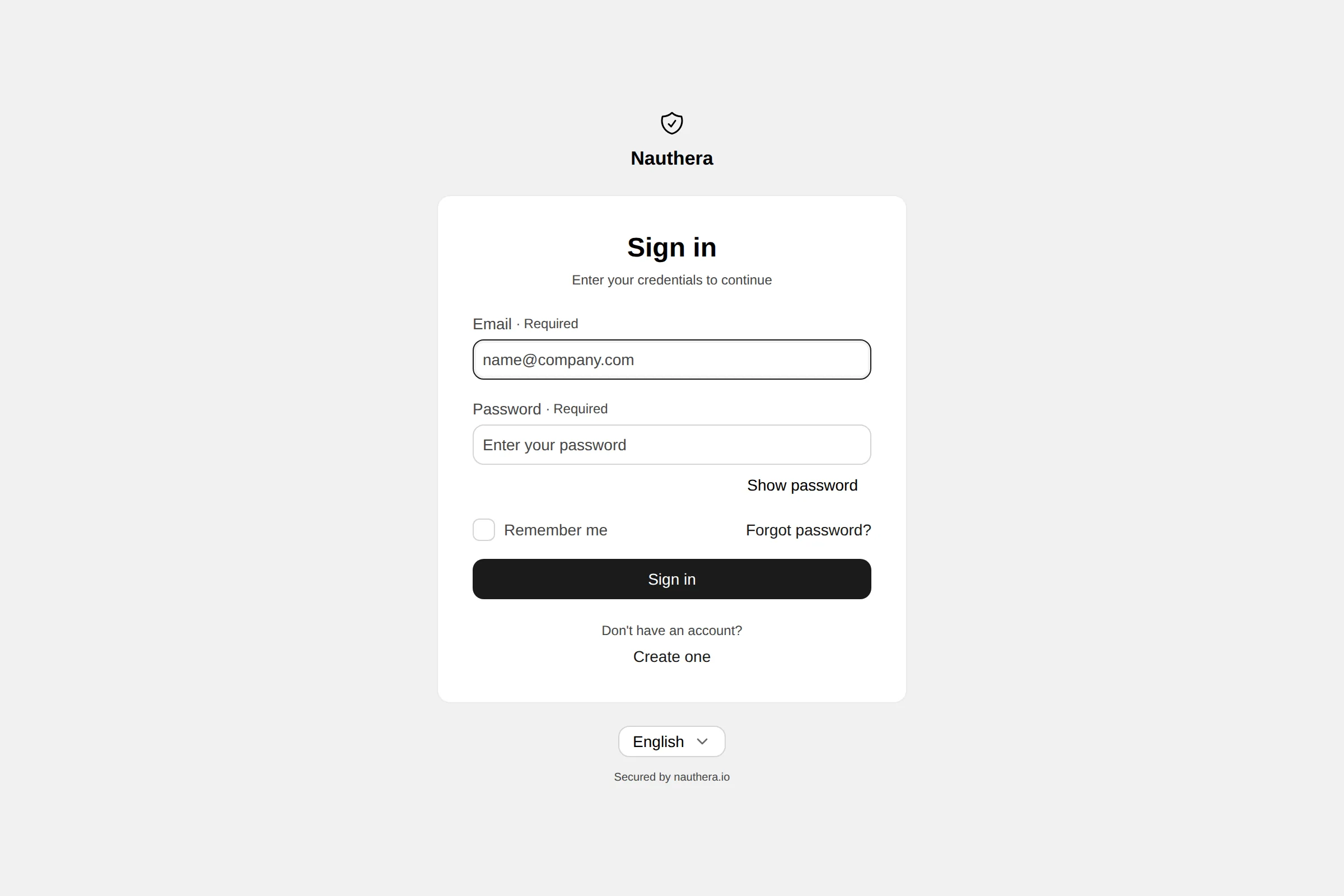
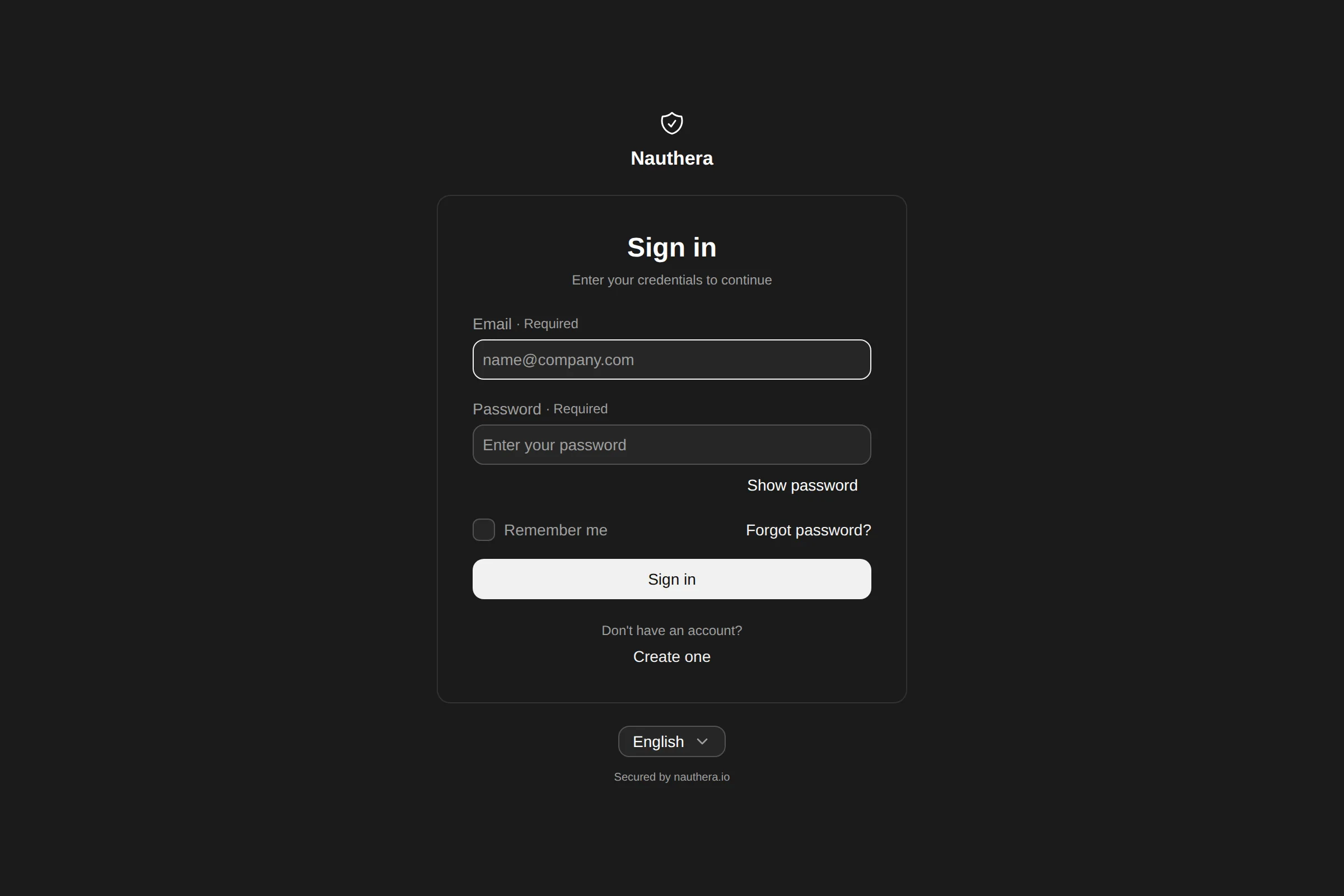
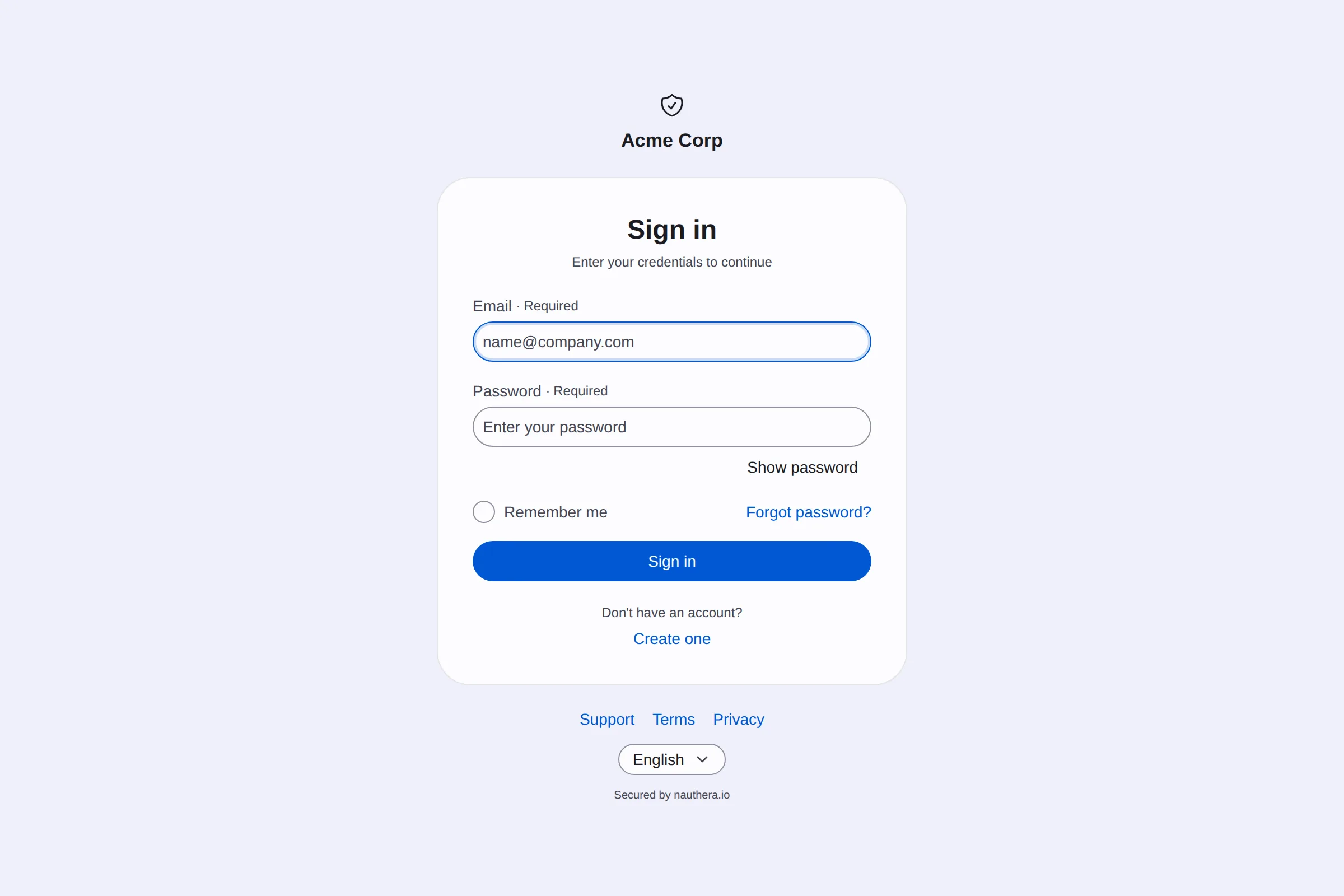
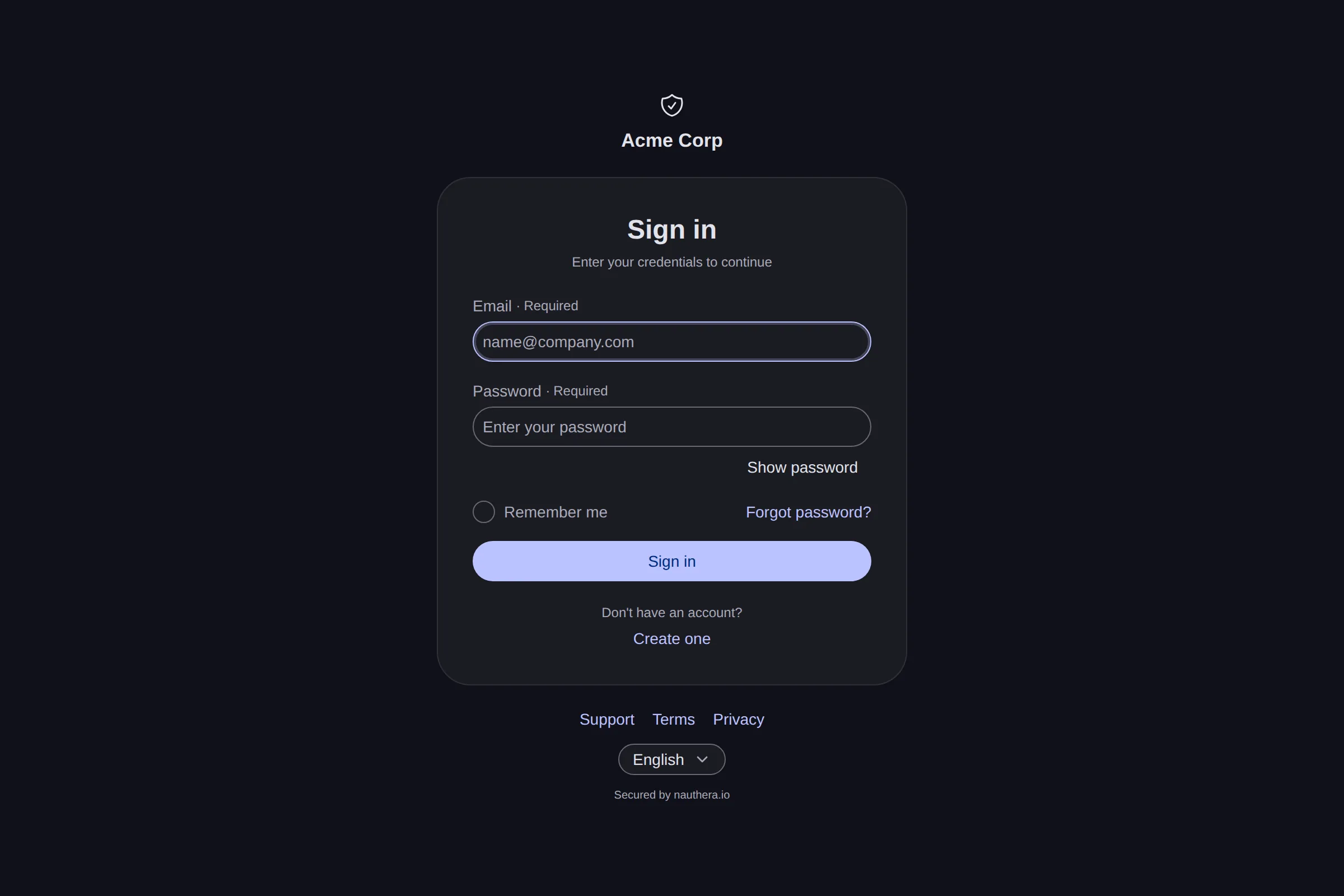
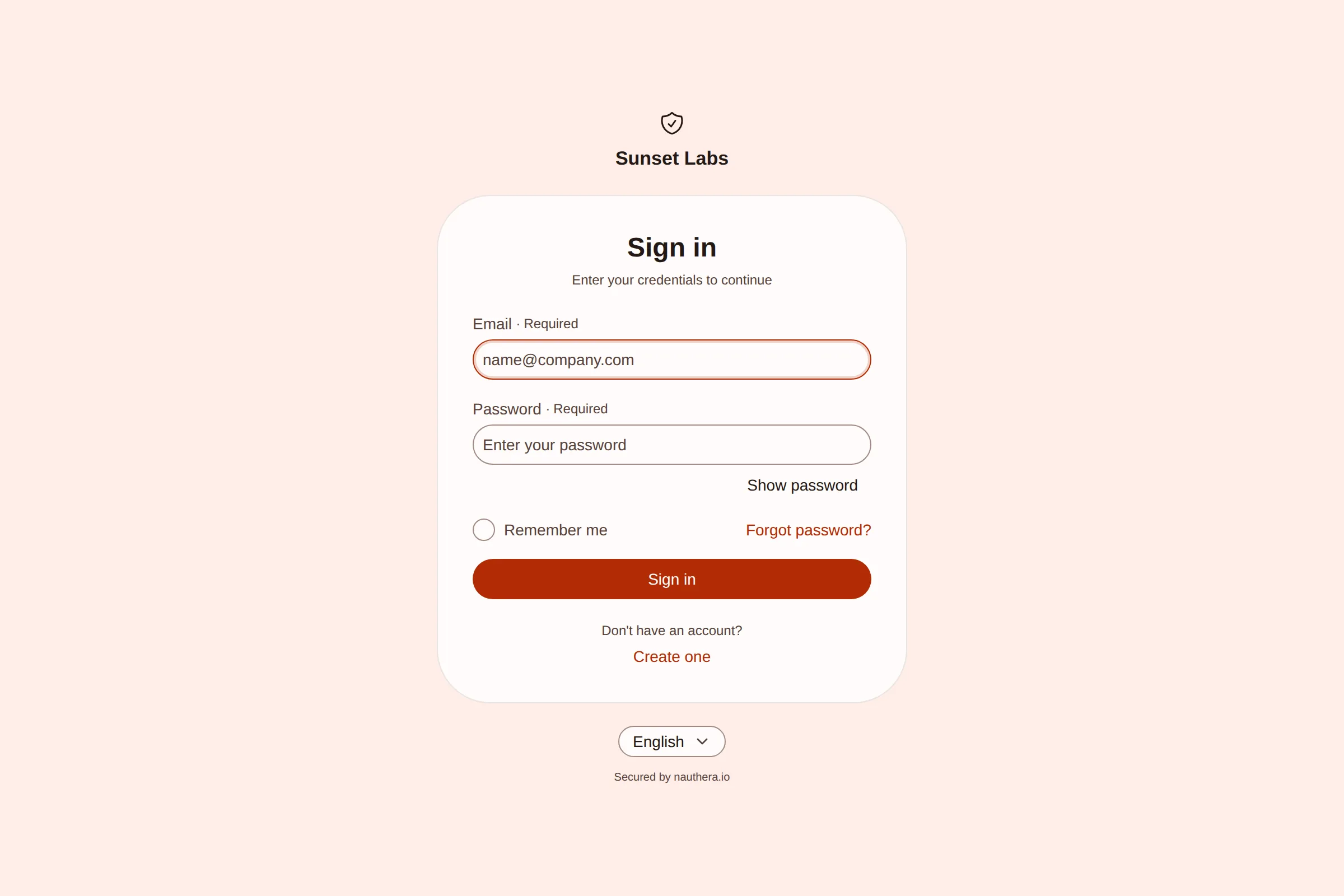
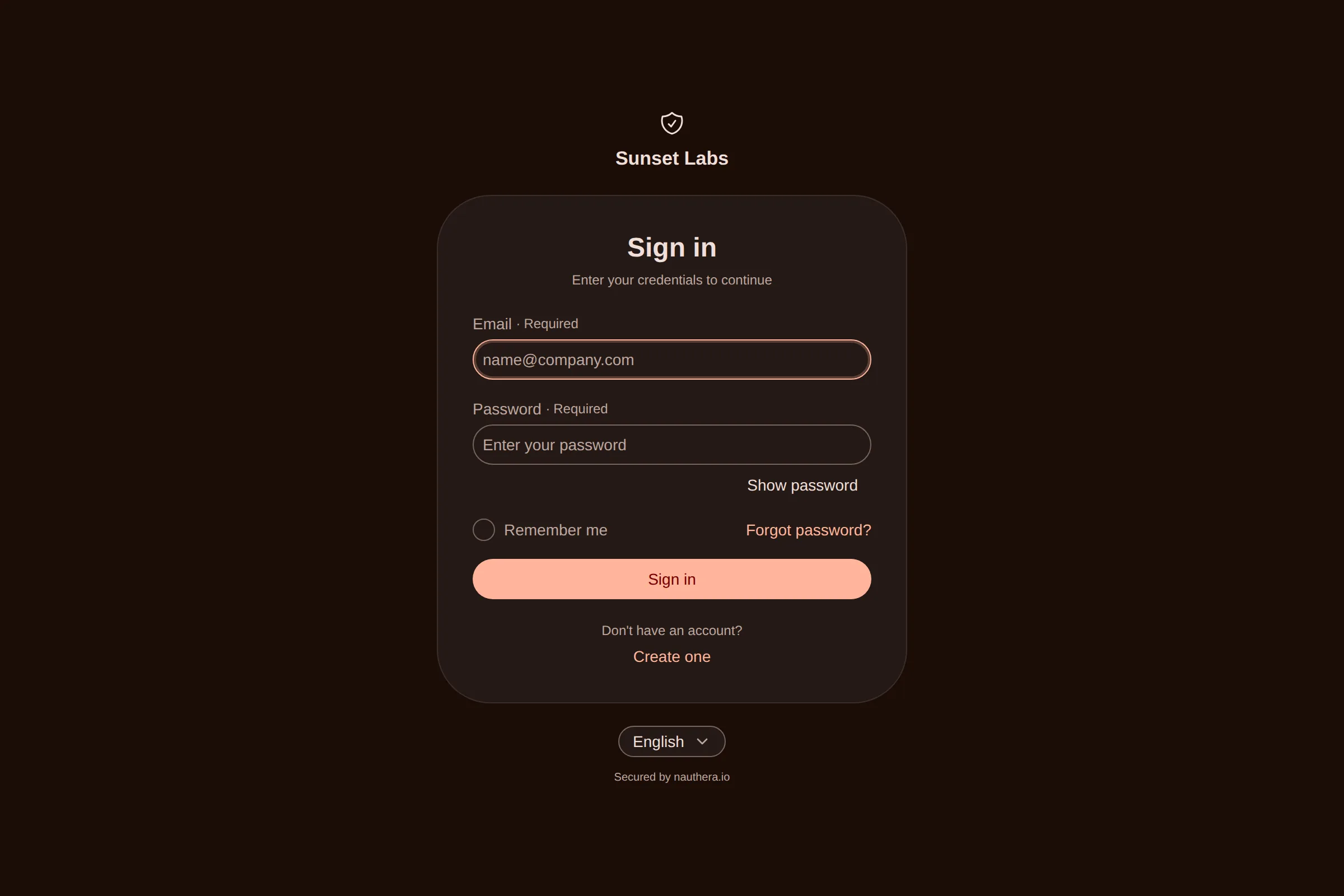
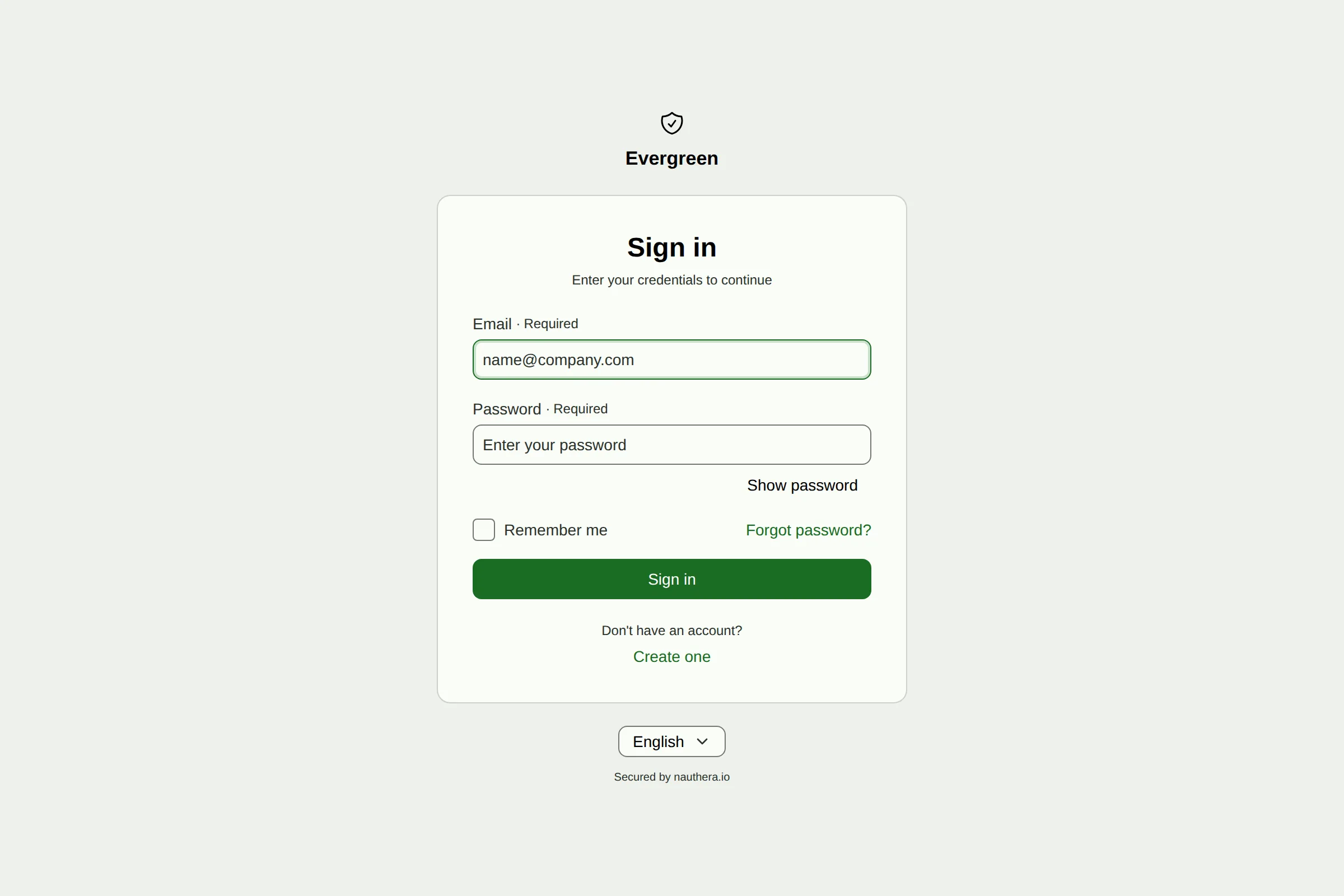
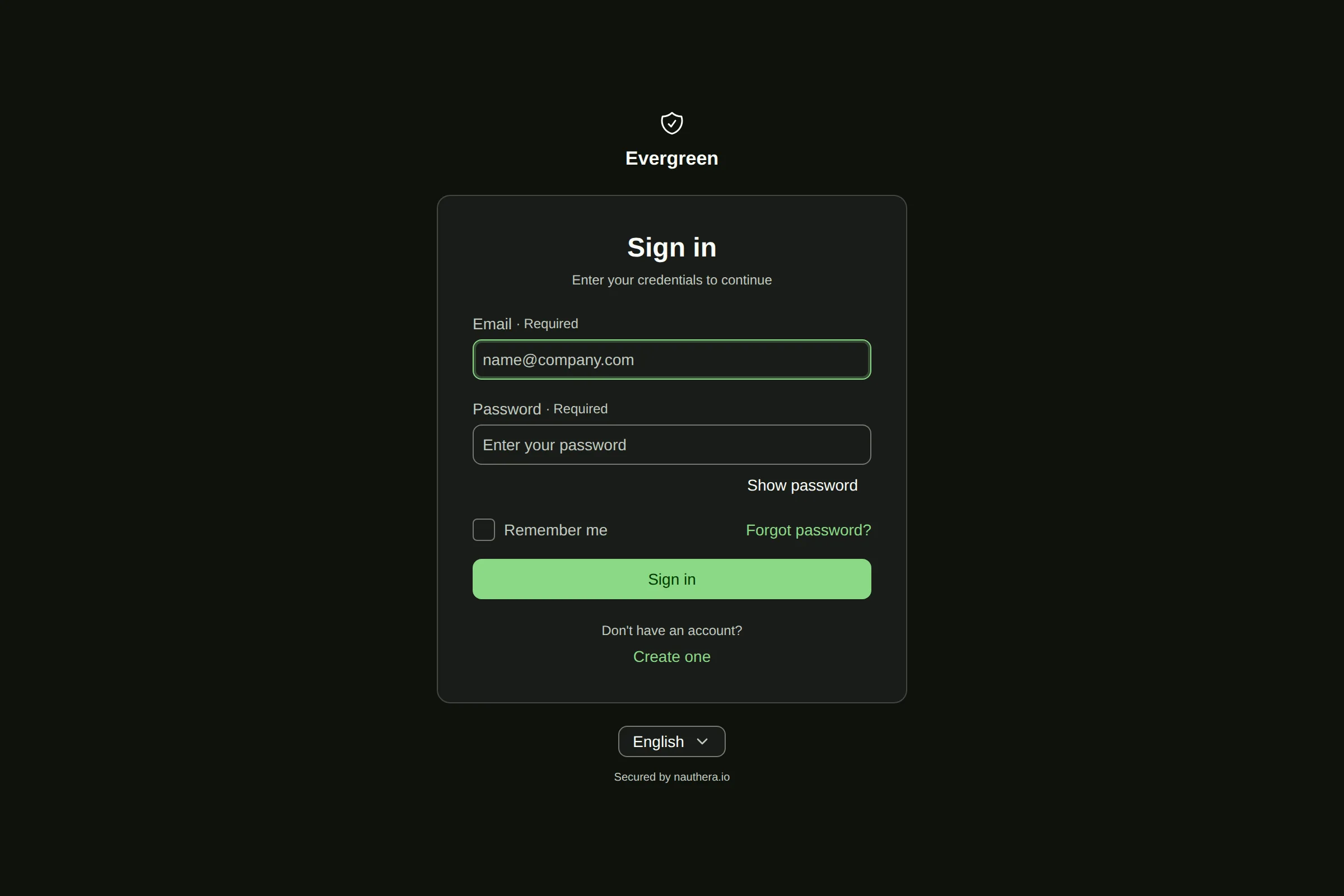
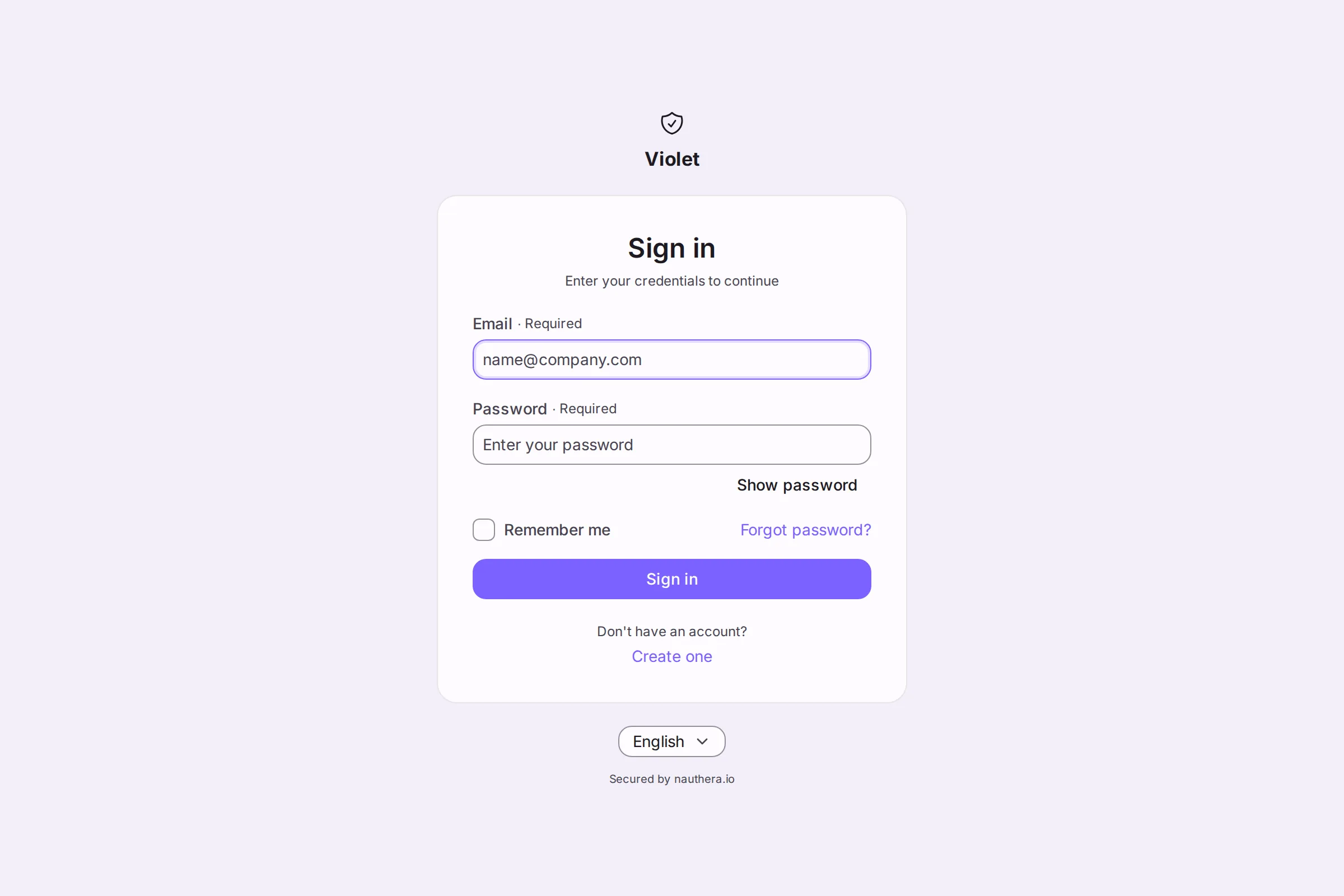
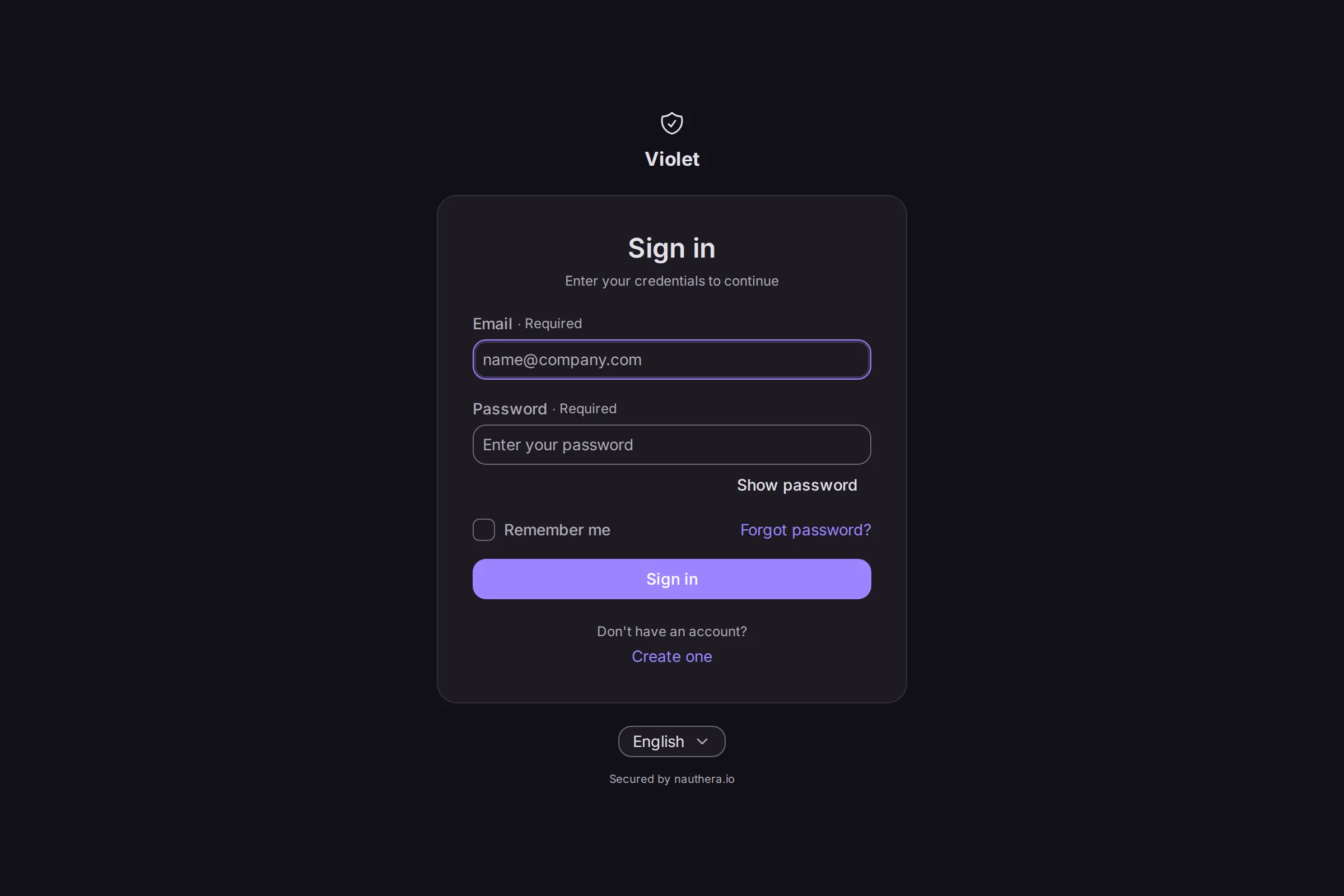
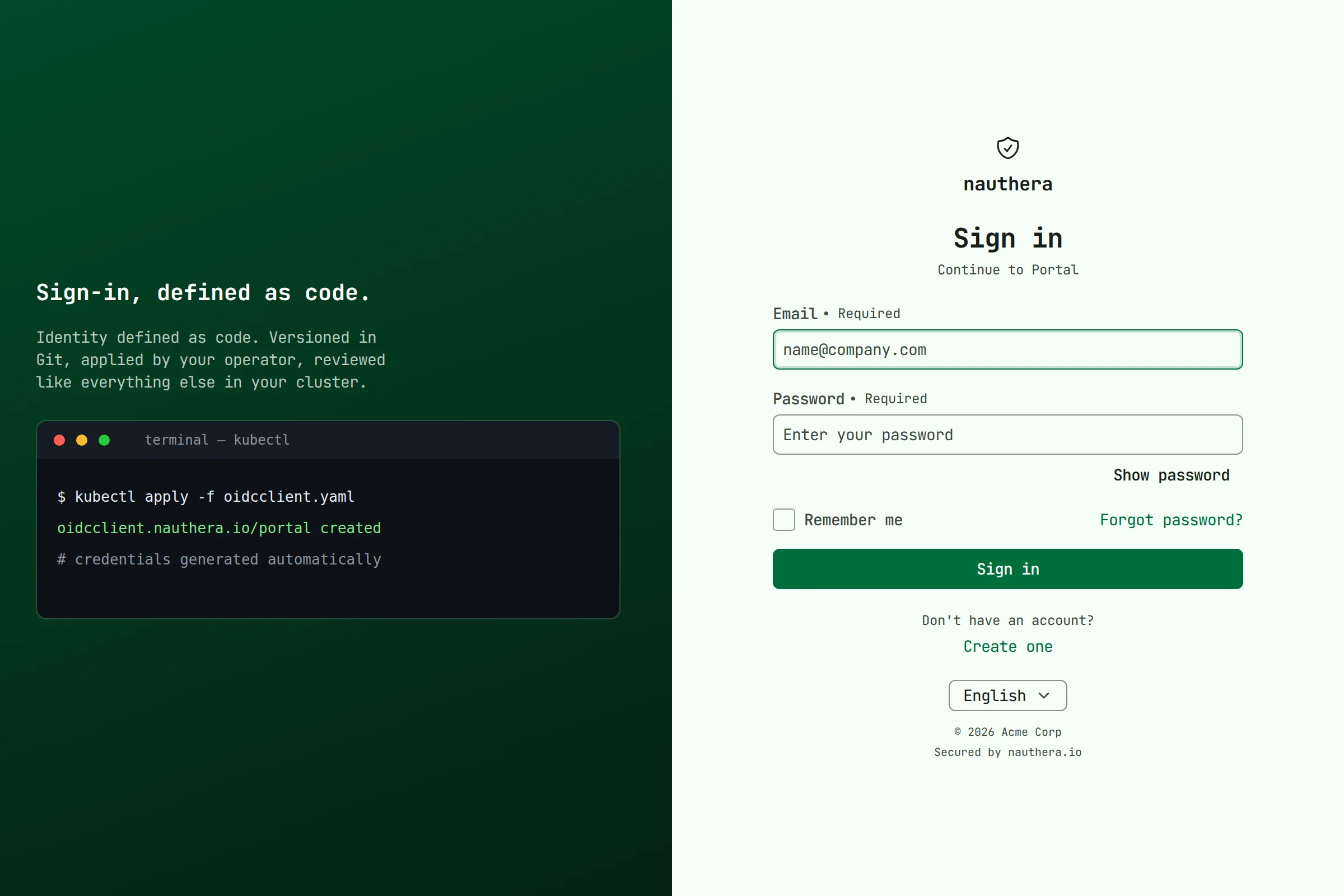
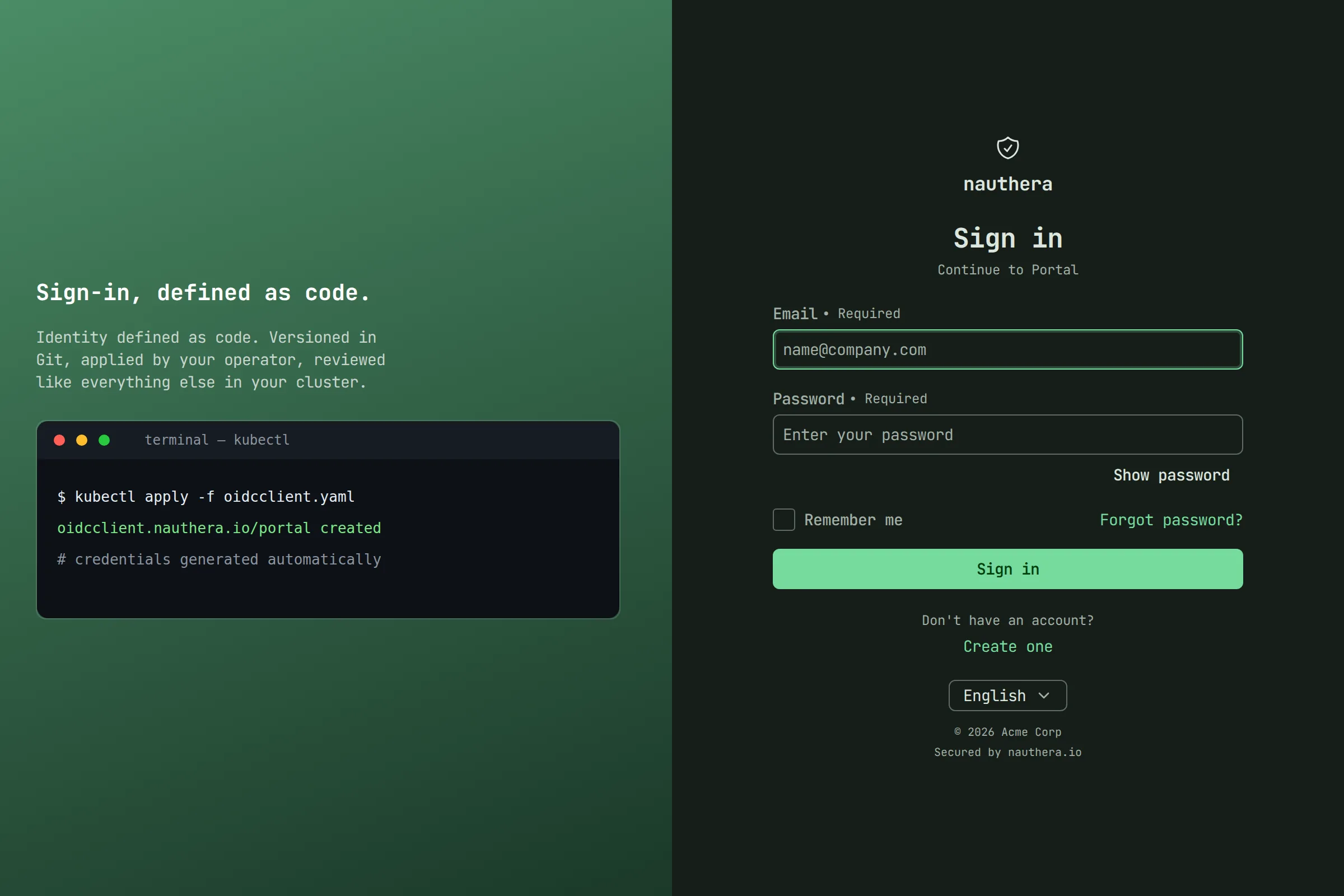
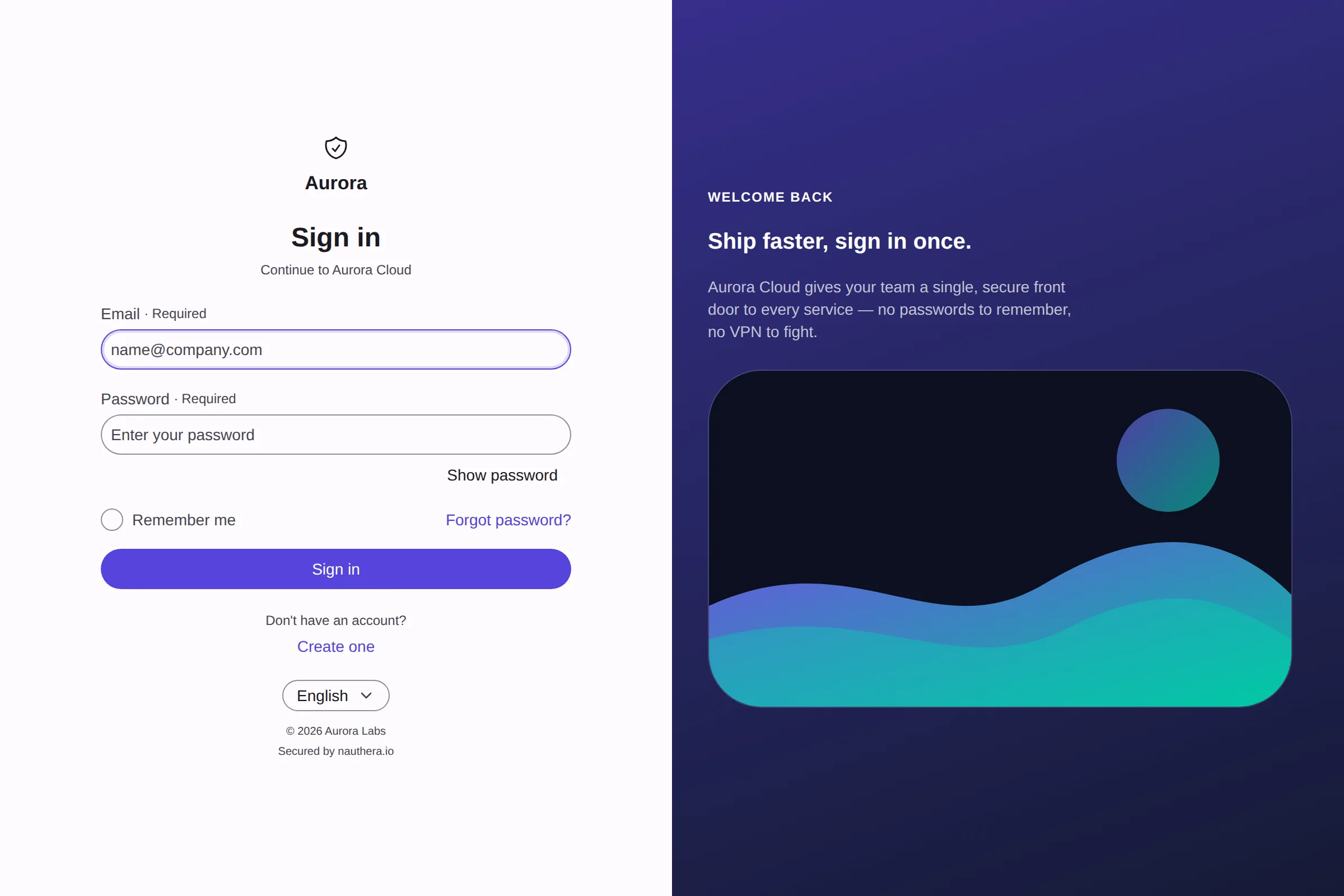
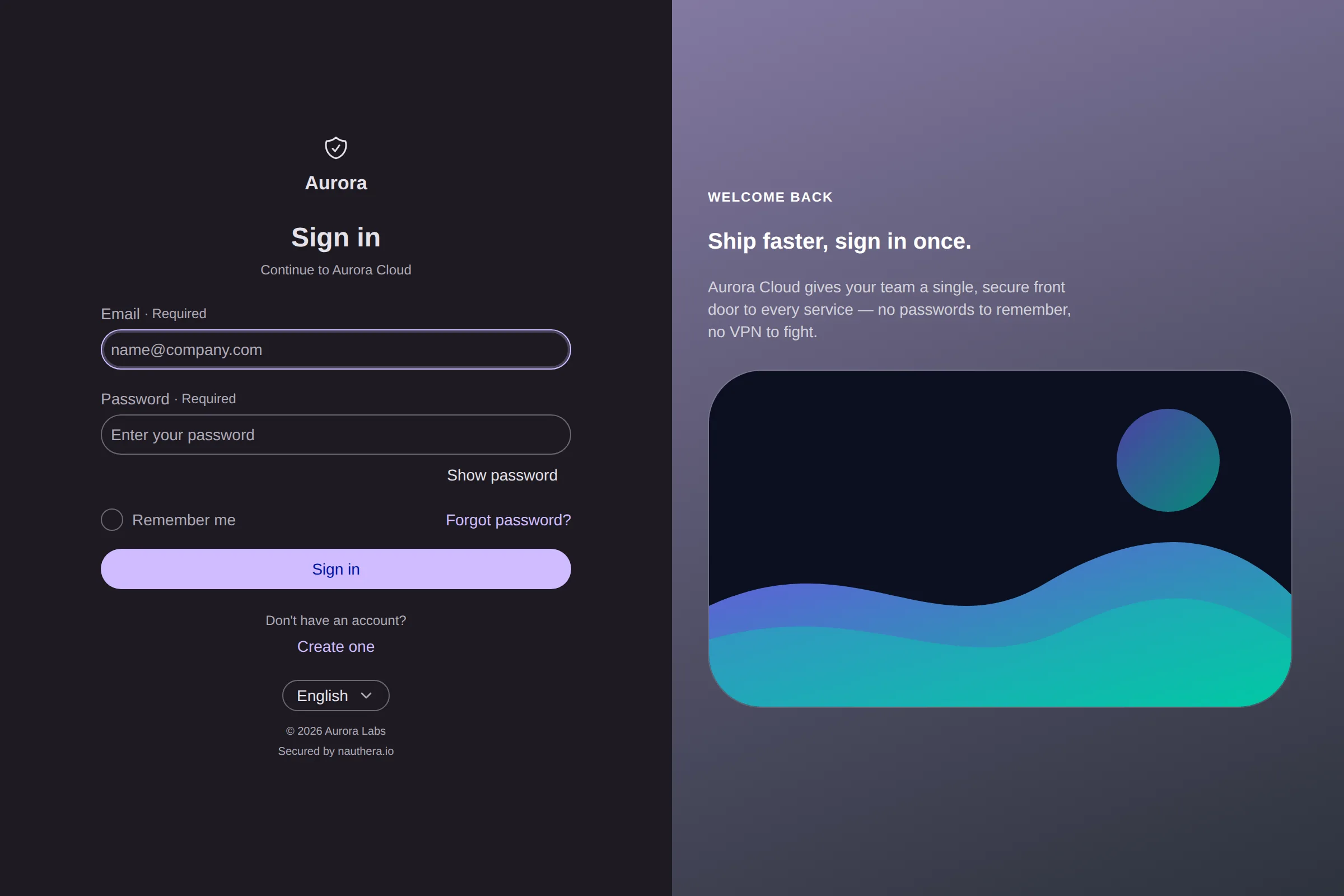
In the split layout the brand mark sits above the form, beside the hero. On a narrow screen (900px and below) the hero is hidden and the form stays centred with the brand mark above it.
What the server checks. Every write of a document, a client's or an organization's, is
held to one policy: a JSON object of at most 128 KiB; logoUrl, faviconUrl, the footer
links, fonts and hero.imageUrl following the rules in the table above; and a theme
on the design system's contract. A misspelled axis, a token name outside the design
system's vocabulary (that is what localTokens is for), or a value the browser would drop
is refused, naming the field, rather than stored and silently ignored. The rest of the
document is stored as written.
What the server adds when it serves one.
- A theme name from its content. The server names the theme
brand-followed by a hash of it, replacing anynamethe document gives, so a changed theme is applied afresh and two organizations never share one. - The first frame in its mode. A brand whose
modeislightordarkmarks the page's<html>element before any script runs, so the first paint is already in that mode. - Images by digest. An inline
data:image/logo, favicon or hero image (PNG, JPEG, GIF, WebP, SVG or ICO) is served from the sign-in origin at/branding/<digest>.<ext>, cached for good, instead of riding along inside every page.
Setting a brand
- A client's brand: a
Brandingresource, which the operator writes to the server, or the gRPCAdminService.call.UpsertBranding - An organization's default:
spec.brandingon anOrganizationresource,brandingin the admin API's organization update, or, for the main organization,orgs.main.brandingin the configuration (YAML or JSON text; an unsafe document stops startup).
nauthera-cli has no branding commands.
Limits
- Strings cannot be overridden per locale.
- The browser builds the theme from the document; the server checks it but does not compile it.