Passkey sign-in and setup
Docs version v1 (main)Nauthera is pre-1.0, in a design-partner programUpdated
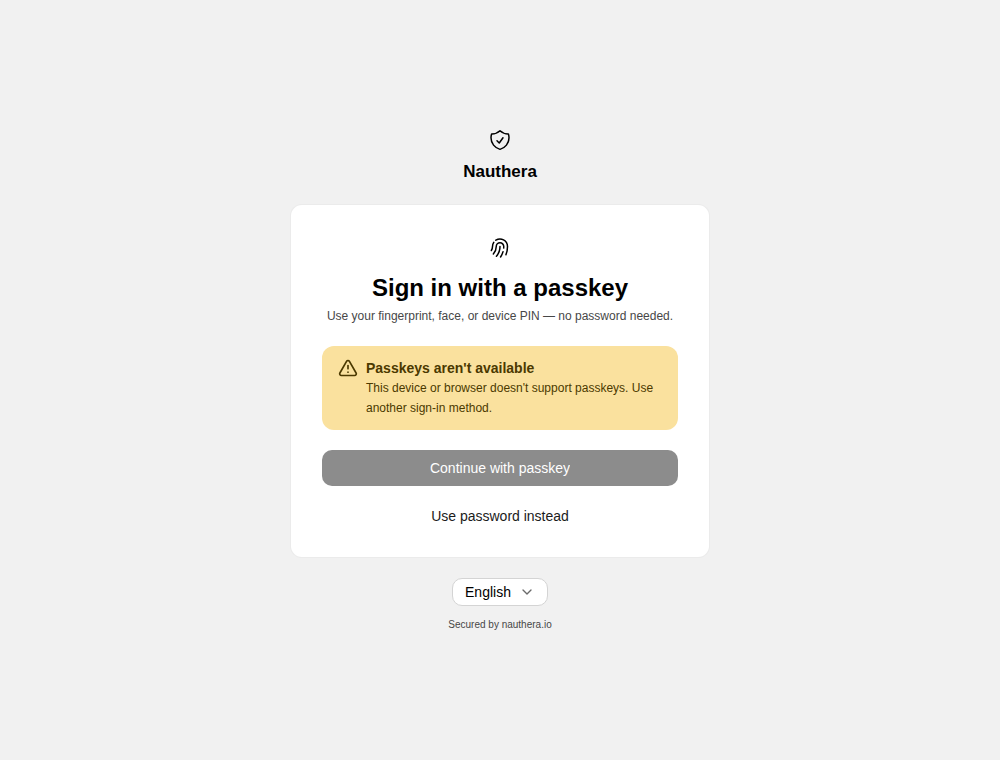
Passkeys are served when mfa.passkey.rp_id names the relying party (the issuer's host or
a domain above it). The browser runs the ceremony; the screens only start it and say how it
ended. A browser that cannot use passkeys sees the button disabled with a note, and another
way on where there is one.
The offer after sign-in
Where passwordless sign-in is open for the organization and the client (the policy), a user who holds no passkey is offered one before the sign-in completes:
- after a password sign-in, when the account holds no second factor and the sign-in was not spared one;
- after answering the second-factor step with a one-time code.
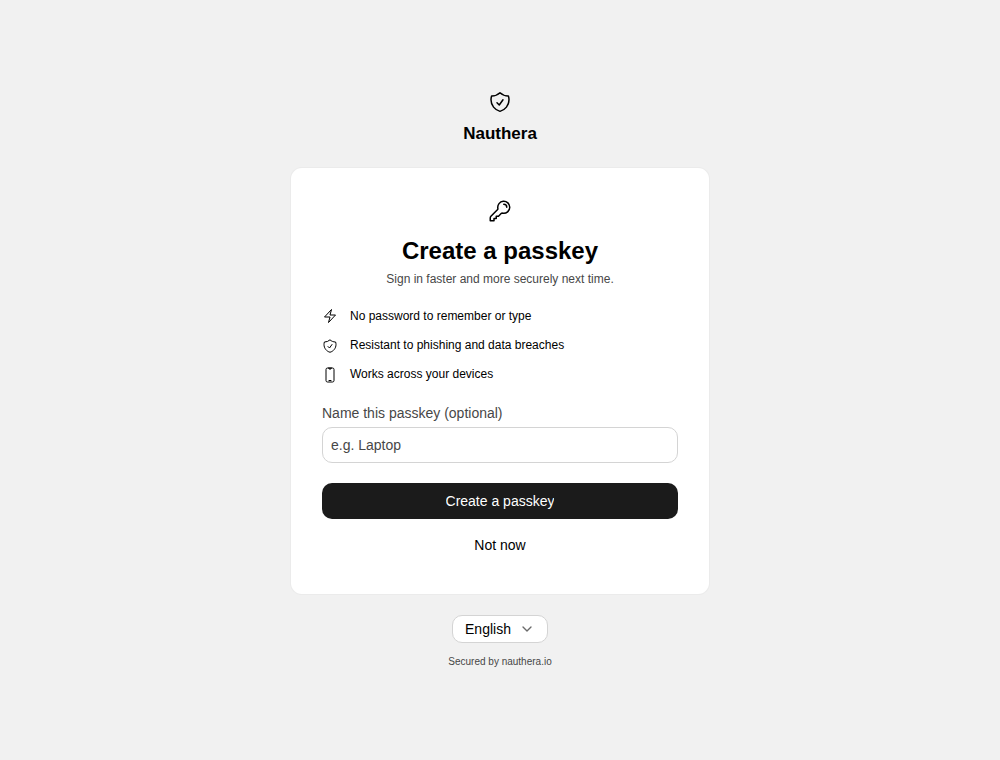
- Create a passkey runs the ceremony. A passkey that is the account's first factor comes with recovery codes; one added beside a code completes the sign-in at once. The flow then continues to the application.
- Not now declines: the sign-in completes on what the user already proved, and the
offer does not come back for
mfa.(30 days by default).passkey. offer_ interval
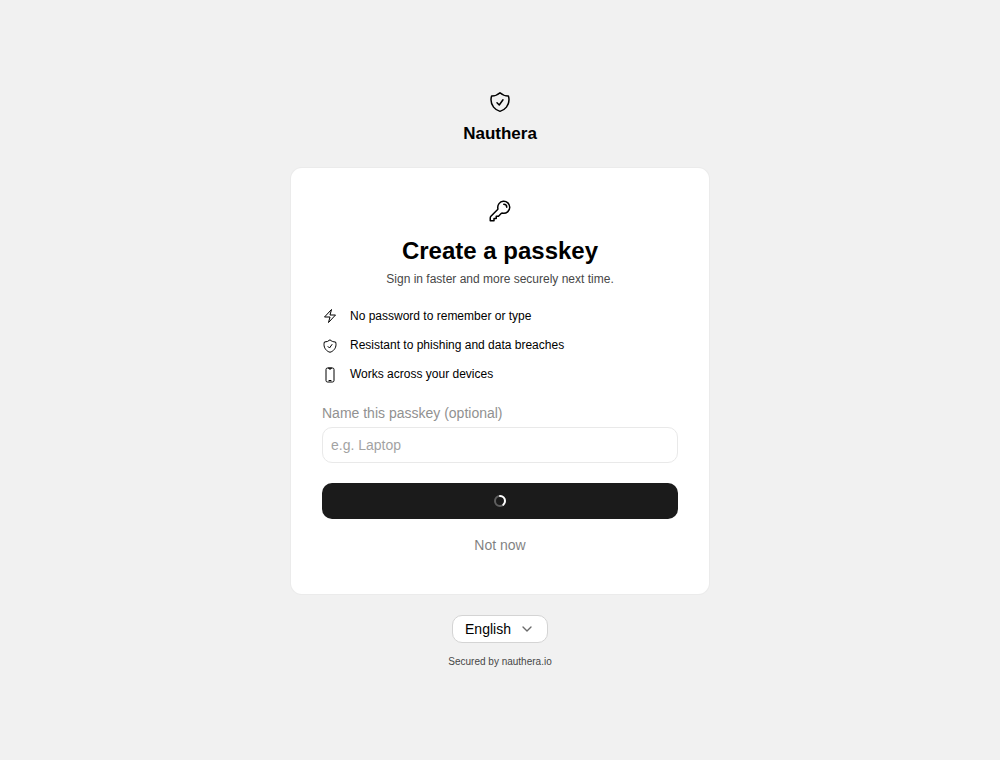
Where a second factor is required and the user has none, there is no offer: the same screen is the passkey choice of the method chooser, without Not now, and with Use a different method when another is allowed.
Sign in with a passkey alone
Where mfa.passwordless and the organization and client open it, the sign-in screen offers
Sign in with a passkey, which opens /passkey. No address is typed: the browser offers
every passkey it holds for the relying party, and the passkey chosen names the account.
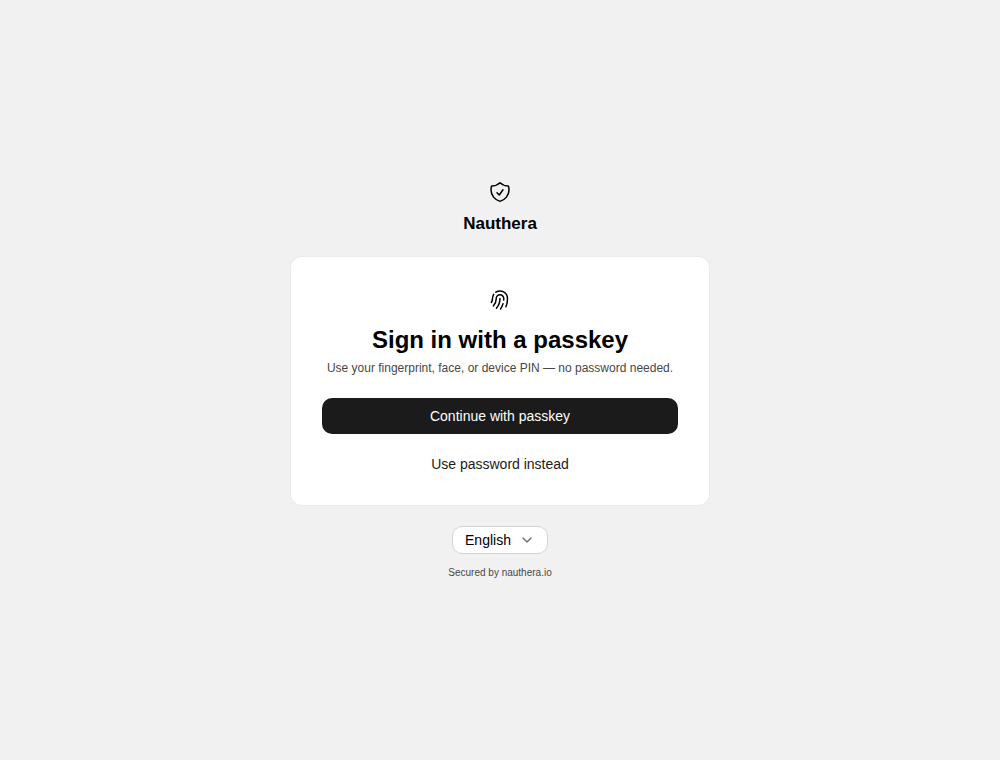
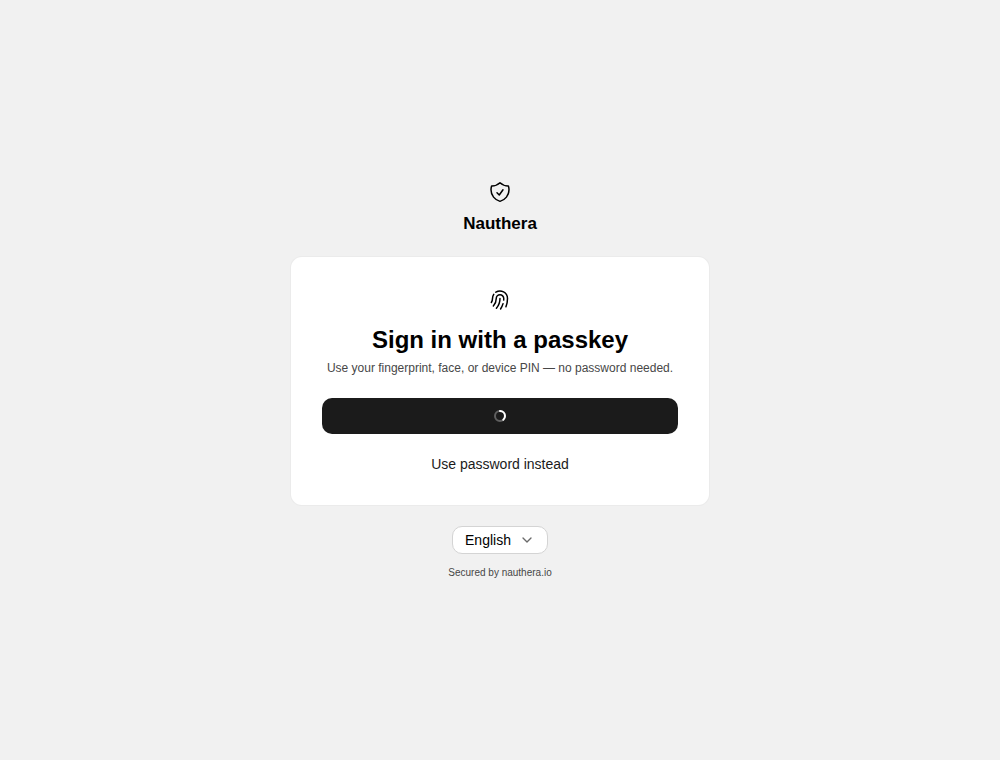
A passkey that verified its user (fingerprint, face or device PIN) signs the user in on its
own and returns them to the application. One that did not counts as the first factor: the
user then answers with another factor they hold, as after a password, and a sign-in whose
policy requires a second factor but permits nothing besides the passkey is refused.
/passkey opened with no application in the URL goes to the
return screen.
As the second factor
A user whose second factor is a passkey sees the passkey challenge on /mfa after the
password, with links to a code or a recovery code when they hold those. See
Prove it at sign-in.
When the ceremony does not finish
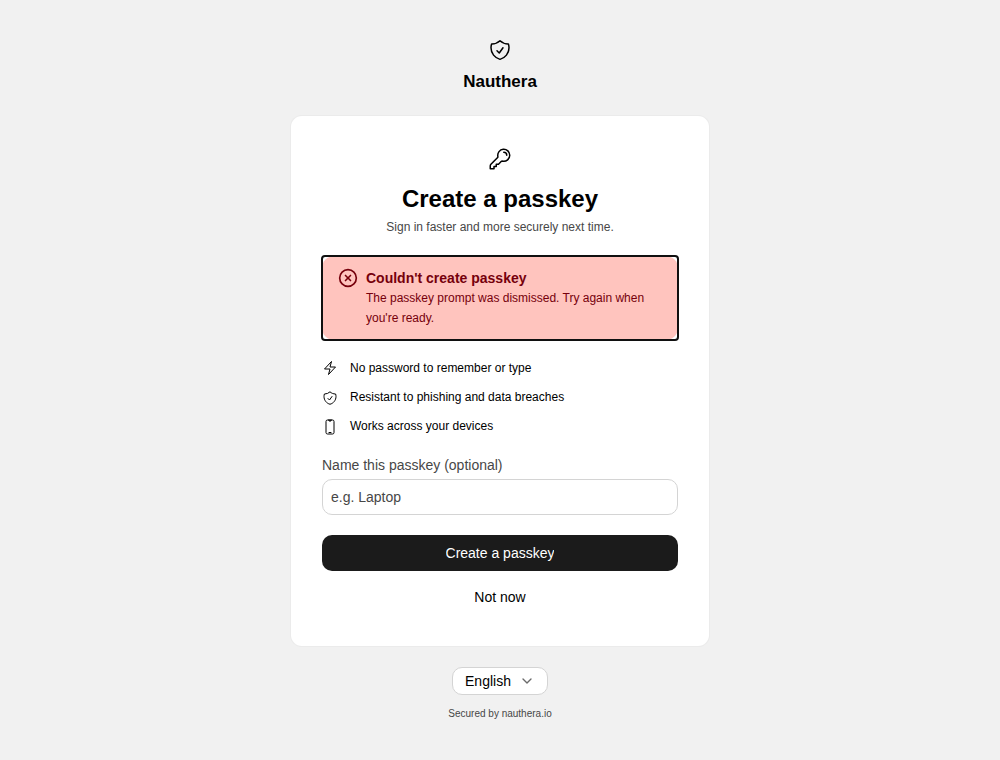
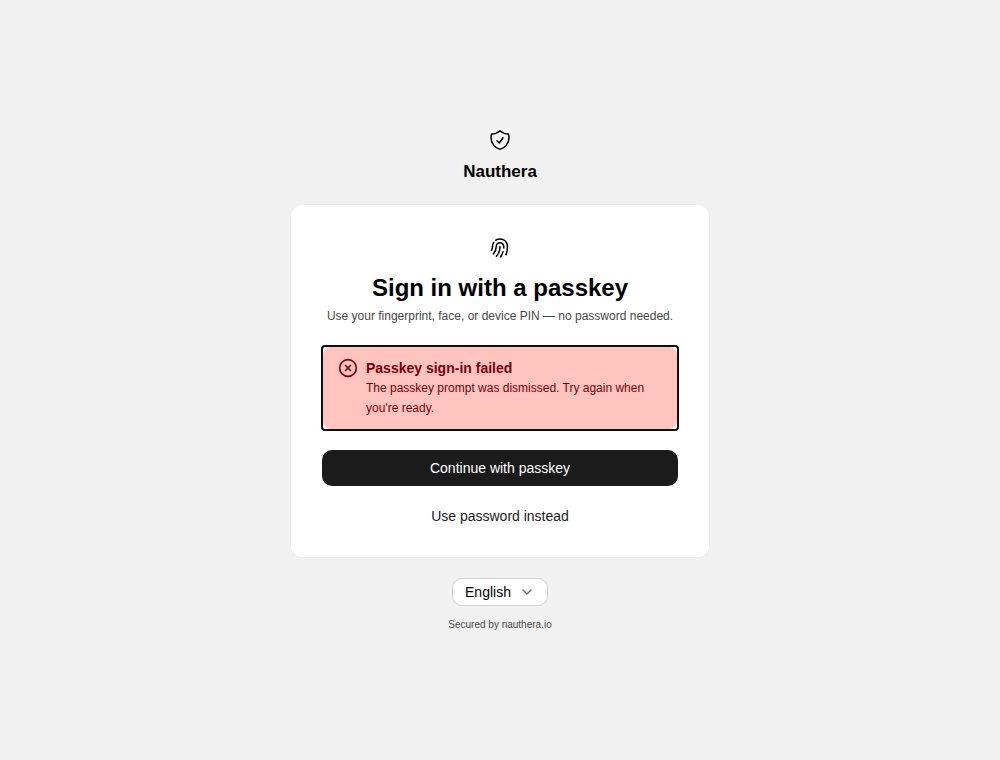
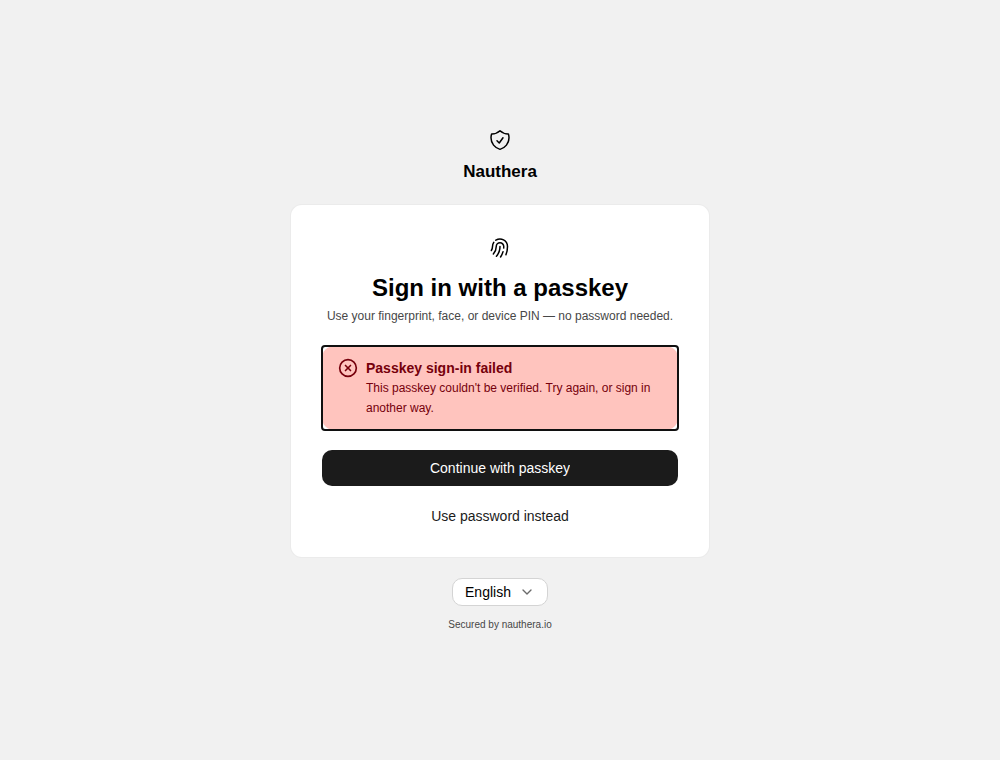
Each outcome stays on the same screen, with its own message, and no session:
| What happened | What the screen says |
|---|---|
| The user dismissed the prompt | The passkey prompt was dismissed. Try again when you're ready. |
| The prompt timed out | The passkey prompt timed out. Try again. |
| The device already holds a passkey for the account | This device already holds a passkey for your account. |
| The authenticator cannot be used here | This authenticator can't be used here. Try another device or method. |
| The server refused the passkey | This passkey couldn't be verified. Try again, or sign in another way. |
Repeated refused passkeys lock the factor like repeated wrong codes, with the throttle screen.
There is no account screen for listing or removing passkeys, and a passkey does not fill in the sign-in form.