When something goes wrong
Docs version v1 (main)Nauthera is pre-1.0, in a design-partner programUpdated
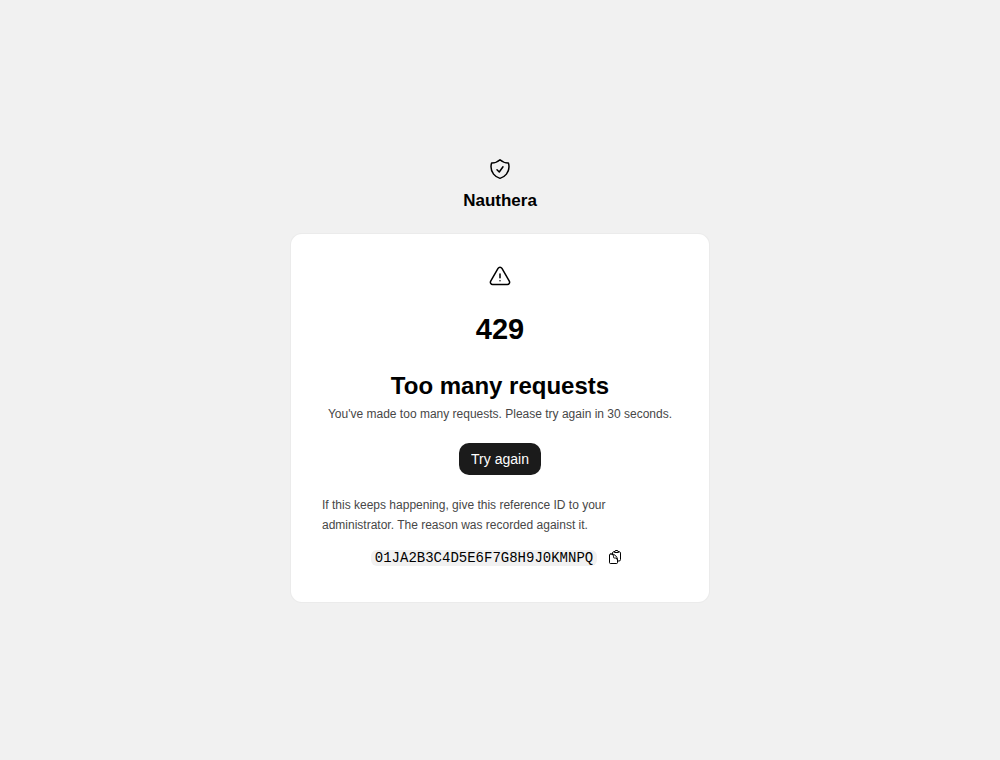
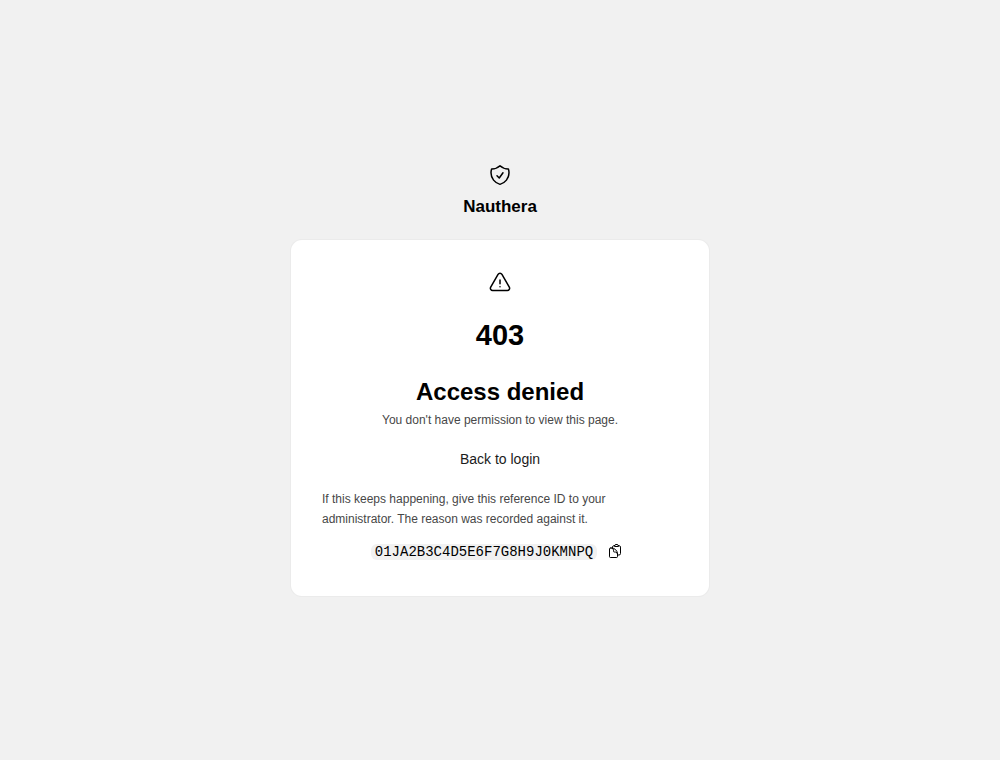
A refusal the user can fix stays on the form as a banner. These are the pages for the rest: each says what happened and offers the way on. When the server recorded the failure under a request ID, the page shows it as a reference ID with a copy button. An administrator pastes it into the admin dashboard's Troubleshooting page (Tracing a failed request), which shows what the server recorded about that request.
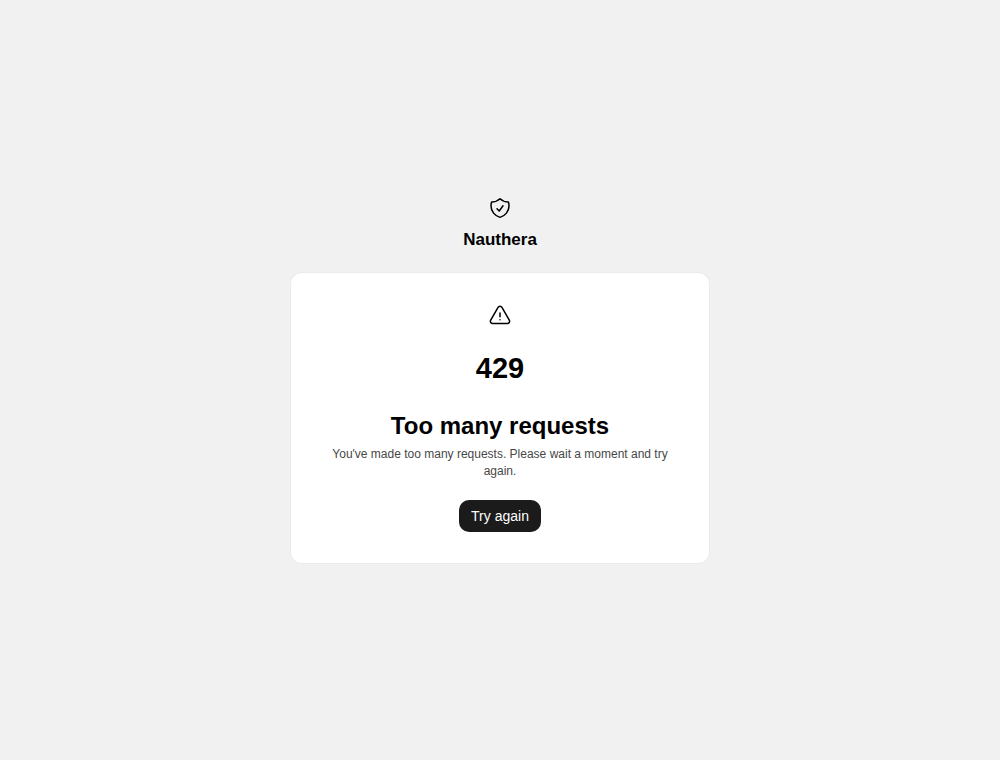
Too many requests
A throttle replaces the form, since submitting it again would only be refused. With the
server's Retry-After the page says how long to wait. Try again reloads the step.
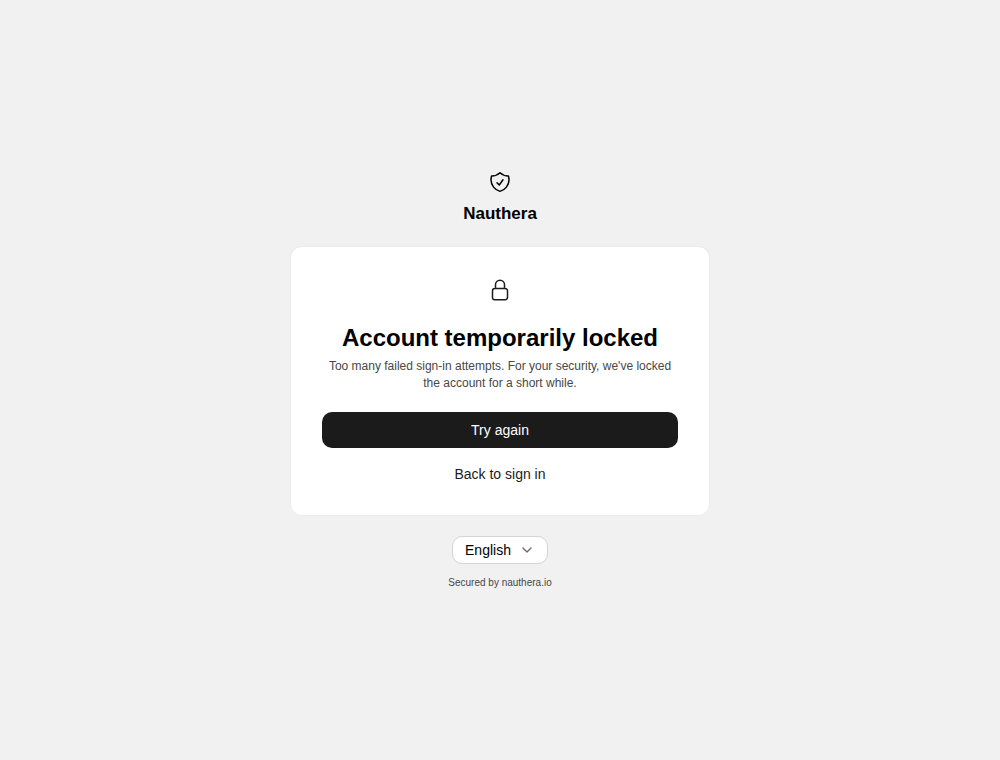
A locked or suspended account
With auth. off, the default, neither shows: a locked account
gets the throttle page above, and a suspended or blocked one is answered like a wrong
password. With it on, a lock from failed sign-ins lands on /account-locked, with Try
again and Back to sign in (or, with no application in the URL, the way back to the
app). The page does not say when the lock lifts. A suspended or blocked account, after the
right password, gets a banner on the sign-in form instead: This account is unavailable.
Contact your administrator.
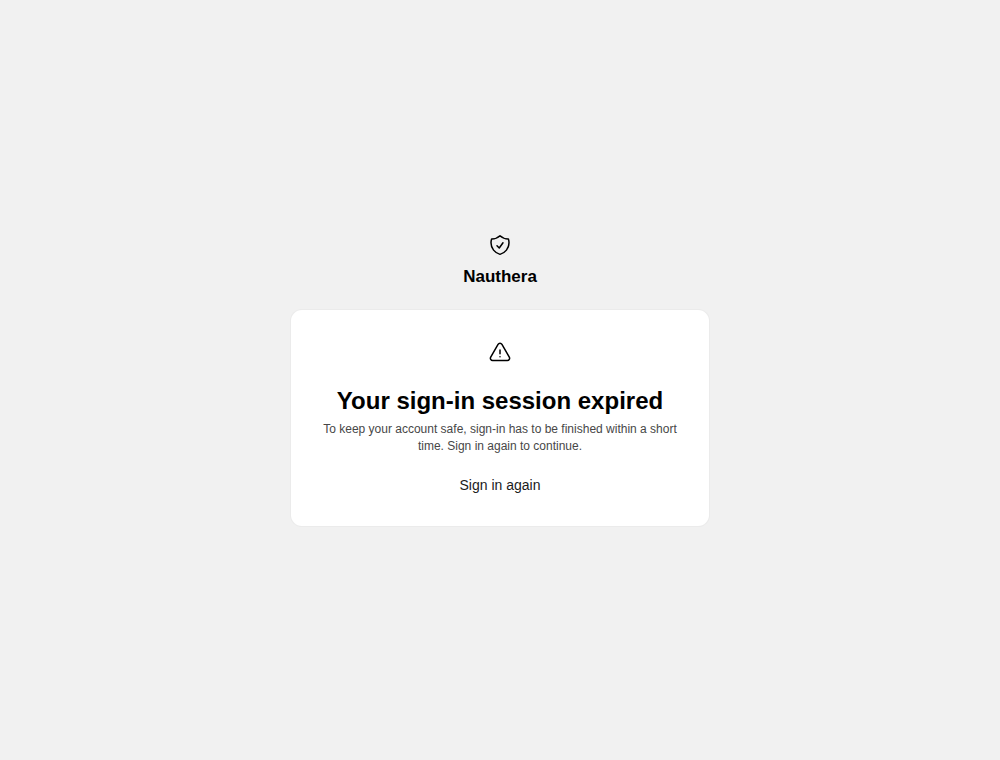
A lapsed sign-in
Each step of a sign-in has to finish within a short time. A step whose sign-in has lapsed, a second-factor step included, says so, with Sign in again, which resumes the application's request. With no application in the URL it gives the way back to the app instead.
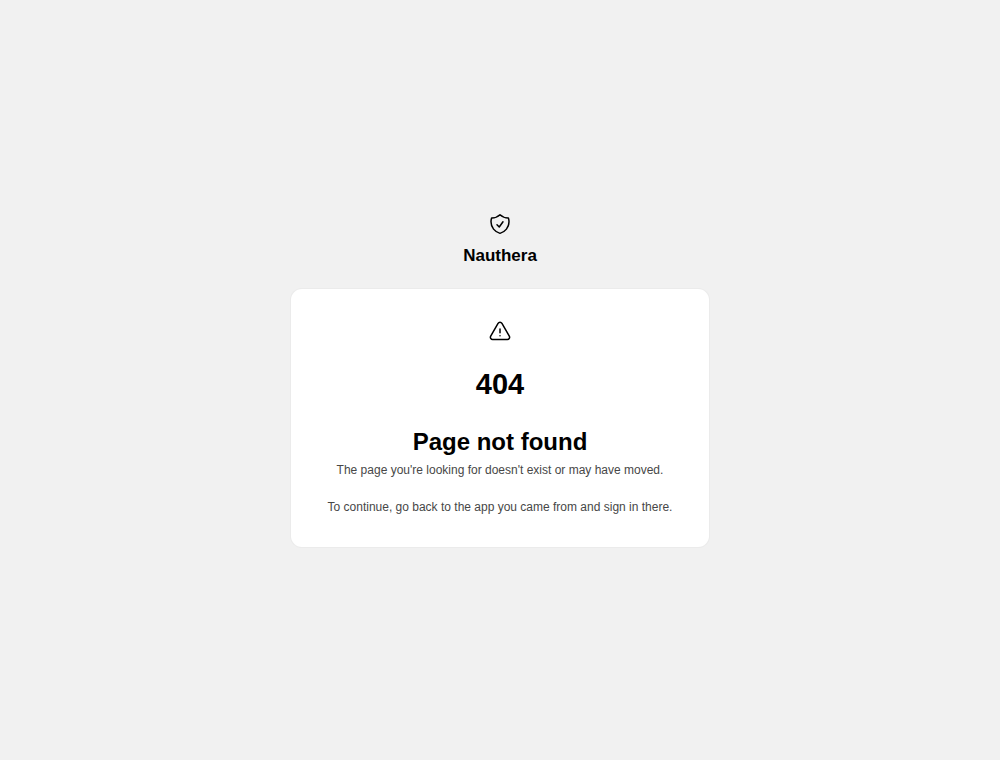
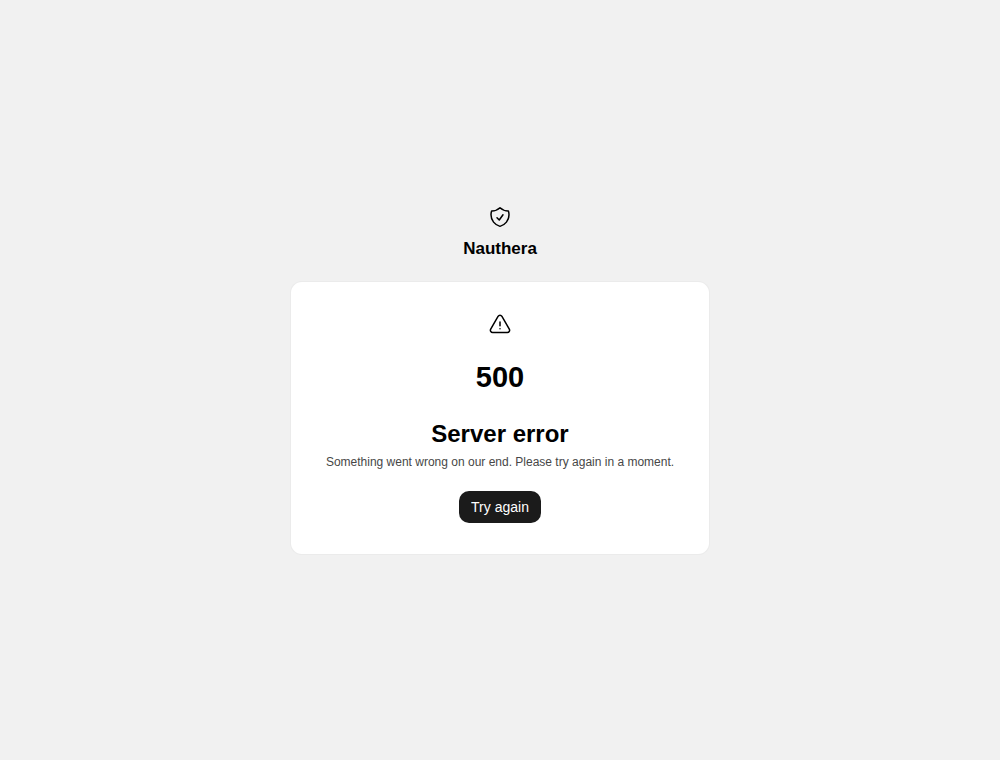
Access denied, not found, server error
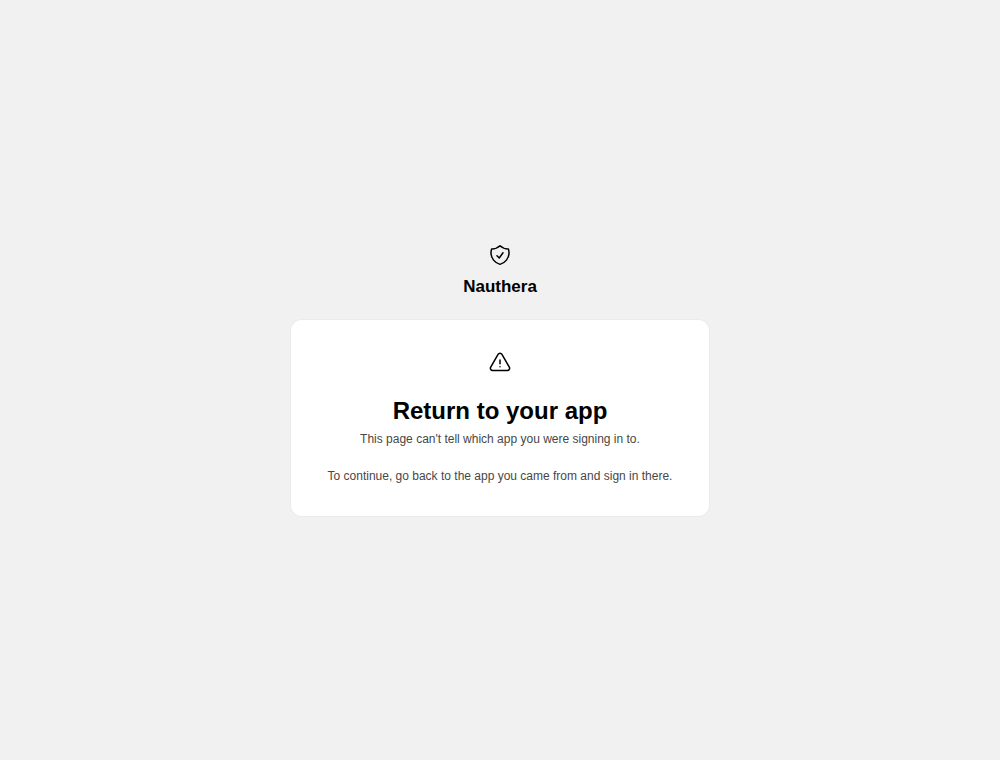
Return to your app
The sign-in screen answers 404 when its URL names no application, so a page reached
without one cannot offer it. Each such page says instead: To continue, go back to the app
you came from and sign in there. The server sends a flow that no longer names its
application, such as a social sign-in that came back after it lapsed, to /return, which
says the same.