Second factor
Docs version v1 (main)Nauthera is pre-1.0, in a design-partner programUpdated
A user who holds a second factor proves it after the first factor: a password, a social sign-in or a passkey that did not verify its user. Where the policy requires a factor (Multi-Factor Authentication), a user who has none is enrolled before the sign-in completes, at sign-in and at sign-up. Both screens resume the sign-in in progress from its cookie, and the flow ends at the application that asked.
The policy is resolved for every sign-in from the deployment, the organization and the client, and its rules can tighten it for this sign-in: a sign-in from outside a named network zone, from a new network or from a new browser may have to answer with a second factor, or with a passkey only, where another would not.
Set up a second factor
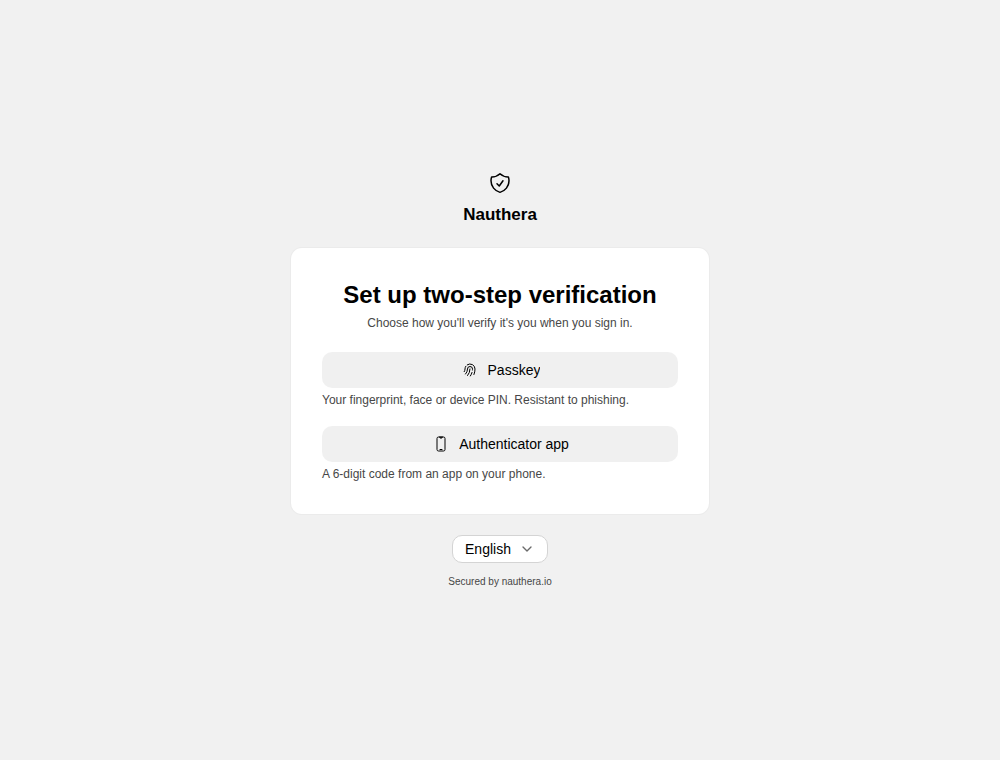
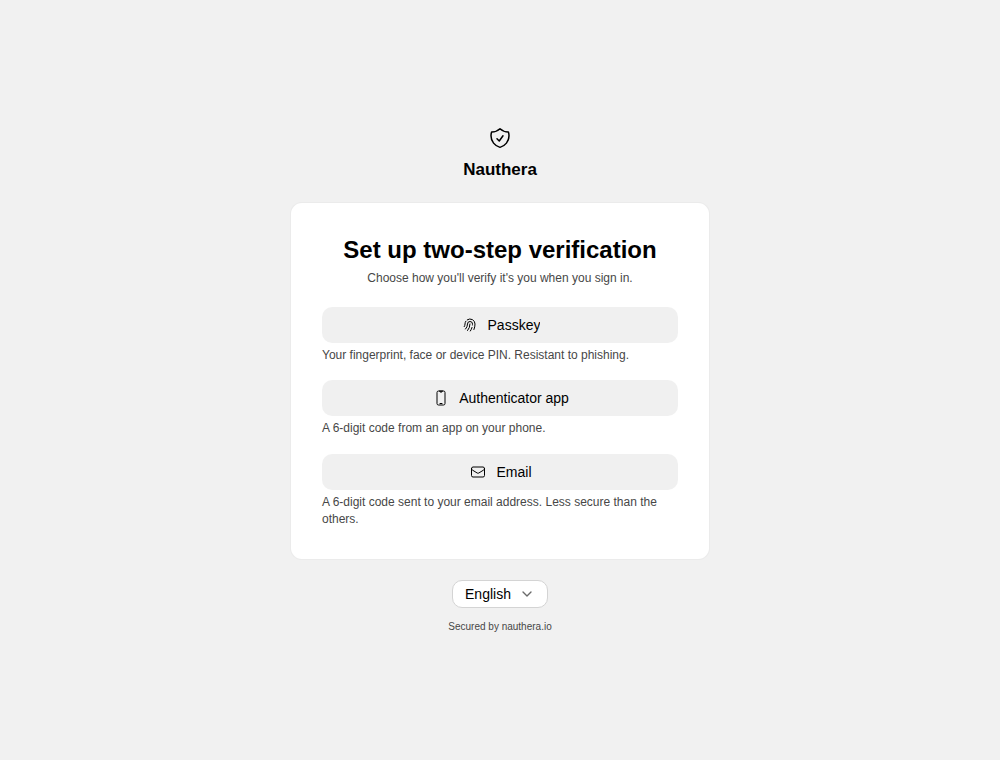
When more than one method is allowed and the browser can use them, the user chooses. The chooser stays reachable from each method, so a user whose device refuses a passkey can set up a code instead.
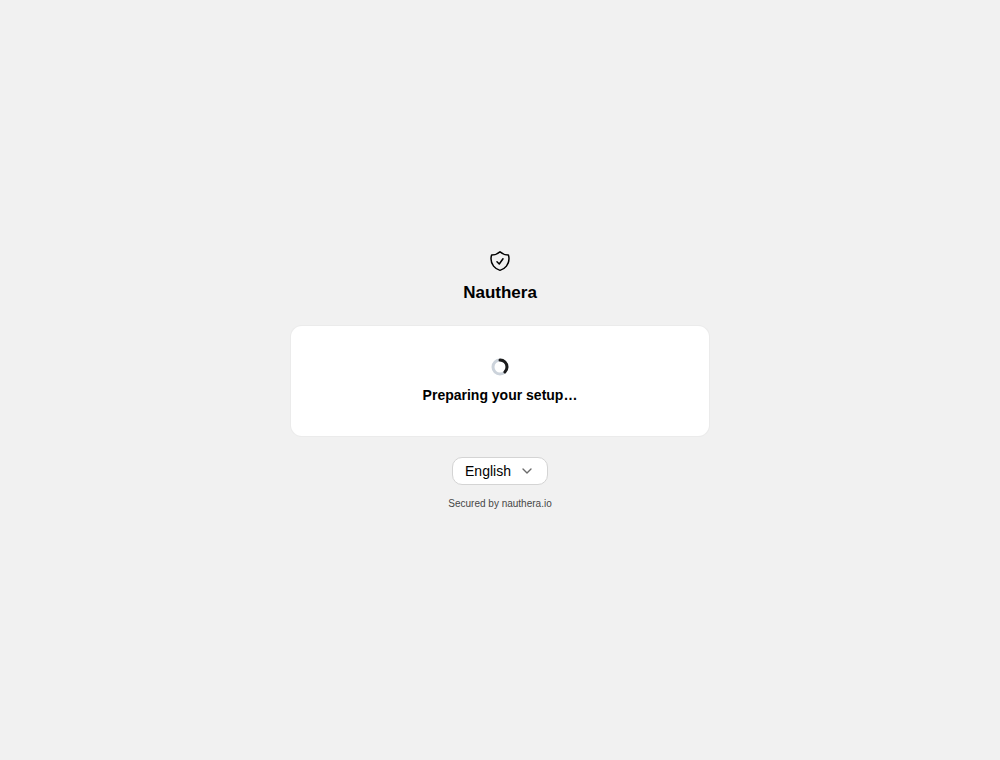
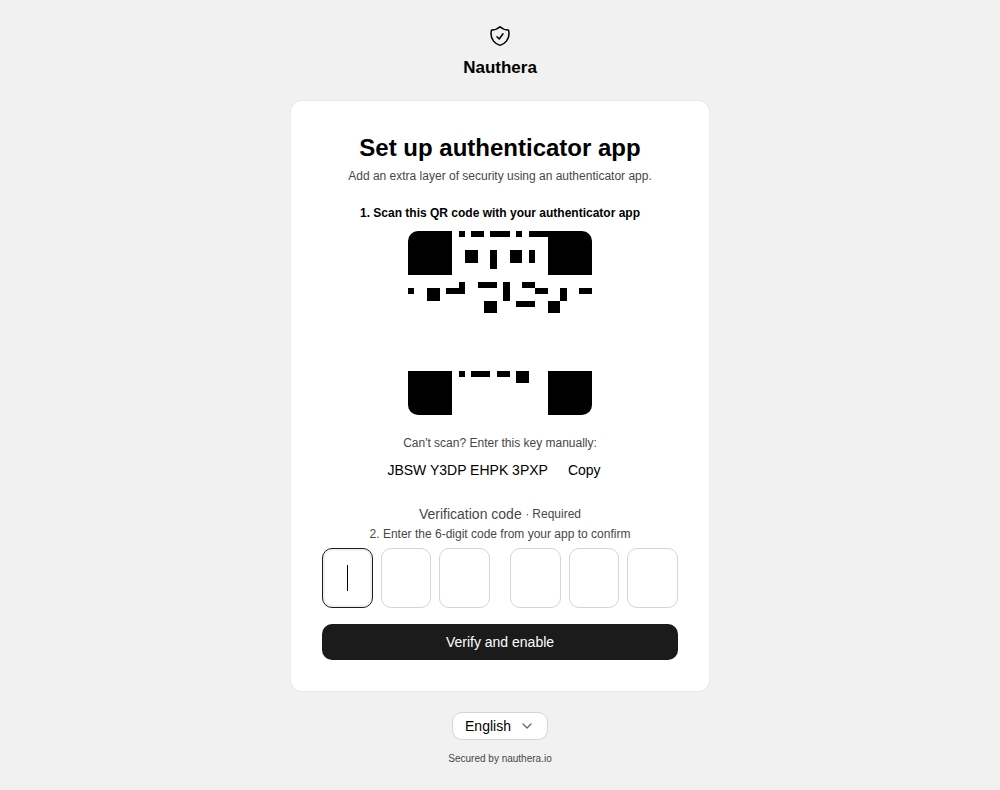
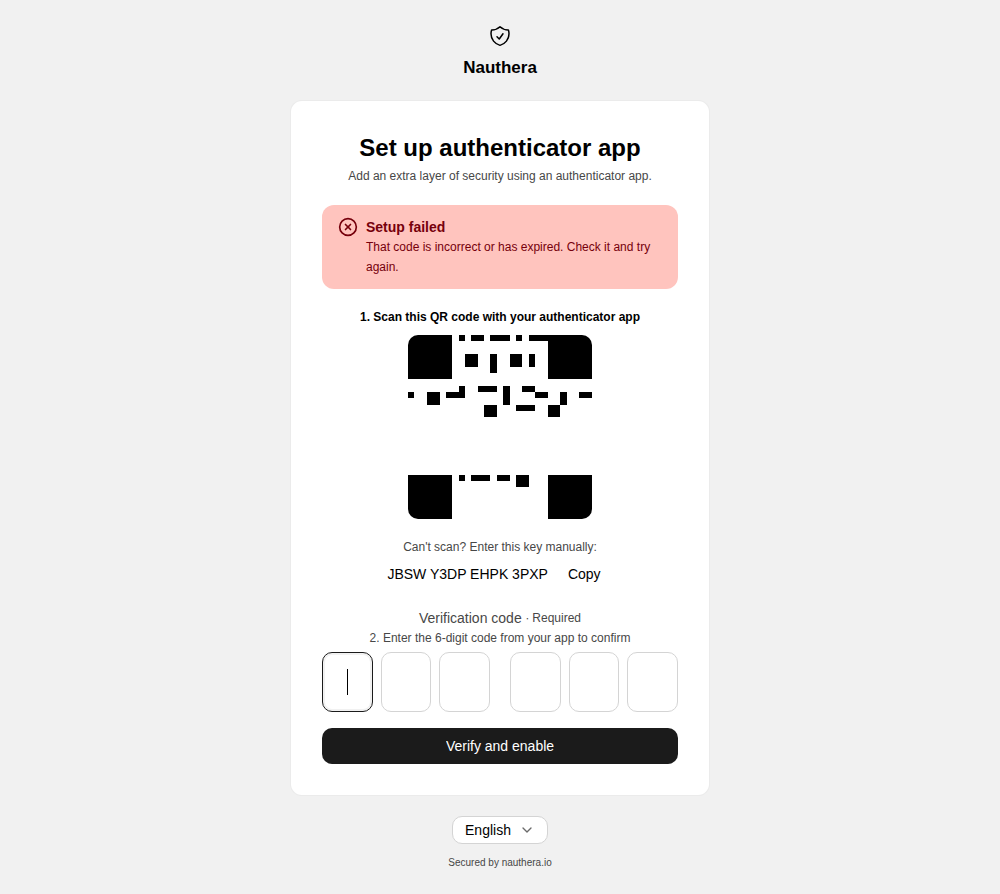
Authenticator app. The page shows Preparing your setup… while it fetches the secret, then a QR code with the key to type by hand. A wrong code is refused on the page, and the current code still works after it.
Emailed code. Offered only where the policy names email: the deployment's
mfa.methods leaves it out by default, and the chooser marks it as less secure than the
others. Opening it mails a 6-digit code to the account's address; entering it activates
the factor. A code works for 10 minutes, another can be asked for after 30 seconds (the
button counts down), and an account is sent at most five in 30 minutes. It needs an
email relay for the organization.
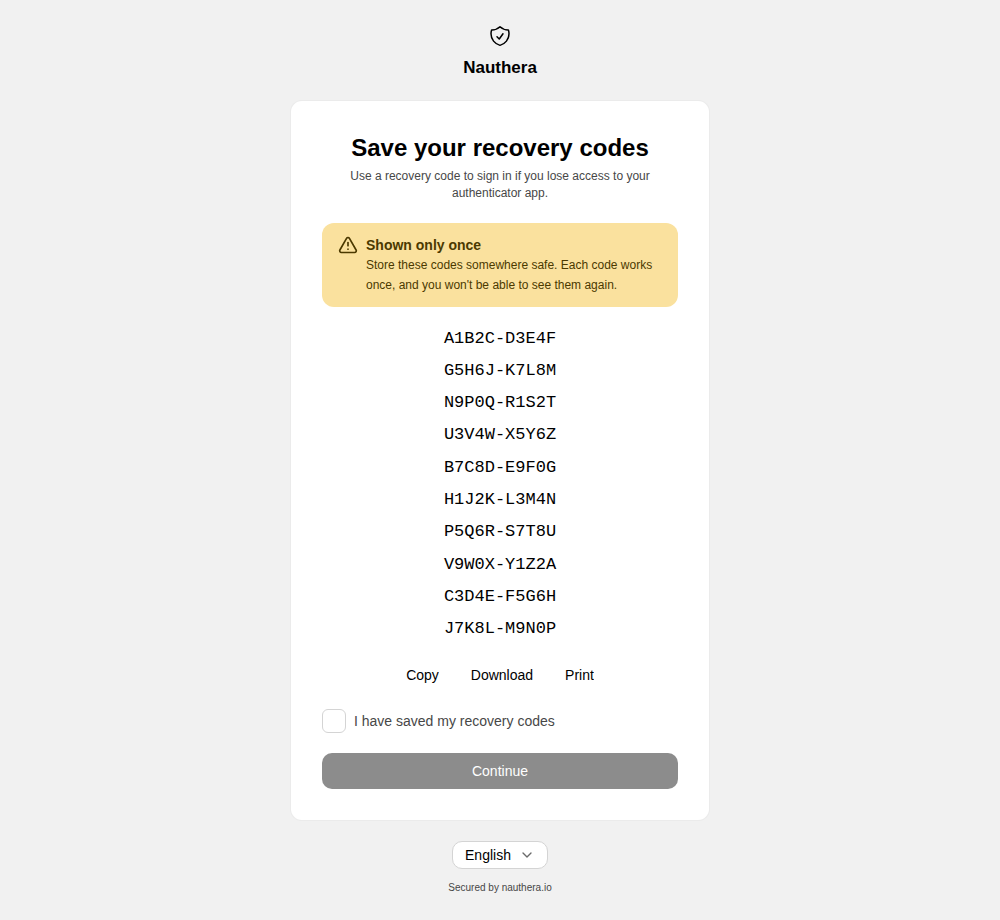
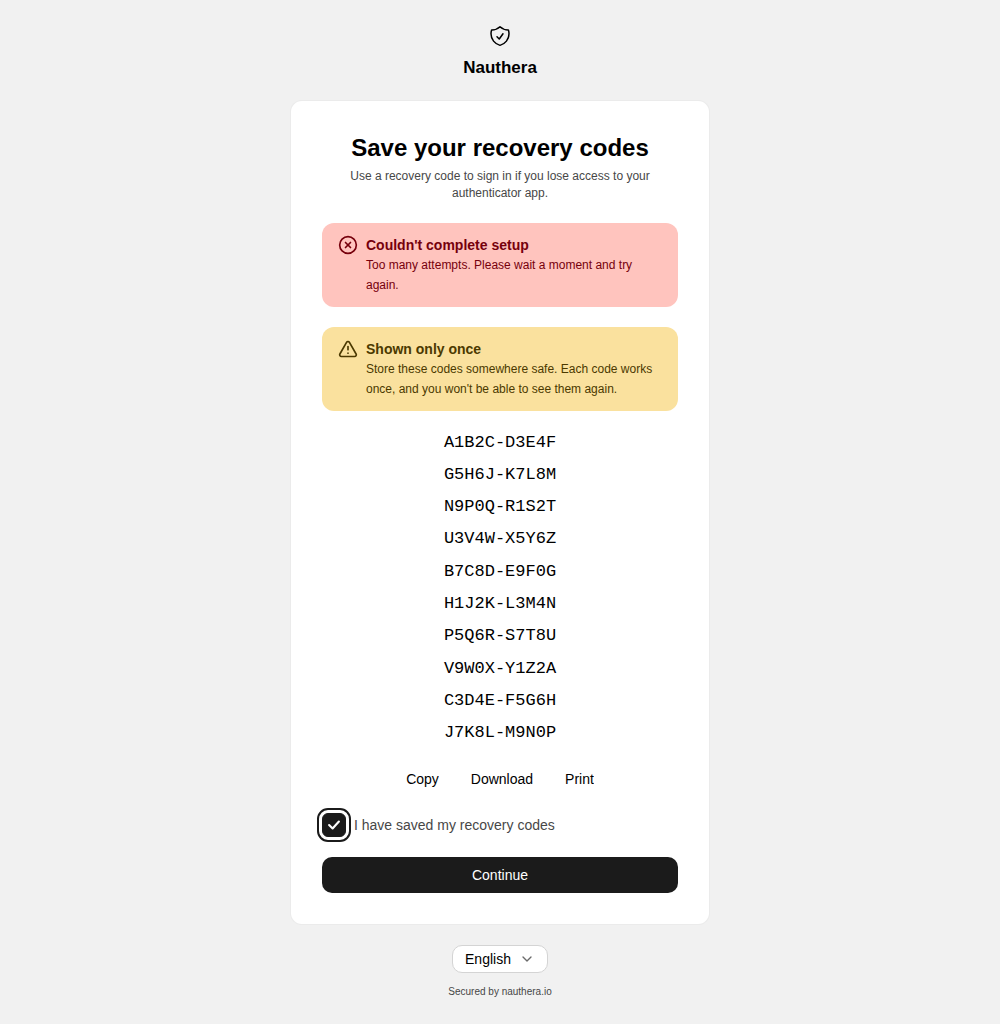
Recovery codes. The account's first factor comes with single-use recovery codes, ten
by default (mfa.recovery_code_count), shown once. Continue opens only after the user
ticks that they saved them. If the acknowledgement is throttled or the sign-in lapsed, the
codes stay on the screen with the reason, so none is lost.
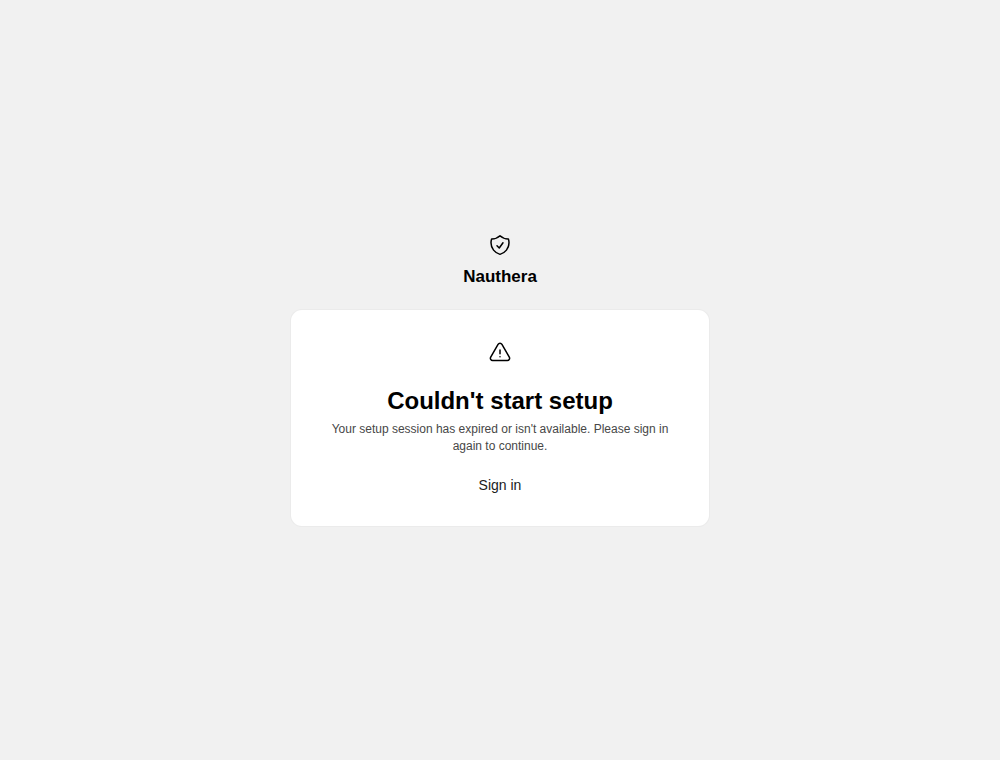
Opening /mfa/setup with no sign-in behind it says the setup could not start, with
Sign in.
A user whose only factor the policy no longer permits, for example a TOTP user under a rule that allows only passkeys, is sent here to set up a permitted one.
For setting up a passkey, see Passkeys.
Prove it at sign-in
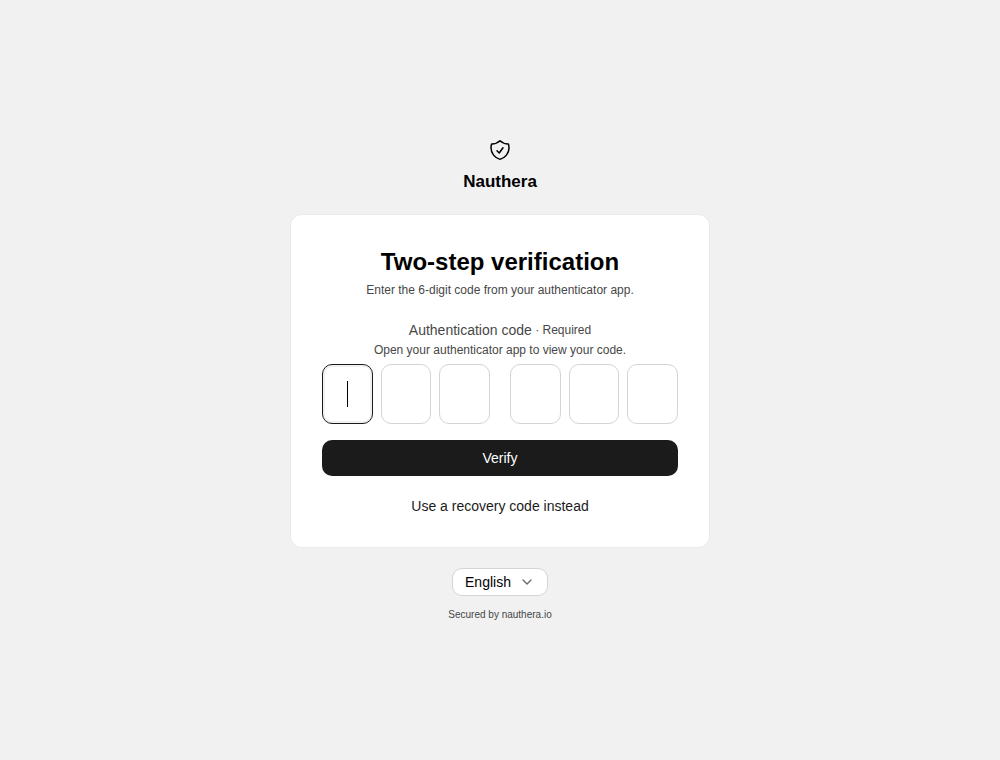
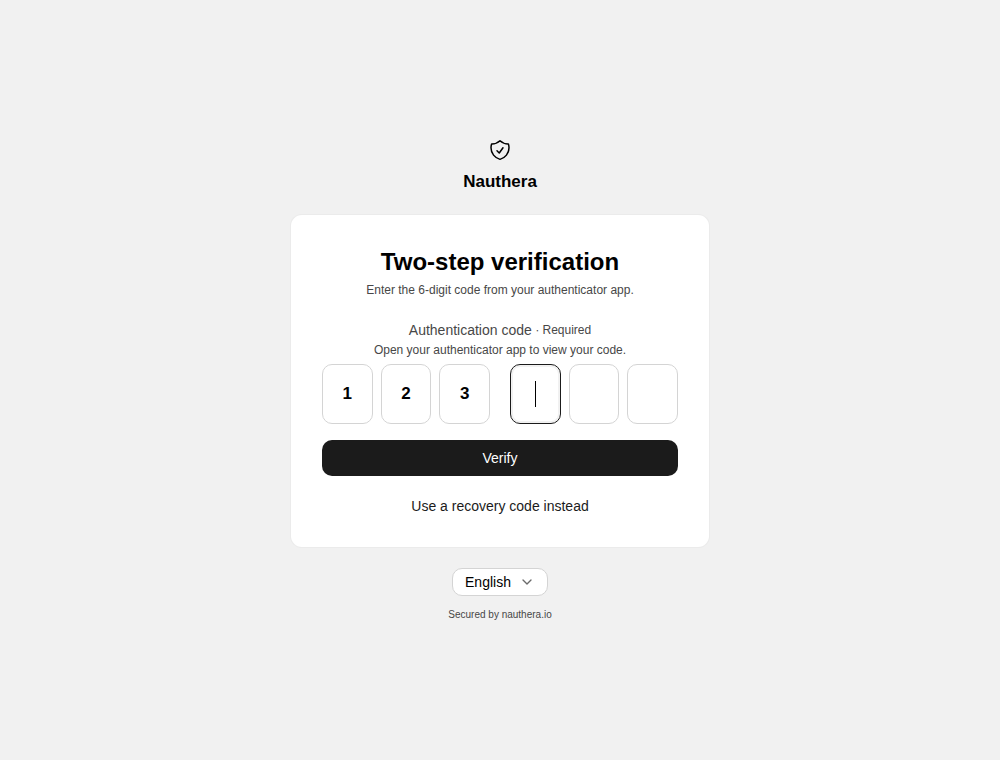
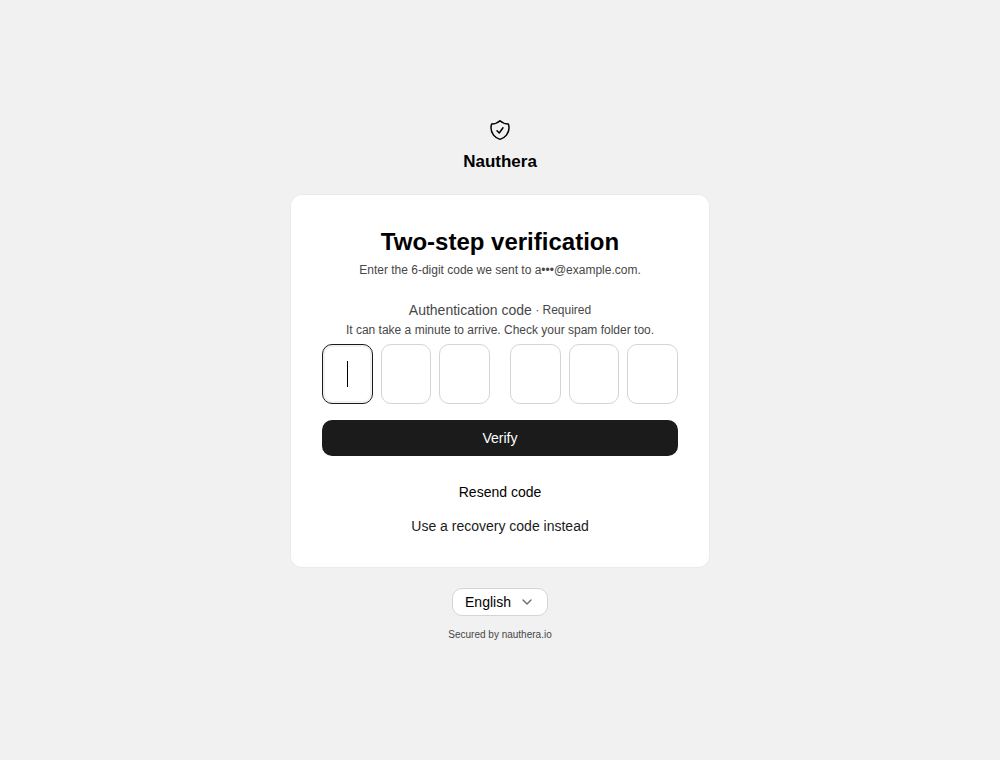
/mfaopens on the first method the server offers, with links to the user's other methods: a user who holds both a code and a passkey can switch between them.- A user whose factor is an emailed code is sent one as
/mfaopens, with Resend code once the wait is over. - A wrong code is a banner; the user tries again.
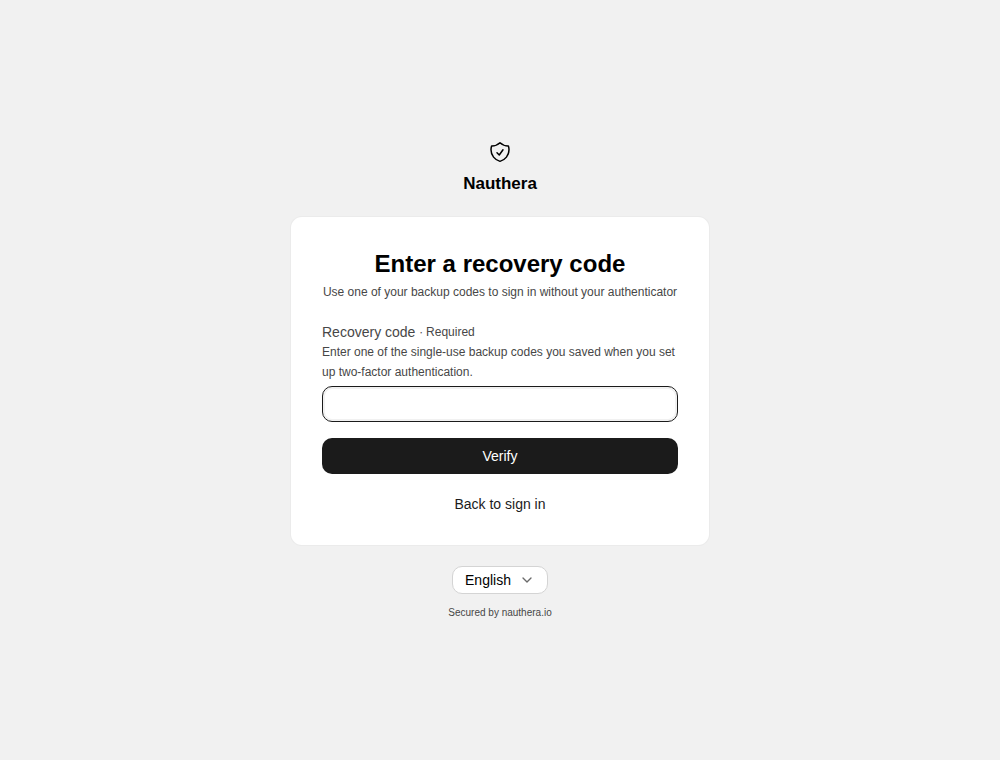
- Use a recovery code instead opens
/mfa/recovery. Each code works once. - Too many wrong codes or refused passkeys lock the factor for
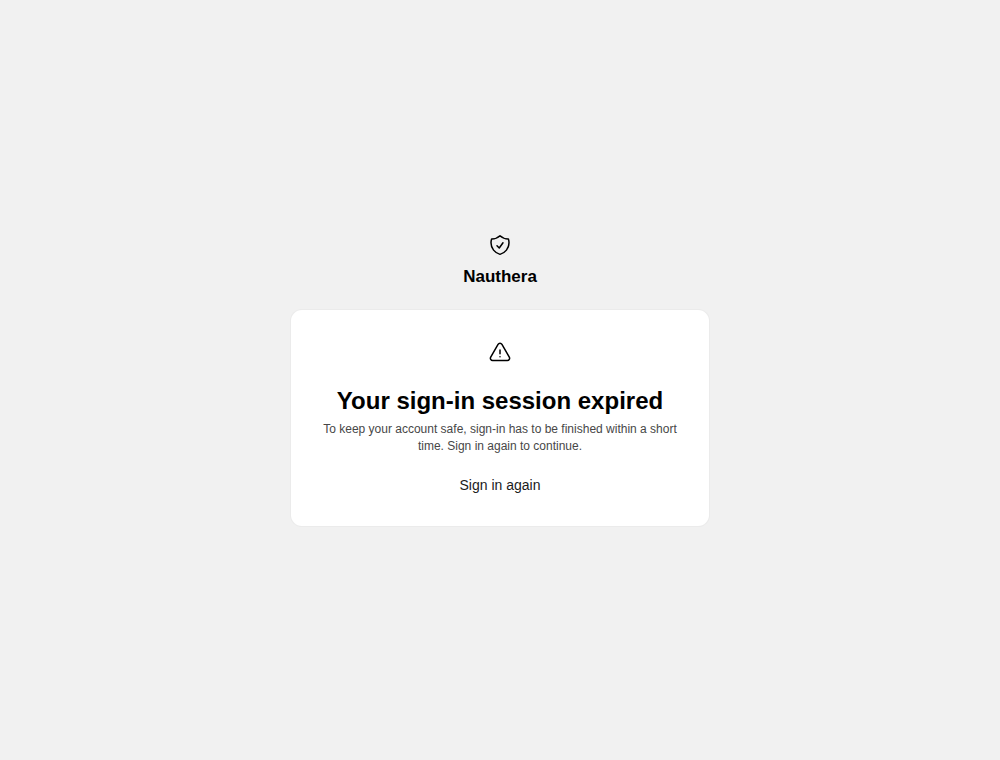
mfa.lock_duration: the throttle screen, with the wait. Recovery guessing locks the recovery path the same way. - A sign-in that waited too long at this step has lapsed: Your sign-in session expired, with Sign in again, which resumes the application's request.
- A user whose passkey is their factor sees the passkey challenge instead, with a link to a code when they also hold one.
- Where passwordless sign-in is open and the user holds no passkey, a correct code leads to the offer of a passkey before the application.
When the challenge is spared
A user who holds a permitted factor goes straight back to the application, with no
/mfa step, when the policy spares this sign-in:
- A remembered browser. The browser passed a second factor for this user within the window the policy remembers browsers for, and the password and factors have not changed since. Browsers are remembered without a prompt; a policy with no window remembers none.
- A trusted zone. The sign-in comes from a network zone the deployment declared and the policy spares.
- A sparing identity provider. The sign-in came through an identity provider set to
spareSecondFactor, which did not vouch for a second factor itself (Social sign-in). This one overrides the policy: it spares enrolment too, and applies under arequirerule.
Otherwise, a rule with require, or a policy that always challenges, spares nothing, and
enrolment is never spared. A spared sign-in is single-factor, and its tokens carry no mfa in amr.
The details are in Multi-Factor Authentication.
After a factor changes
Activating an authenticator app or an emailed code ends every other sign-in the user has in progress, and every session and refresh grant they hold elsewhere. A browser remembered under the old factors is asked again.